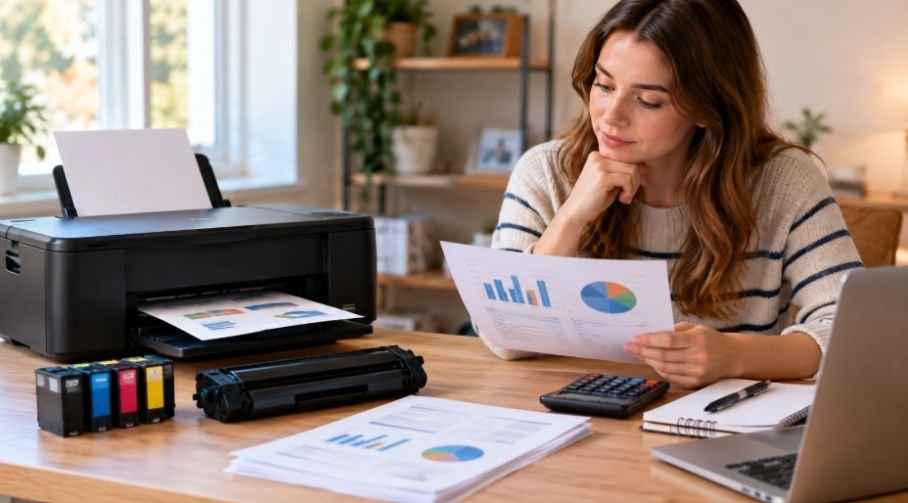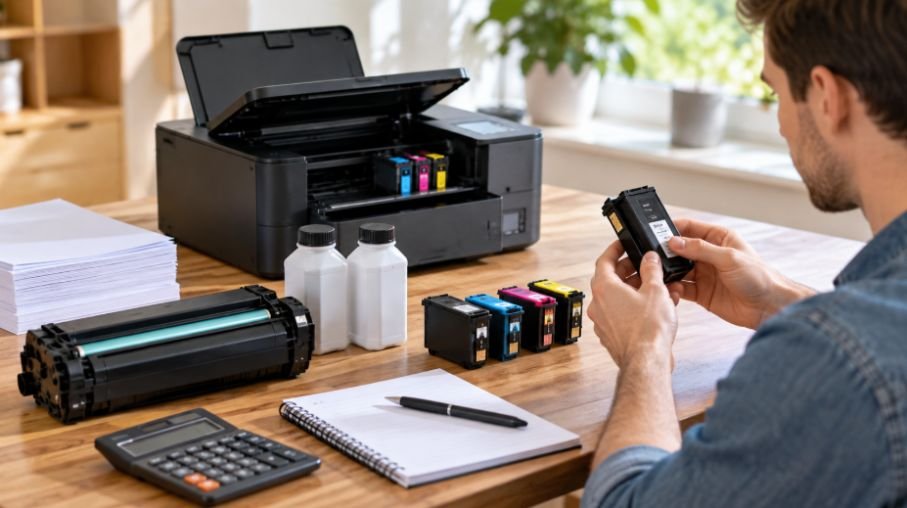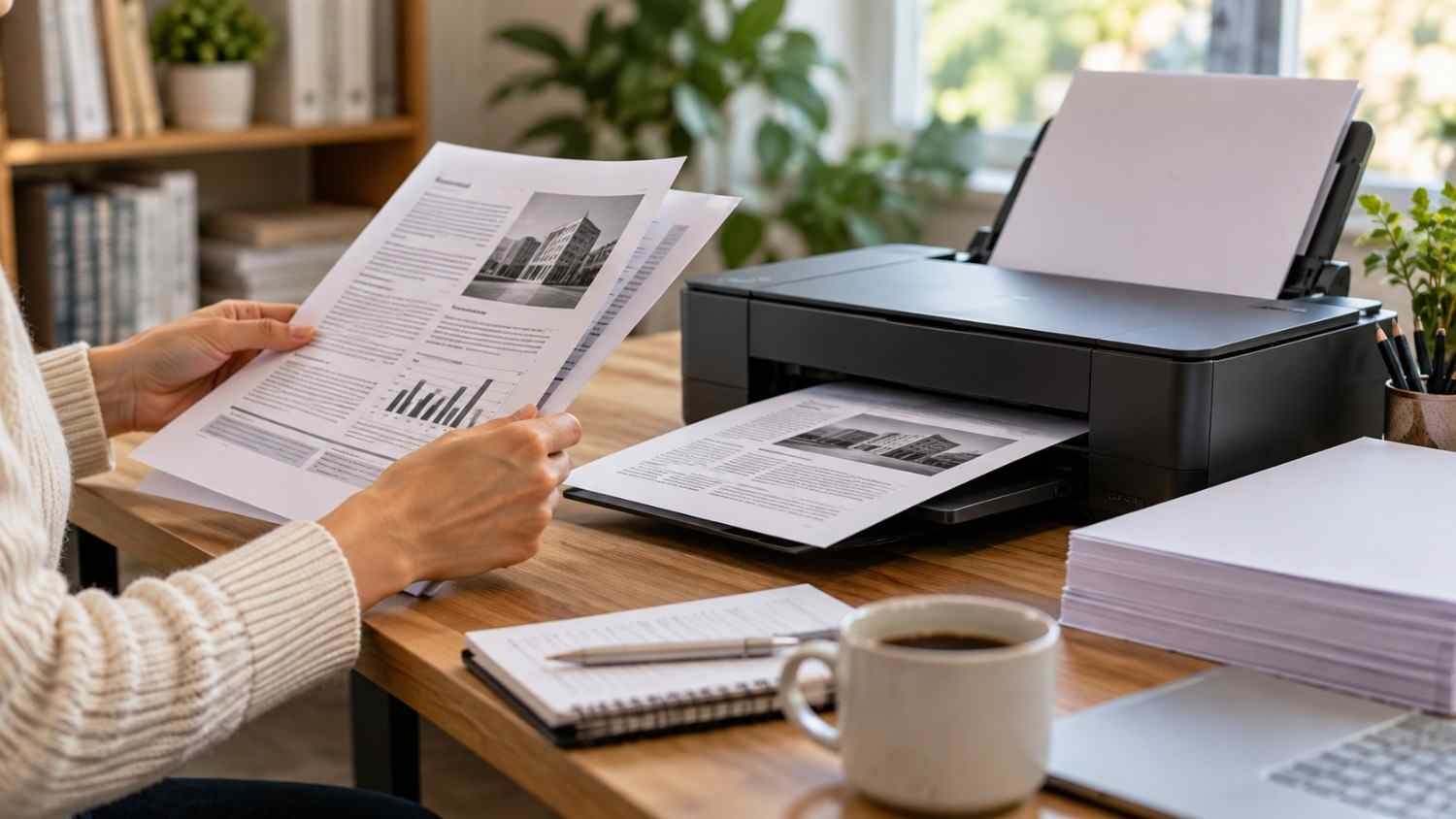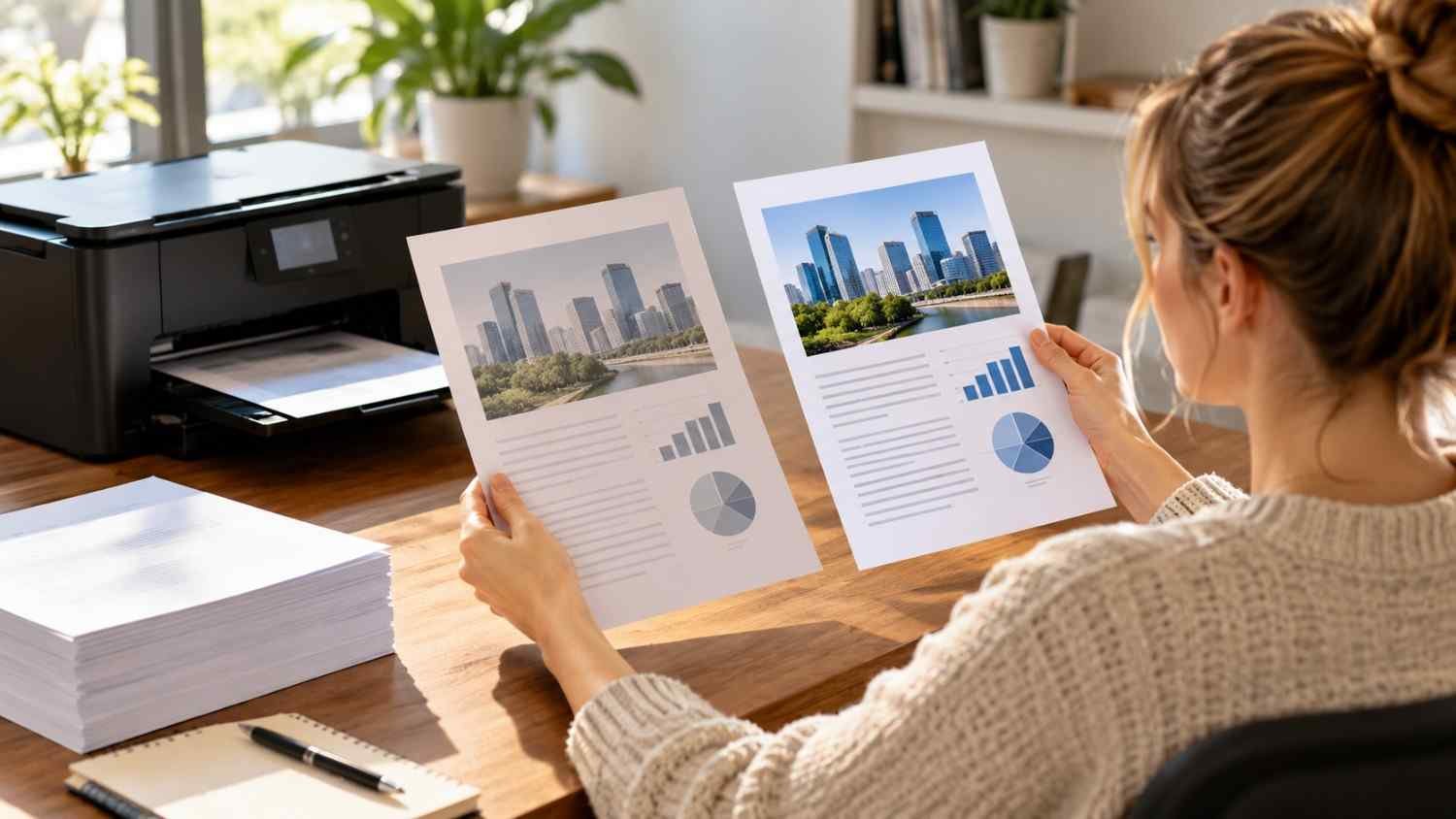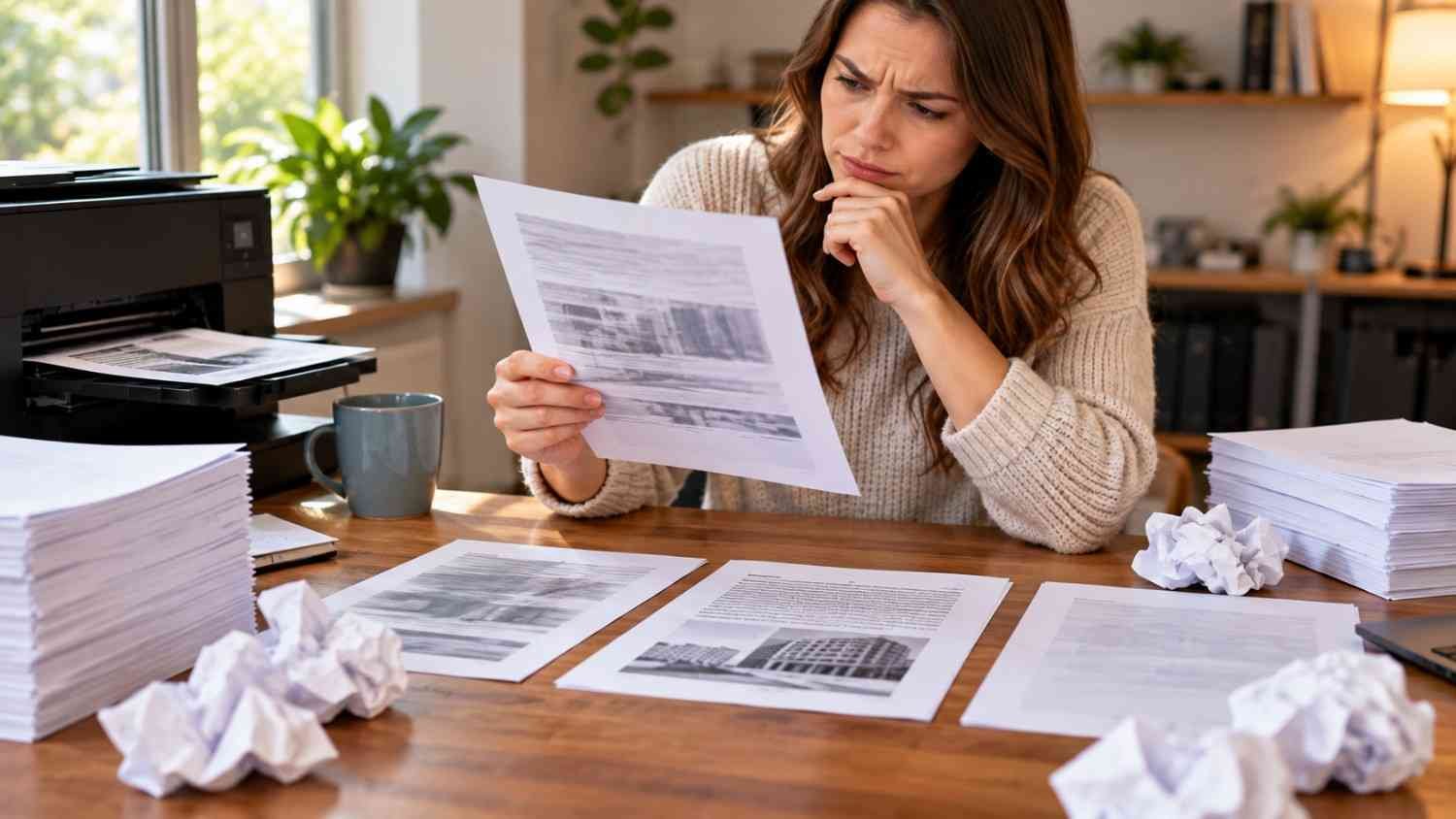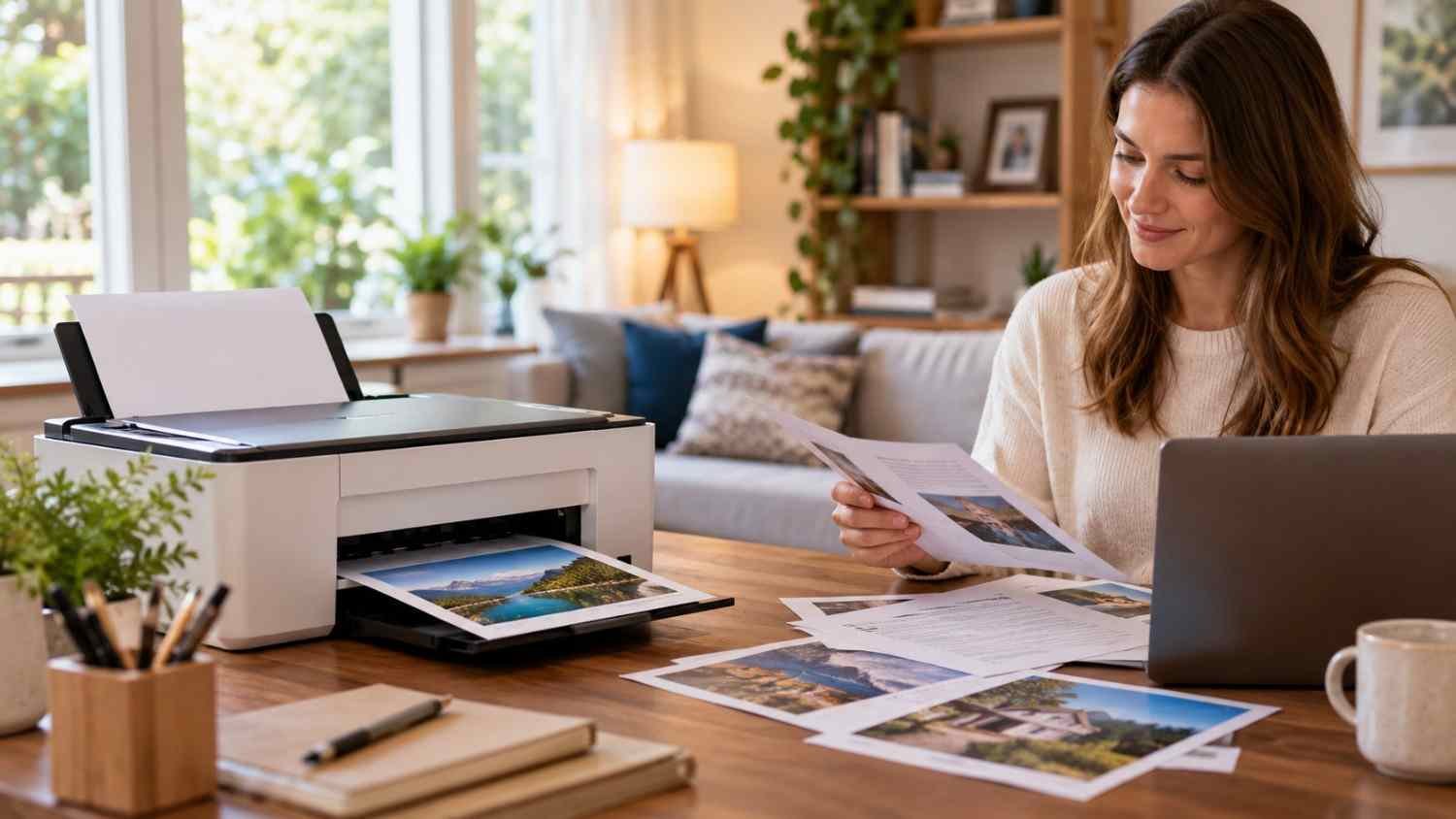
I noticed how quickly printer advice gets confusing when the actual need is simple: print a few pages at home, leave the machine alone, then expect it to work when something important comes up. A cheap printer is not always cheap to own. Cleaning cycles and half-used cartridges can make occasional printing surprisingly expensive.
I also found that the best choice depends less on features and more on what happens between print jobs. If a printer may sit untouched for weeks, the supply system matters. That is why laser printers deserve attention, while refillable ink tanks suit households that need regular color printing.
Why Occasional Printing Changes the Printer Choice
Traditional cartridge inkjet printers use liquid ink, which creates a maintenance problem when the machine sits unused. Ink can dry in printhead nozzles, while maintenance cleaning can use additional ink. Epson specifically identifies extended inactivity and dried ink as causes of clogged nozzles and notes that cleaning consumes ink.
For someone printing a few pages each month, that waste can matter more than advertised cost per page. A cartridge may hold enough ink for hundreds of pages, but a household may never use it efficiently.
That makes printer type the first decision.
When a Monochrome Laser Printer Makes Sense
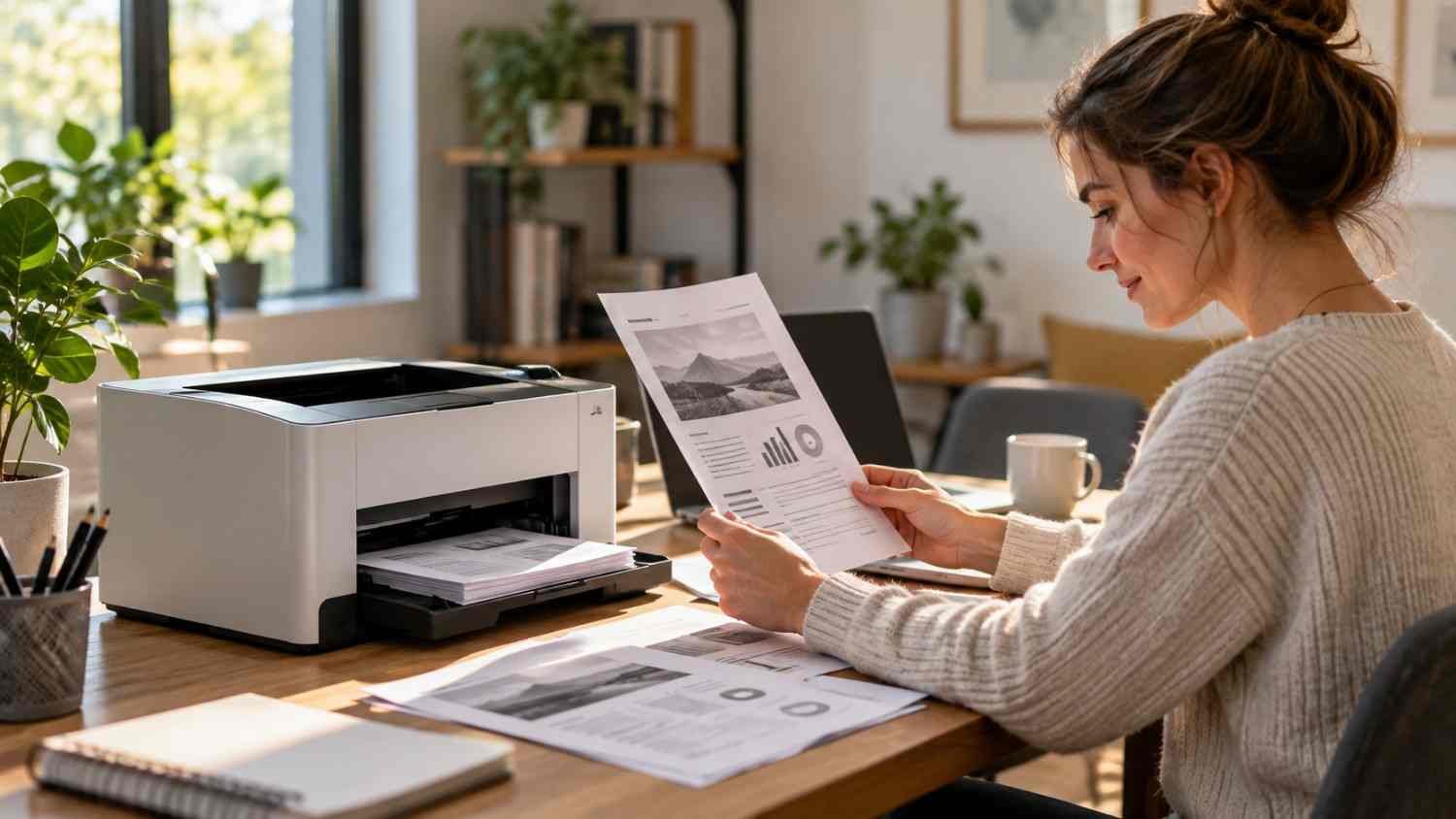
For occasional black-and-white documents, a monochrome laser printer is usually the simplest fit. Toner is dry powder, so it does not dry inside an inkjet printhead. A laser machine can therefore sit unused for long stretches without the same dried-ink problem associated with liquid ink systems.
The Brother HL-L2460DW is a useful example. It prints up to 36 pages per minute, supports automatic duplex printing, has dual-band wireless connectivity, and uses standard or high-yield black toner. Brother lists a 700-page starter cartridge and replacements rated for up to 3,000 or 3,300 pages.
Those yields exceed what most occasional users need, which is part of the appeal. Toner can remain ready until the next form, worksheet, or tax document needs printing.
The tradeoff is color. A monochrome laser cannot produce color photos or documents. It may cost more upfront than a basic cartridge inkjet.
When an Ink Tank Is Worth Considering
Color changes the equation. If your household regularly prints school projects, forms with color elements, photos, or mixed documents, a refillable ink tank can be more practical than relying on cartridges.
The Epson EcoTank ET-2980 illustrates this category. It prints, scans, and copies, supports automatic duplex printing, Wi-Fi, and a 100-sheet paper tray. Epson says its included ink can last up to three years under stated conditions, with yields of up to 6,600 black pages and 5,500 color pages.
That does not make an ink tank best for very infrequent printing. It still uses liquid ink and therefore still has printhead maintenance considerations. Epson recommends maintenance practices for printers that sit unused because nozzles can clog during extended inactivity.
Once a household prints often enough, refillable ink can substantially reduce replacement-ink costs compared with cartridges.
Look Beyond the Ink Price
Supply cost is only one part of ownership. Consider how often you print, whether you need color, and whether scanning or copying matters. A low purchase price can mislead when cartridges are expensive, or maintenance is frequent.
Automatic duplex printing reduces paper consumption without manual page flipping. Wireless printing helps with phones and laptops, while an automatic document feeder is valuable for multi-page paperwork.
A household printing five black-and-white pages monthly may not need a large color multifunction printer. Someone printing several dozen mixed-color pages may benefit from an ink tank.
Estimate monthly volume before comparing models. Then consider rated yields, supply prices, and maintenance requirements instead of the sticker price.
Simple Ways to Keep Ink Waste Down
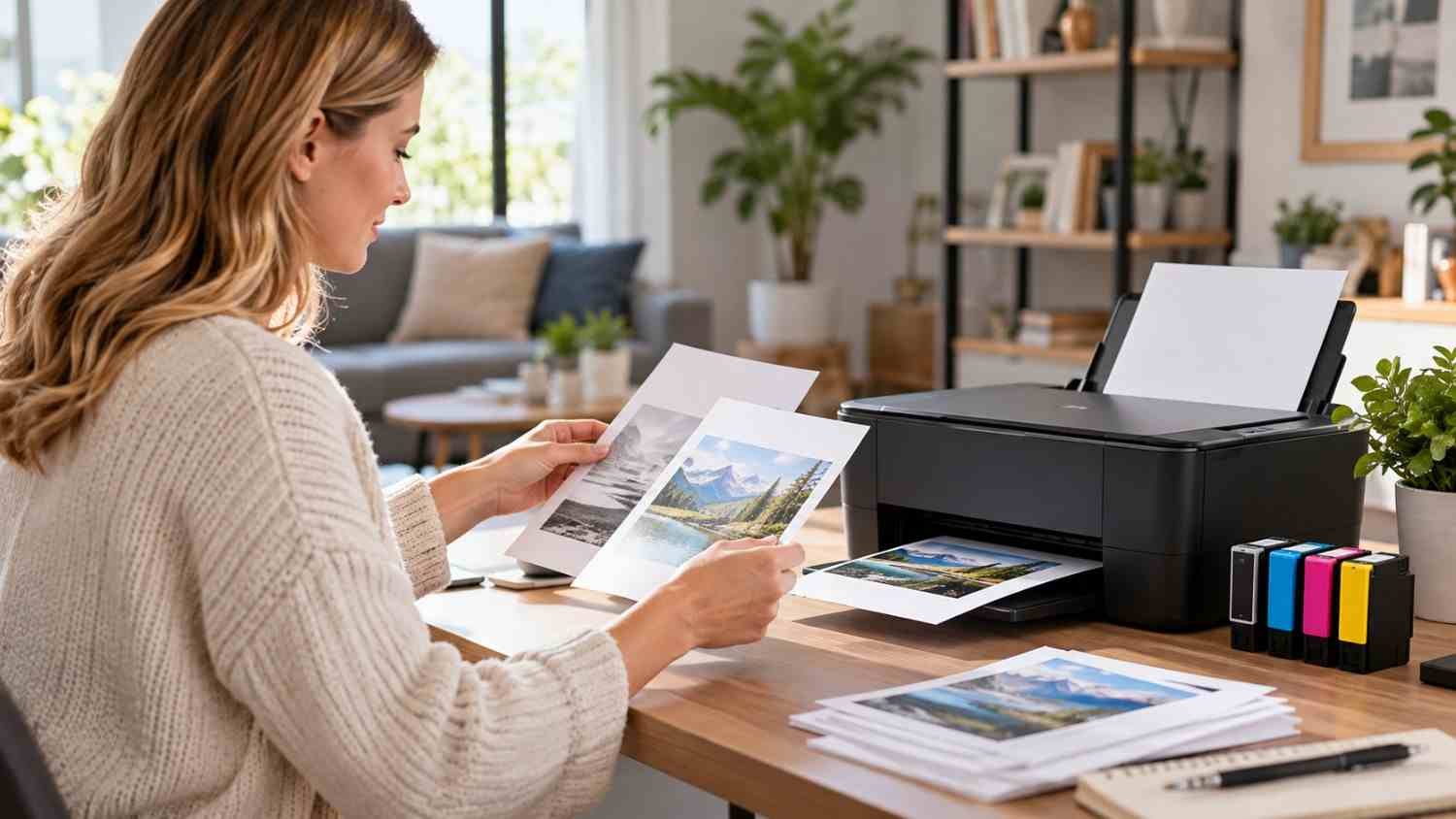
Even the right printer can waste supplies if it is used carelessly. Choose settings around the documents you actually print.
- Use print preview to catch blank pages, incorrect ranges, and formatting mistakes.
- Use duplex printing when one-sided pages are unnecessary.
- Choose economy settings when appearance does not matter.
- Print in grayscale when color adds no useful information.
- Shut down an inkjet through its normal controls rather than cutting power abruptly.
For practical savings, how to reduce ink costs when printing at home can help identify useful habits.
Match the Printer to Your Real Routine
“Occasional printing” can describe very different households. One person may print two pages a month. Another may print a dozen pages every weekend but need color. Those are different buying situations.
If nearly everything is black text and the printer may sit unused for weeks, a compact monochrome laser is a logical starting point. If color is essential but printing remains light, a conventional inkjet can work. If color printing is frequent enough to justify a higher upfront purchase, an ink tank becomes more compelling.
Scanning needs can also change the decision. If you regularly digitize receipts, forms, or multi-page documents, an all-in-one can replace a separate scanner. Compare feeder capacity and scanning functions rather than assuming every multifunction printer handles paperwork equally well. Looking at the best all-in-one printers with automatic document feeders can narrow that choice.
FAQs: Best Printers for Occasional Home Printing Without Ink Waste at Home
1. Is a laser printer better for occasional use?
For black-and-white printing, laser avoids liquid-ink drying and printhead clogging, making them suited to long gaps between jobs.
2. Do ink tank printers waste less ink?
They can reduce replacement-ink costs, but they still use liquid ink and can require maintenance after long periods of inactivity.
3. Should I buy a color printer for occasional printing?
Choose color when your documents need it. Otherwise, a monochrome laser can be simpler to maintain.
4. Does duplex printing reduce printing costs?
Yes. Automatic two-sided printing can reduce paper use for multi-page documents, although it does not directly reduce toner or ink consumption.
The Printer That Fits the Quiet Months
The best printer for an occasional user is rarely the one with the longest list. It stays ready between jobs, matches the documents you print, and does not turn a five-page task into a maintenance exercise. For many households, that points toward monochrome laser printing when color is unnecessary. For regular color work, a refillable tank can make more sense despite its liquid-ink maintenance needs.
A printer should quietly disappear into the background until needed. Choose around your actual routine.