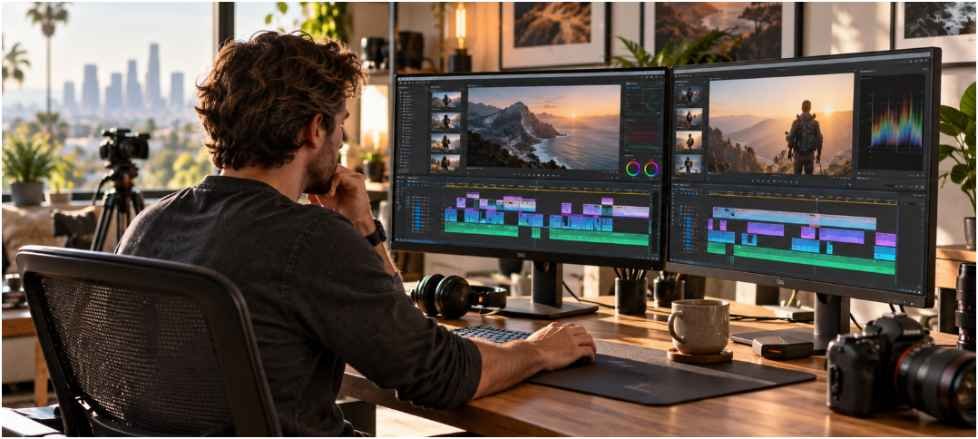
How much ram do i need for video editing workstations? I would start most new desktop builds at 32GB. If your work regularly combines 4K footage, motion graphics, and several open applications, 64GB gives you more room. A 16GB machine can still edit lighter projects, but it leaves little margin when the workload grows.
Resolution matters, but it cannot answer the question alone. Codec, effects, camera count, and the applications running beside your editor can change memory use substantially.
RAM requirements by editing workflow
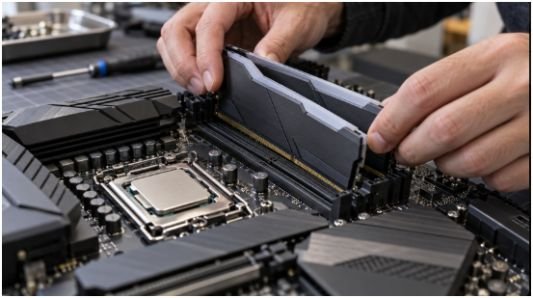
The table below is a buying guide, not a set of software minimums. Use the row that matches your busiest normal project, rather than the largest file you might edit once.
| Installed RAM | Suitable starting point | Where you may feel the limit |
| 16GB | Basic 1080p cuts, short videos, and limited multitasking | Large projects, many browser tabs, graphics apps, or complex effects |
| 32GB | A practical baseline for most editors, including many 4K projects | Heavy compositions, demanding RAW workflows, or several creative apps at once |
| 64GB | Frequent high-resolution work, multicamera edits, and substantial motion graphics | Extremely large projects or specialized VFX workloads |
| 128GB or more | Large compositing, 3D, or studio pipelines with measured memory demand | Often unnecessary for straightforward editing, even at high resolution |
A 4K label does not tell me everything I need to know. A short project with simple cuts behaves differently from a long timeline with layered effects and footage from several cameras. I would choose 64GB for that heavier workflow even if both projects deliver the same 4K video.
For context, Adobe recommends 32GB or more for 4K and higher in Premiere. Workstation builder Puget Systems also reports that hobbyists using lighter footage can start at 32GB, while its current professional workstation recommendations are much higher. Those figures reflect different workloads, so neither is a universal requirement.
Video editing RAM requirements by software
Application minimums tell you what can run. They do not promise a comfortable session with your usual footage, effects, and background apps.
| Software | Published guidance | My practical starting point |
| Adobe Premiere | Adobe recommends 16GB for HD media and 32GB or more for 4K and higher | 32GB for regular editing; consider 64GB for demanding projects |
| Adobe After Effects | Adobe lists 16GB minimum and 32GB or more for 4K and higher | 32GB for lighter compositions; consider 64GB or more for sustained, complex work |
| DaVinci Resolve | Requirements vary by version and operating system; check the installer’s current notes | 32GB for a new editing build; assess 64GB if Fusion work is frequent |
| Final Cut Pro | Apple lists 8GB minimum and recommends 16GB | Start from Apple’s guidance, then size memory for your projects and other apps |
Adobe’s Premiere and After Effects figures and Apple’s Final Cut Pro figures come from their published requirements. The last column is my buying advice, not a manufacturer specification.
After Effects deserves special attention if you keep it open beside your video editor. Adobe says its memory allocation should account for other applications you use at the same time. That is why I would budget for the whole editing session, not just the main program.
How to test whether you need more RAM
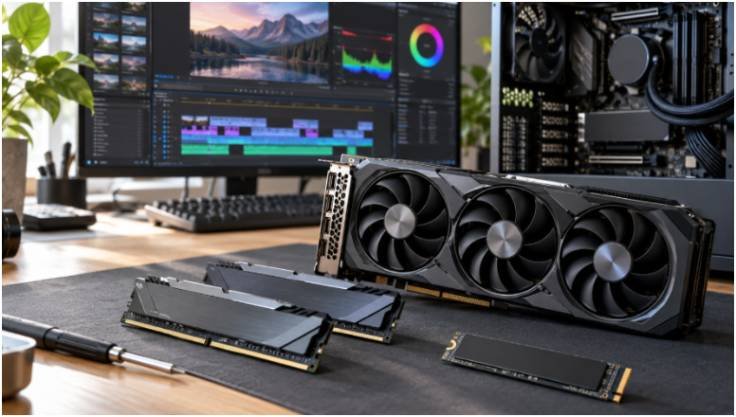
If you already own a workstation, I would measure it before ordering memory. Open a project that represents your normal paid or personal work. Load the footage, effects, and other applications you usually keep open. Then scrub, preview, and export while watching memory use in Windows Task Manager or macOS Activity Monitor.
Check whether memory stays near capacity during the slowdown. If it does, and the system increasingly uses disk-backed memory, more RAM may help. If plenty remains available, investigate the CPU, GPU, storage, footage codec, or cache settings before blaming memory.
A worked upgrade example
Suppose you edit 4K footage in Premiere on a 32GB Windows desktop. You also keep a graphics app, a browser, and music software open.
During a typical preview, memory use approaches the installed capacity and responsiveness falls. I would test the same project with those extra apps closed. If that restores smooth operation, moving to 64GB is a sensible upgrade for the way you actually work.
Now suppose memory use stays well below 32GB during the same slowdown. Buying another 32GB is unlikely to solve that particular bottleneck. This simple comparison is more useful than choosing RAM by resolution alone.
Capacity, DDR5 speed, VRAM, and memory channels
I would settle capacity first. DDR5 can offer more bandwidth than DDR4, but buying faster RAM does not substitute for enough space to hold your active workload. Research on content creation performance also shows that memory-speed gains depend on the application and configuration; faster specifications do not guarantee a dramatic editing improvement.
For a conventional desktop platform, I would normally buy a compatible two-module kit, such as 2 × 16GB for 32GB or 2 × 32GB for 64GB. Check your motherboard manual for the correct slots and supported capacity. This preserves a straightforward dual-channel setup and leaves the other slots available if the board has four.
For a related comparison, see DDR5 RAM performance in modern games; gaming results should not be treated as video editing benchmarks.
Also separate system RAM from graphics memory. A dedicated GPU’s VRAM is its own resource, so adding system RAM cannot directly fix a VRAM limit. Adobe’s GPU guidance varies with workload, including resolution. I would check the graphics requirements for the software and effects I use before setting a fixed VRAM target.
For a workstation where data integrity is a priority, memory type is another decision. Understand non ecc memory for workstation builds and confirm what your processor and motherboard support before buying.
Frequently asked questions
1. Is 16GB of RAM enough for 1080p video editing?
Yes, for basic cuts and light multitasking. I would choose 32GB for a new workstation with room to grow.
2. Is 32GB enough for 4K video editing?
Often, yes. Adobe recommends at least 32GB for 4K Premiere work; demanding effects or concurrent apps may justify more.
3. Do I need 64GB of RAM for After Effects?
Not for every composition. Consider it when your typical projects are complex or you regularly run other creative apps alongside After Effects.
4. How much ram do i need for video editing workstations with 8K footage?
I would consider 64GB a starting point, then check measured memory use. Codec, effects, and project size may justify 128GB or more.
Give your timeline room to breathe
For a new general editing desktop, I would buy 32GB before spending extra on RAM speed. I would choose 64GB when demanding projects and multitasking are routine.
If you already have a workstation, open a representative project and watch its peak memory use first. Your own busiest editing session is the best next step toward a purchase you can justify.
Leave a Reply