
A workstation can finish a long render and still deliver a damaged file. It can also run flawlessly for years without ECC memory. When I weigh ecc vs non ecc memory for workstation builds, I start with the cost of an incorrect result, then check what the processor and motherboard actually support.
ECC memory detects and corrects certain memory errors as data moves through the system. Non-ECC memory offers a broader choice of mainstream parts and often costs less. Neither label tells you how fast the finished workstation will be.
ECC vs Non-ECC Memory at a Glance
| Decision point | ECC memory | Non-ECC memory |
| Error handling | Detects and corrects single-bit errors; can detect some larger errors | Lacks system-level ECC correction |
| Best fit | Work where an undetected error or interrupted run has a high cost | Work where capacity, performance, and budget take priority |
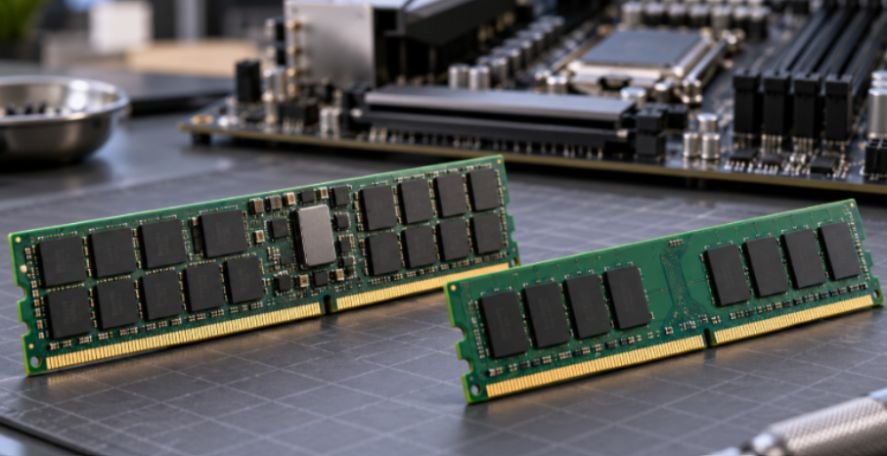
| Typical modules | ECC UDIMM or ECC RDIMM, depending on the platform | Consumer UDIMM or SO-DIMM |
| Platform choice | Requires support from the CPU, motherboard, and firmware | Supported by most consumer desktop platforms |
| Buying consideration | Check the exact module type and validated configuration | Compare capacity, speed, timings, and stability |
An error may cause a crash, produce an incorrect result, or have no visible effect. ECC reduces specific memory error risks; it does not prevent every crash or replace backups.
How ECC Protects Workstation Data
What happens when a memory error occurs?
A bit stored in RAM can change unexpectedly. With supported ECC hardware, the system can correct a single-bit error before the affected data reaches an application. It can also identify certain errors it cannot correct, allowing the system to report or stop rather than silently continue.
Without that protection, an error might surface as an app freeze or a Windows blue screen. The harder case is a wrong value that goes unnoticed in a calculation or file. How often this matters depends on the system, its operating conditions, and the work it performs.
DDR5 on-die ECC is not workstation ECC
Consumer DDR5 commonly includes on-die ECC. That feature corrects certain errors inside the memory chip. It does not give an ordinary non-ECC module the same system-level protection as an ECC DIMM. Micron describes on-die ECC as a DDR5 reliability feature that complements other error-protection measures.
A listing that says “DDR5 with on-die ECC” therefore needs a second look. Check whether the module itself is specified as an ECC UDIMM or RDIMM and whether the entire platform enables ECC.
Workstation RAM Compatibility: Check the Whole Platform
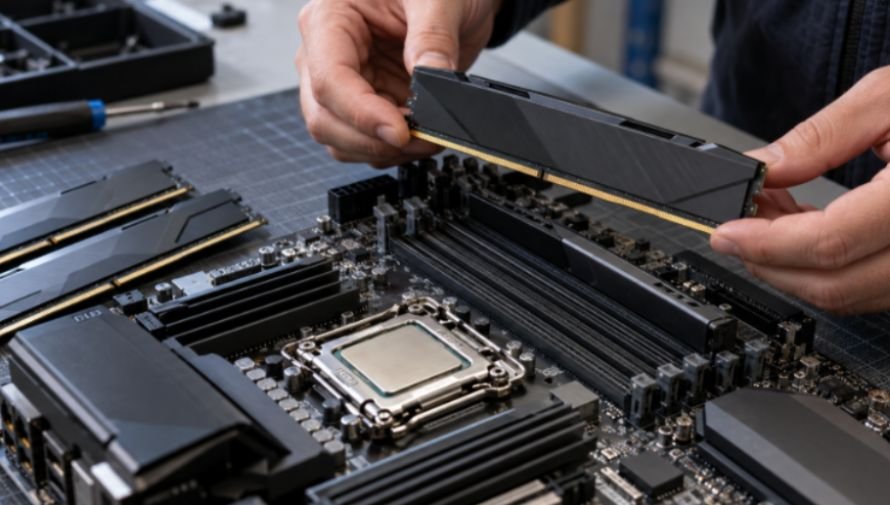
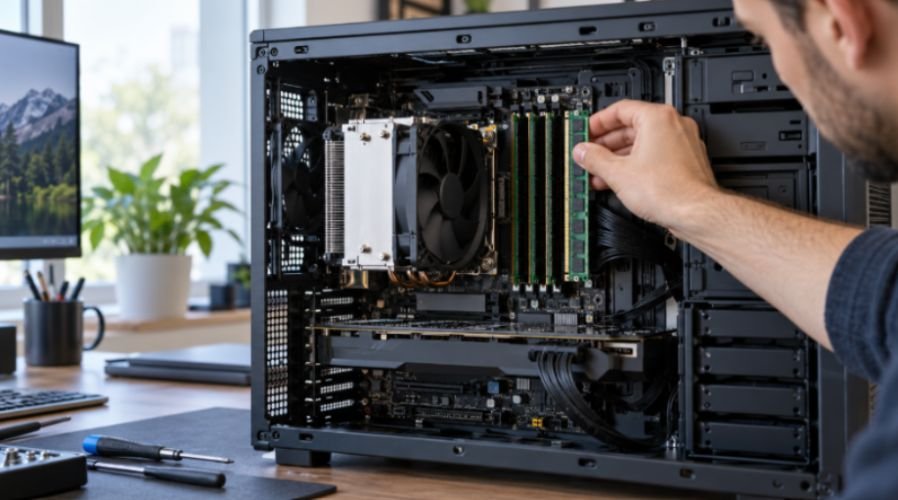
The processor, motherboard, BIOS, and memory type must agree. An AMD Ryzen 9 9950X, for example, lists ECC support with motherboard support required. That makes the board’s specifications and memory compatibility list essential reading.
Professional platforms have their own rules. Intel says its Xeon W-2500 and W-3500 processors support ECC RDIMMs and 3DS RDIMMs. That does not mean a cheaper ECC UDIMM will work in the same build. intel.com and Kingston also note that DDR5 UDIMMs and RDIMMs cannot be swapped into each other’s sockets.
Before ordering, I would check the CPU’s memory specification, the board’s supported module type, its qualified memory list, and the supported speed at the planned capacity. I would then confirm that ECC operation can be enabled and checked in the system. A DIMM merely fitting the slot is not proof that error correction is active.
If you are comparing mainstream kits first, our article on ddr5 ram for gaming pc builds explains capacity and speed choices.
For large projects, pair the RAM decision with suitable NVMe M. 2 SSD storage and a reliable backup plan. Verify those internal URLs against your published slugs before posting.
Does ECC RAM Slow Down a Workstation?
There is no reliable universal “ECC costs 1–2% performance” rule. An ECC calculation is only one part of performance. Processor choice, memory channels, module speed, timings, and capacity can matter more.
Consider a video editor choosing between a smaller ECC configuration and enough non-ECC RAM to keep an entire project in memory. If the smaller setup repeatedly uses disk space as overflow, extra capacity could make the non-ECC machine feel much faster. That is a capacity comparison, not evidence that ECC itself is slow.
Now consider a scientific job that runs for 36 hours and must be restarted after an error. Even a small change in render or calculation speed matters less than avoiding a failed run. This is the useful comparison: What costs more in your workflow—slower completion, an interrupted job, or an incorrect output?
For either choice, test the finished system at its intended memory settings. Aggressive memory overclocking can undermine the stability you bought the workstation to achieve.
Which Memory Makes Sense for Your Work?
Choose ECC when errors carry a high cost
I would favor ECC for lengthy simulations, local databases, financial records, critical code builds, and unattended rendering jobs. It is especially attractive when the workstation already uses a platform designed around ECC and needs substantial memory capacity.
ECC can also help teams investigate failures because supported systems may log correctable errors. A rising error count deserves attention even if applications appear to run normally.
Choose non-ECC when capacity and budget come first
A well-configured non-ECC system can be a sensible choice for video editing, audio production, everyday CAD work, and general software development. The money saved may buy more RAM, a stronger GPU, or faster storage. Those upgrades can improve daily work more than ECC would on a workload with limited error-related risk.
Do not treat “non-ECC” as permission to skip reliability basics. Use compatible memory, keep the system adequately cooled, test it after assembly, and back up work that would be costly to recreate.
Frequently Asked Questions
1. Can a Ryzen workstation use ECC memory?
Some Ryzen processors support ECC, but operation also depends on the motherboard and its firmware; check the exact components.
2. Is DDR5 on-die ECC enough for professional work?
It protects against certain errors inside DDR5 chips, but it does not replace supported system-level ECC memory.
3. Can I mix ECC UDIMMs and RDIMMs?
No. Buy the module type specified for your processor and motherboard.
4. Is ECC always better for a video editing workstation?
No. If ECC forces you below the RAM capacity your projects need, adequate capacity may be the better first purchase.
The Smart Build Starts With the Workload
I would choose ECC vs. non-ECC memory for workstation builds by pricing the consequence of a failed or incorrect job, then confirming the exact hardware configuration. If a lost run or corrupted result would be expensive, put ECC on the shortlist. If memory capacity is the immediate bottleneck, solve that first. Check the CPU and motherboard memory lists before buying either kit.
Leave a Reply