Latest posts
-
Best Thermal Paste Application Methods for CPU Coolers

A perfect-looking paste pattern cannot rescue a loose cooler. When I choose a method, I first check the cooler’s instructions, then focus on clean surfaces and even mounting pressure. Those steps give a new build its best chance of running cool without wasting paste. Thermal paste fills tiny gaps between the CPU’s metal lid and…
-
How Much RAM Do I Need for Video Editing Workstations?

How much ram do i need for video editing workstations? I would start most new desktop builds at 32GB. If your work regularly combines 4K footage, motion graphics, and several open applications, 64GB gives you more room. A 16GB machine can still edit lighter projects, but it leaves little margin when the workload grows. Resolution…
-
PCIe 4.0 vs PCIe 5.0 Graphics Card Bottleneck Analysis

If your motherboard has PCIe 4.0, should you replace it before buying a PCIe 5.0 graphics card? I wouldn’t make that upgrade for gaming alone. PCIe 4.0 vs PCIe 5.0 graphics card bottleneck analysis depends on two details: how many lanes the card can use and whether your workload needs frequent transfers between system memory…
-
Liquid Cooling Loops Vs Standard Air Coolers Maintenance

If you want the least work after installing a CPU cooler, I would choose air cooling. A sealed all-in-one (AIO) adds a pump and radiator but usually needs little more cleaning. A custom liquid loop demands regular inspections, coolant changes, and careful leak checks. The useful question behind liquid cooling loops vs standard air coolers…
-
Gold Certified vs Bronze Certified Power Supplies: Why?

A Gold label looks like an easy upgrade when I compare parts for a PC build. But does it save enough electricity to justify its price? With gold certified vs bronze certified power supplies, the measurable difference is conversion efficiency. The better purchase depends on your actual power use, the price gap, and the quality…
-
DDR4 vs DDR5 RAM Performance in Modern Games: Real Gains

If your games stutter, a faster memory kit sounds like an easy fix. But DDR4 vs DDR5 RAM performance in modern games depends on what is slowing your PC down. A memory upgrade can help a CPU-limited game; it cannot make a graphics card render demanding 4K settings faster. I would start with the decision…
-
LGA 1700 CPU Socket Compatibility Mounting Guide
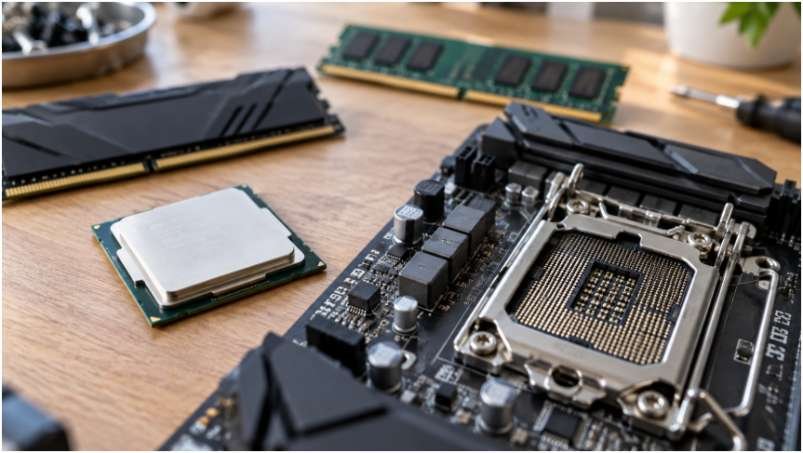
Dropping a brand-new 13th or 14th Generation Intel processor into an LGA 1700 socket feels exhilarating until you realize your old cooling bracket doesn’t fit and the retention lever demands terrifying amounts of force to lock down. If you want to bypass bent pins, boot-loop frustration, and thermal throttling on your fresh build, understanding the…
-
How to Test Computer Hardware Stability Under Load Safely

A PC that boots and browses normally can still crash during a game, video export, or long work session. When I investigate an unstable build, I start with monitoring, test each component separately, and save the combined load for last. That is how to test computer hardware stability under load without losing track of what…
-
External Desktop Hard Drive Enclosure Compatibility Guide
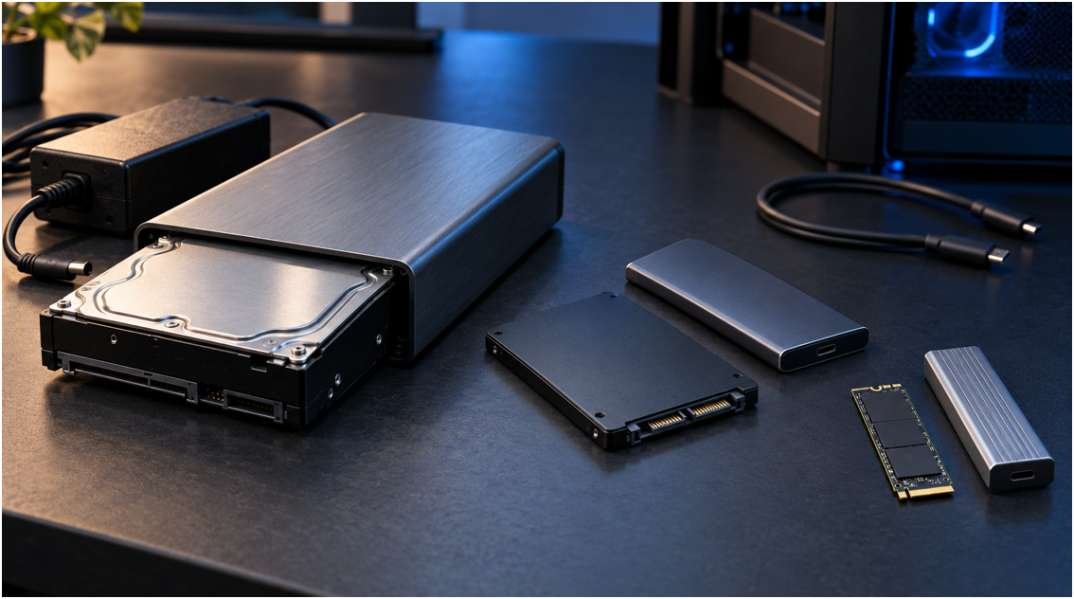
Building or repurposing external storage requires precise hardware alignment. Pairing a bare drive with an incompatible housing leads to physical mismatching or power failure. Mastering form factors, interface protocols, and electrical limits prevents costly mistakes. 1. Drive Form Factor and Physical Dimensions Matching the physical size of the internal storage media to the enclosure housing…
-
ECC vs Non ECC Memory for Workstation Builds: Which Wins?

A workstation can finish a long render and still deliver a damaged file. It can also run flawlessly for years without ECC memory. When I weigh ecc vs non ecc memory for workstation builds, I start with the cost of an incorrect result, then check what the processor and motherboard actually support. ECC memory detects…