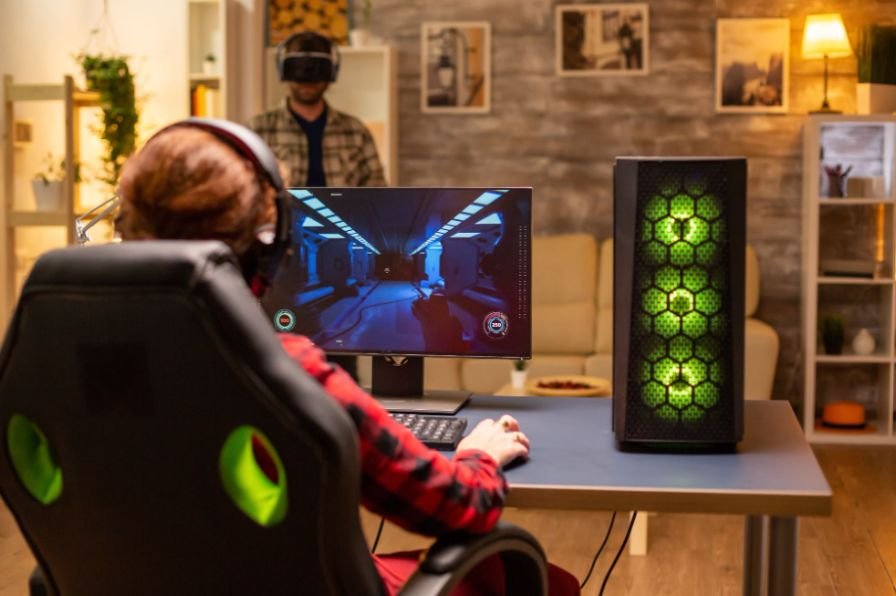
A high-end gaming setup can handle intense graphics, demanding workloads, and long sessions, but one sudden voltage spike can still put the entire system at risk. That is why I treat surge protection as essential hardware rather than a cheap accessory.
When I look for the best surge protector for a gaming PC, I focus on far more than outlet count. I want strong joule protection, low let-through or clamping voltage, reliable overload protection, clear status indicators, enough capacity for monitors and peripherals, and a design that makes sense for US household power.
The right model should protect an expensive GPU, motherboard, storage drives, displays, and accessories without adding unnecessary complexity to the setup.
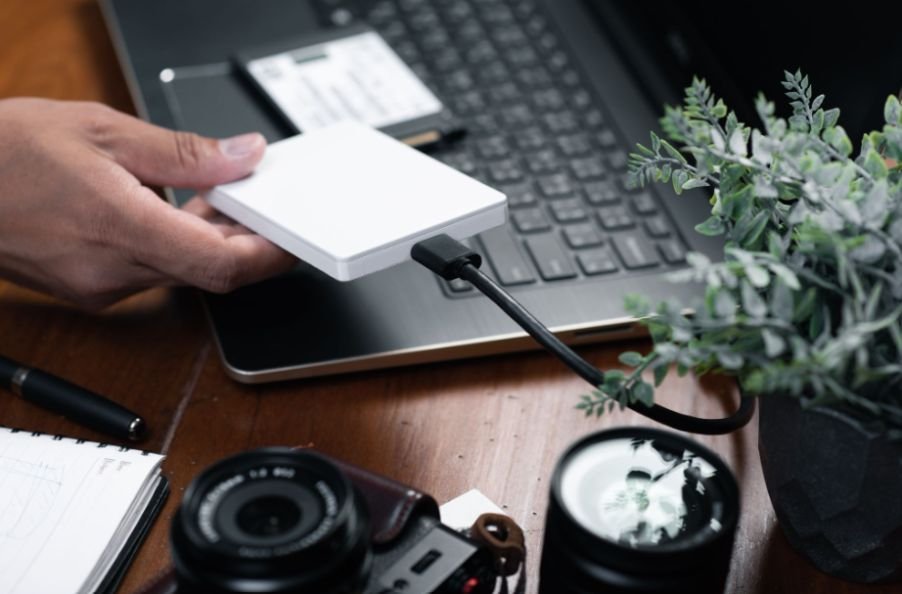
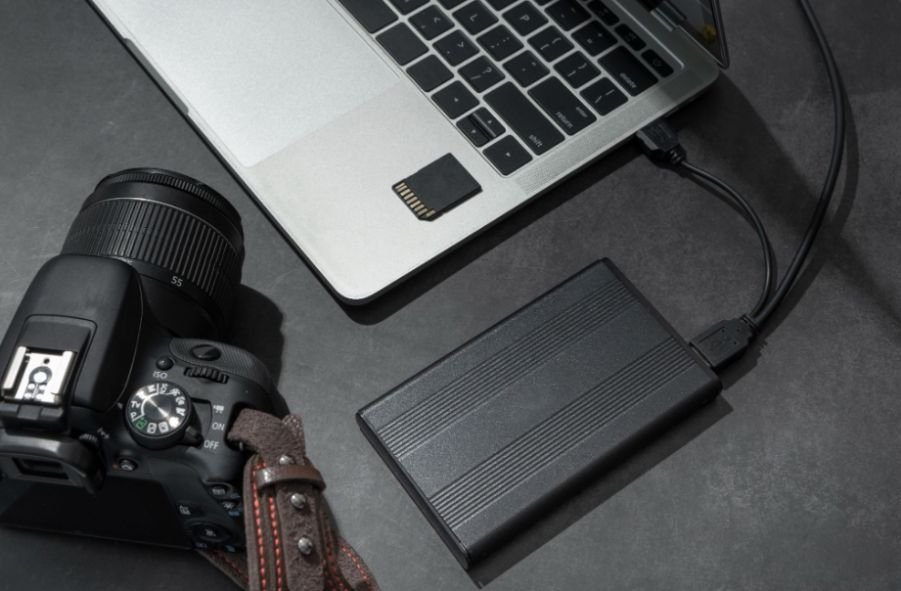
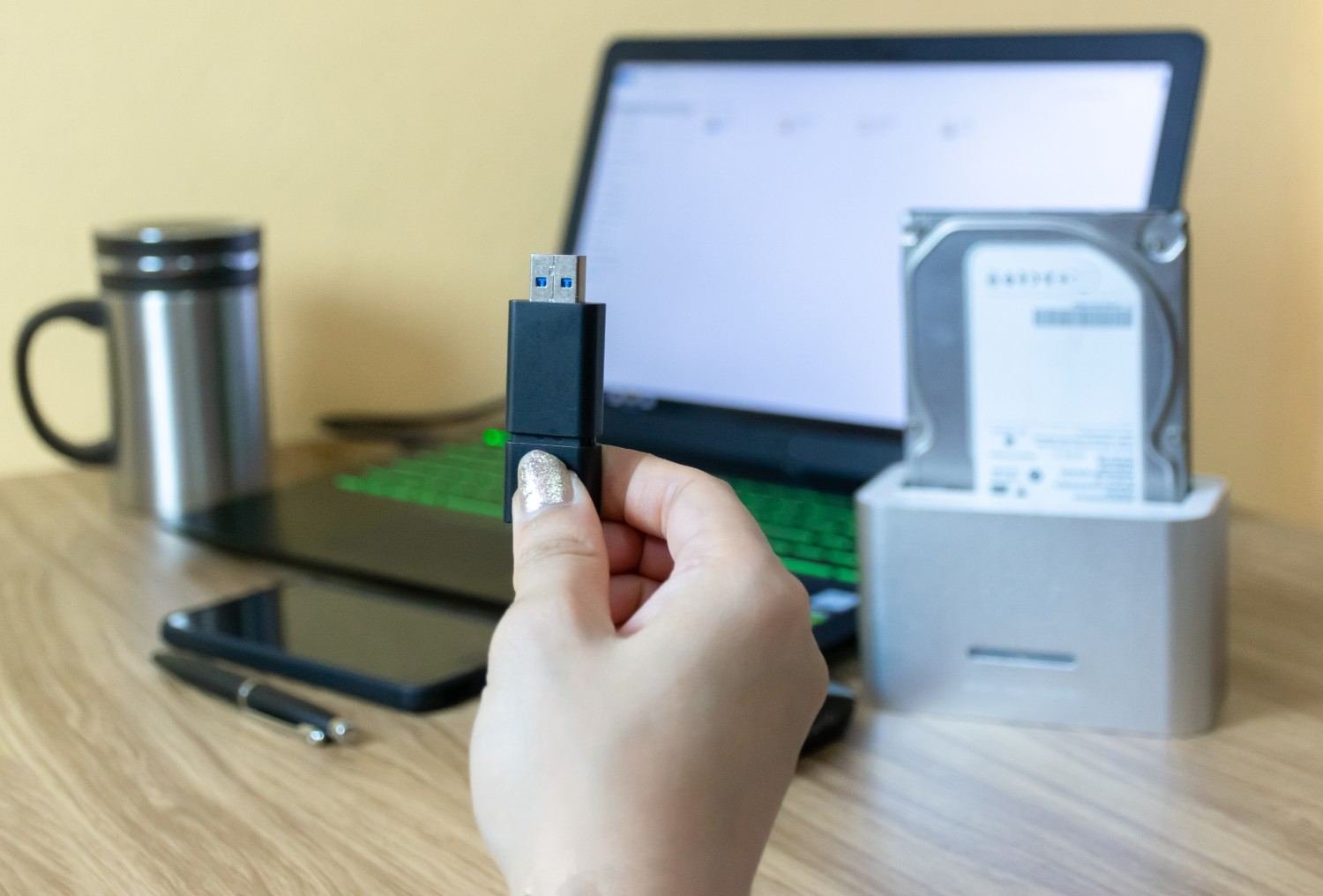
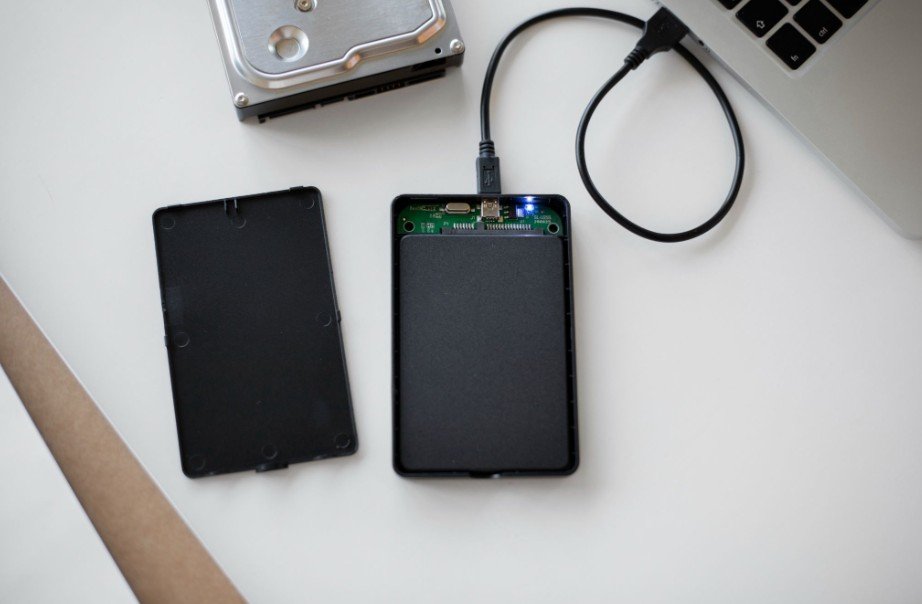
Storage is another important part of a gaming PC setup, especially when upgrading or repurposing older drives. An external desktop hard drive enclosure can provide a practical way to use a compatible desktop drive as external storage.
What Surge Protector Is Best for a High-End Gaming PC?
For a premium gaming system, the APC Performance SurgeArrest P11VT3 is my strongest overall pick. APC rates this model at 3,020 joules and gives it 11 NEMA 5-15R outlets, an eight-foot cord, phone/coax data-line protection, and support for standard 120V US electrical systems. Six outlets are spaced to accommodate larger adapters.
Its biggest advantage is its safety-focused design. The unit includes status indicators and protection circuitry designed to stop supplying power when surge protection is no longer functioning correctly. That matters more to me than decorative features because a damaged surge protector should not quietly continue behaving like an ordinary power strip.
For an expensive custom gaming PC, 3,020 joules also gives it considerably more surge absorption capacity than many entry-level strips.
APC P11VT3: Best Overall for Gaming PCs
The P11VT3 makes the most sense when I need to power a desktop, monitor, speakers, networking hardware, and several accessories from one location.
Its specifications include a 15A switching capacity, UL 1363 and UL 1449 compliance, 3,020 joules of surge protection, and data-line protection for telephone and coax connections. Schneider Electric documentation lists UL 1449 voltage protection ratings of 400V line-to-neutral and 500V for line-to-ground and neutral-to-ground.
I also like the eight-foot rotating cord because gaming desks are not always located directly beside an outlet.
The P11VT3 is therefore a particularly balanced option for US gamers who want strong protection without moving into UPS pricing.
Tripp Lite ISOBAR4ULTRA: Best for Premium Noise Filtering
The Eaton Tripp Lite ISOBAR4ULTRA takes a different approach. Instead of maximizing outlet count, it focuses on four protected outlets, a durable metal housing, isolated filter banks, and 3,330 joules of surge protection.
Those isolated filter banks are the feature that interests me most. Eaton says they help limit interaction caused by EMI and RFI line noise between connected devices. The unit also includes automatic shutoff if its protection circuit becomes incapacitated.
That makes the Isobar particularly appealing for a compact gaming station containing a desktop, monitor, powered speakers, or sensitive audio equipment.
The trade-off is simple: four outlets may not be enough for a large RGB gaming desk with dual monitors, chargers, streaming lights, consoles, and speakers.
CyberPower CSB1206: Best for Large Gaming Setups
If outlet capacity matters more, the CyberPower CSB1206 is a much better fit.
CyberPower rates it at 3,600 joules and equips it with 12 NEMA 5-15R outlets, a six-foot cord, a 15A circuit breaker, EMI/RFI filtering, and a connected-equipment guarantee.
I would consider this model for a setup containing a gaming desktop, dual monitors, speakers, router, streaming lights, console chargers, and other peripherals.
For gamers who also use their setup while traveling, a portable monitor for business travel can provide additional screen space without requiring a permanent second monitor.
Its combination of 12 outlets and relatively high surge capacity makes it especially useful when I want to avoid connecting several separate strips around one desk.
Is the Belkin PivotPlug Worth Considering?

Yes. The Belkin 12-Outlet PivotPlug is one of the strongest alternatives if outlet flexibility matters.
Belkin rates it at 4,320 joules, 15A/125V/1,875W, with 12 protected outlets and an eight-foot cord. Eight outlets pivot to create extra clearance for large adapters. It also includes overload protection, a power safety shutdown function, EMI/RFI filtering, and a 400V clamping voltage.
For a large gaming and work setup, that combination is hard to ignore.
How Many Joules Should a Gaming PC Surge Protector Have?
Joule rating measures how much surge energy a protector is designed to absorb over its service life.
For expensive gaming hardware, I personally look around the 2,000-joule-and-up range as a useful shopping target. That is not a universal electrical rule, but it gives me a practical way to eliminate extremely low-capacity models.
The APC, Tripp Lite, CyberPower, and Belkin models discussed here range from 3,020 to 4,320 joules.
I would not judge protection by joules alone, however. Clamping or voltage protection ratings, automatic shutdown, UL certification, overload protection, circuit design, and status indicators also matter.
What Is Let-Through or Clamping Voltage?
Let-through voltage describes how much voltage can pass before or while the surge protector limits a transient spike.
A lower protection threshold can be desirable for sensitive electronics, but manufacturers may report these figures using different terminology and test conditions. I therefore compare ratings within the context of UL 1449 specifications rather than relying on one isolated number.
For example, Belkin specifies a 400V clamping voltage for its PivotPlug, while APC documentation provides separate UL 1449 voltage protection ratings depending on the electrical path being measured.
Can I Plug My Gaming PC and Monitor Into the Same Surge Protector?
Usually, yes.
The important factor is the total electrical load, not simply the number of devices attached.
A 1,000W PSU does not mean the computer continuously consumes 1,000 watts. Still, I account for my desktop, monitors, speakers, chargers, and other devices and make sure their combined demand stays within the surge protector’s rated capacity.
Belkin’s PivotPlug, for example, is rated for 15A, 125V, and 1,875W.
I also avoid daisy-chaining one surge protector into another.
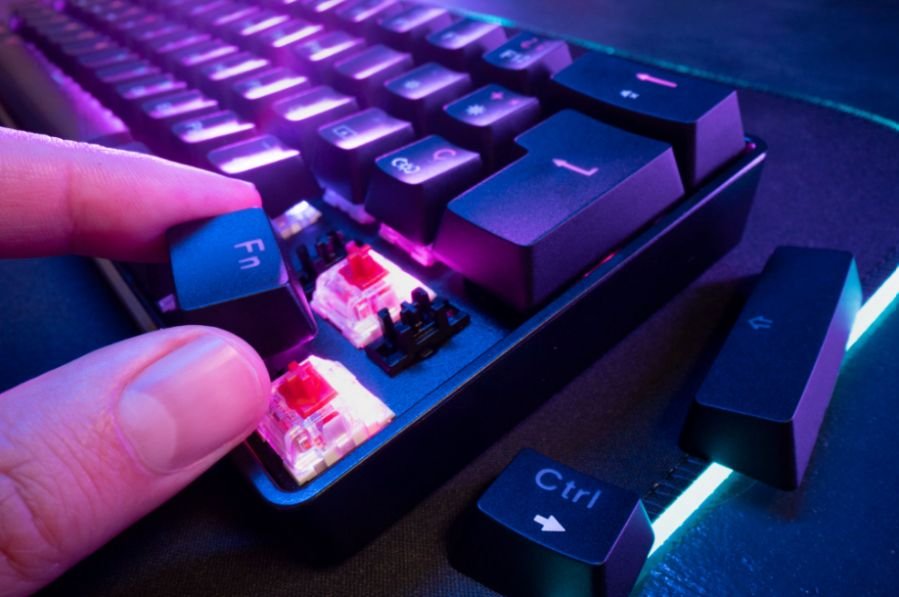
Beyond the core hardware, a comfortable keyboard can also improve a long gaming or workstation session, especially when the setup is used for extended periods. An ergonomic keyboard for programmers can be useful when the same desk is used for both gaming and demanding computer work.
Is a Power Strip the Same as a Surge Protector?
No. Some power strips simply provide additional outlets.
When I shop for gaming equipment, I look specifically for documented surge suppression, a joule rating, overload protection, grounding information, and protection-status indicators.
A cheap strip with six outlets is not automatically protecting a $2,000 gaming PC from voltage spikes.
When Should I Replace a Surge Protector?
Surge protectors rely on components such as metal oxide varistors, or MOVs, that can degrade as they absorb electrical surges.
That means I do not assume a protector lasts forever simply because its power switch still works.
I pay attention to the protection-status indicator and replace the unit if that indicator shows that surge protection is no longer active. I would also inspect or replace a protector after a significant electrical event rather than assuming it remains at full capacity.
Surge Protector vs UPS: Which Is Better for Gaming?
A surge protector and UPS solve different problems.
A surge protector helps defend equipment against transient voltage spikes. A line-interactive UPS can combine surge protection with battery backup and automatic voltage regulation.
If I frequently experience blackouts, brownouts, or brief power interruptions, I would choose an appropriately sized UPS instead. Battery backup can give me enough time to save work, close applications, and shut the gaming PC down properly.
For a stable home electrical supply where outages are uncommon, a high-quality surge protector may be all I need.
Frequently Asked Questions
1. Is 2,000 joules enough for a gaming PC?
Around 2,000 joules can be a useful starting point when comparing gaming-PC surge protectors. For expensive systems, I prefer models offering higher surge capacity along with strong safety features.
2. Is a 4,000-joule surge protector good for gaming?
Yes. A surge protector in the 4,000-joule range offers substantial surge absorption capacity, although joule rating should not be the only specification you consider.
3. Does a surge protector increase FPS?
No. Surge protection does not increase frame rates, lower GPU temperatures, or improve processor performance. Its job is electrical protection.
4. Can I connect two monitors and a gaming PC to one surge protector?
Yes, provided their combined electrical load remains within the unit’s rated amperage and wattage.
5. Should I replace a surge protector after a major storm?
A severe surge can degrade protection components. I would check the protected-status indicator and follow the manufacturer’s replacement guidance after a significant electrical event.
Final Thoughts
For my money, the APC P11VT3 offers the strongest balance of 3,020-joule protection, 11 outlets, useful spacing, data-line protection, and safety features for a typical high-end US gaming setup.
The Tripp Lite ISOBAR4ULTRA makes more sense when I value heavy-duty construction and isolated EMI/RFI filtering, while the CyberPower CSB1206 is better when I need 12 outlets. Belkin’s PivotPlug is another excellent high-capacity alternative with 4,320 joules and flexible outlet placement.
Ultimately, choosing the best surge protector for gaming PC equipment means looking beyond outlet count. I compare joule capacity, UL safety ratings, let-through or clamping voltage, load capacity, shutdown behavior, protection indicators, outlet spacing, and whether my home would benefit more from a UPS.
A gaming PC may be the most expensive electronic device on my desk. Protecting it with a properly rated surge protector is a small investment compared with replacing a GPU, motherboard, monitor, or storage drive after an electrical event.