A compact desk can look organized until a pair of oversized speakers takes over the space beside the monitor. When I choose the best computer speakers for small desk setups, I focus on more than sound quality. I want speakers that fit neatly into a tight workspace, keep controls within easy reach, reduce cable clutter, and still deliver clear audio for music, gaming, meetings, and streaming.
The challenge is finding compact computer speakers that do not sound thin simply because they use smaller cabinets. Some models solve this with better driver positioning, angled stands, USB-C connectivity, Bluetooth, and clever acoustic tuning. In this guide, I compare practical space-saving options and explain what really matters before buying speakers for a small home office, gaming station, dorm desk, or apartment workspace.
Which Compact Computer Speakers Are Best for a Small Workspace?
My strongest choices include the Audioengine A2+, Edifier M60, Creative Pebble Pro, and Creative Pebble V3. Each takes a different approach to saving space.
The Audioengine A2+ is particularly attractive when I want premium desktop sound without moving to full-size bookshelf speakers. Each speaker measures about 6 inches high, 4 inches wide, and 5.25 inches deep. Current models add USB-C and Bluetooth connectivity, making the system convenient for modern laptops and desktop PCs. That compact footprint also works well in a gaming setup where desk space is already shared with accessories such as a laptop cooling pad for gaming.
The Edifier M60 is another strong compact option. Each speaker measures approximately 3.9 inches wide, 6.6 inches high, and 5.8 inches deep. It supports USB-C, Bluetooth 5.3, and a 3.5mm AUX connection. Edifier also includes angled aluminum stands, which are especially useful for close-range desktop listening.
If my priority is saving money and desk space, the Creative Pebble Pro is hard to overlook. Its rounded cabinets measure roughly 4.8 inches wide, 4.8 inches high, and 4.6 inches deep. USB audio, Bluetooth 5.3, AUX input, headset connectivity, and microphone connectivity make it flexible for work and gaming.
The Creative Pebble V3 is similarly compact and offers USB audio, Bluetooth 5.0, and AUX connectivity for a simpler setup.
How Much Space Do Compact PC Speakers Actually Need?

I never judge a desktop speaker only by its width. Depth can be equally important.
A 4-inch-wide cabinet may look tiny on a specification sheet, but a deep speaker can collide with a monitor stand or leave little room for cables behind it. On shallow desks, that can push the keyboard and mouse closer to the front edge.
I recommend measuring the available space on both sides of the monitor before buying. I also leave additional clearance for power cables, audio cables, speaker wire, and ventilation.
Compact computer speakers around 4 to 5 inches wide per cabinet tend to work particularly well when desktop real estate is limited.
Do Small Computer Speakers Produce Enough Bass?
Small desktop speakers can sound surprisingly full, but there is an unavoidable physical tradeoff.
A small cabinet and small driver cannot move as much air as a larger speaker. As a result, compact models usually cannot reproduce the deepest bass rumble that I would get from larger bookshelf speakers or a dedicated subwoofer.
Manufacturers can improve perceived low-end performance with careful tuning, passive radiators, amplification, and digital processing. These techniques can make a small speaker sound much bigger than its dimensions suggest, but they cannot eliminate the limitations of cabinet volume.
For YouTube, Spotify, podcasts, video calls, casual gaming, and normal desktop listening, I find a good 2.0 system sufficient. If powerful movie effects or bass-heavy music are priorities, I would consider a model that supports an external subwoofer.
Why Should I Elevate Speakers on a Small Desk?
Placement can make almost as much difference as the speaker itself.
When speakers sit flat on a desktop below ear level, part of their sound energy travels toward my chest instead of directly toward my ears. Angled wedges or small desktop stands can raise or tilt the speakers toward the listening position.
The Edifier M60 illustrates this well. Its included stands use a 15-degree angle to direct sound toward ear level. Edifier also says the stands help minimize coloration created by reflections from the desktop surface.
Foam isolation pads can provide another advantage. By reducing direct mechanical contact between the speaker and desk, they may help limit unwanted vibration and resonance.
I would therefore consider speaker positioning and isolation when building a compact workstation instead of focusing only on amplifier power.
Are Rear-Mounted Speaker Controls Inconvenient?
Control placement is easy to overlook until the speakers are actually on the desk.
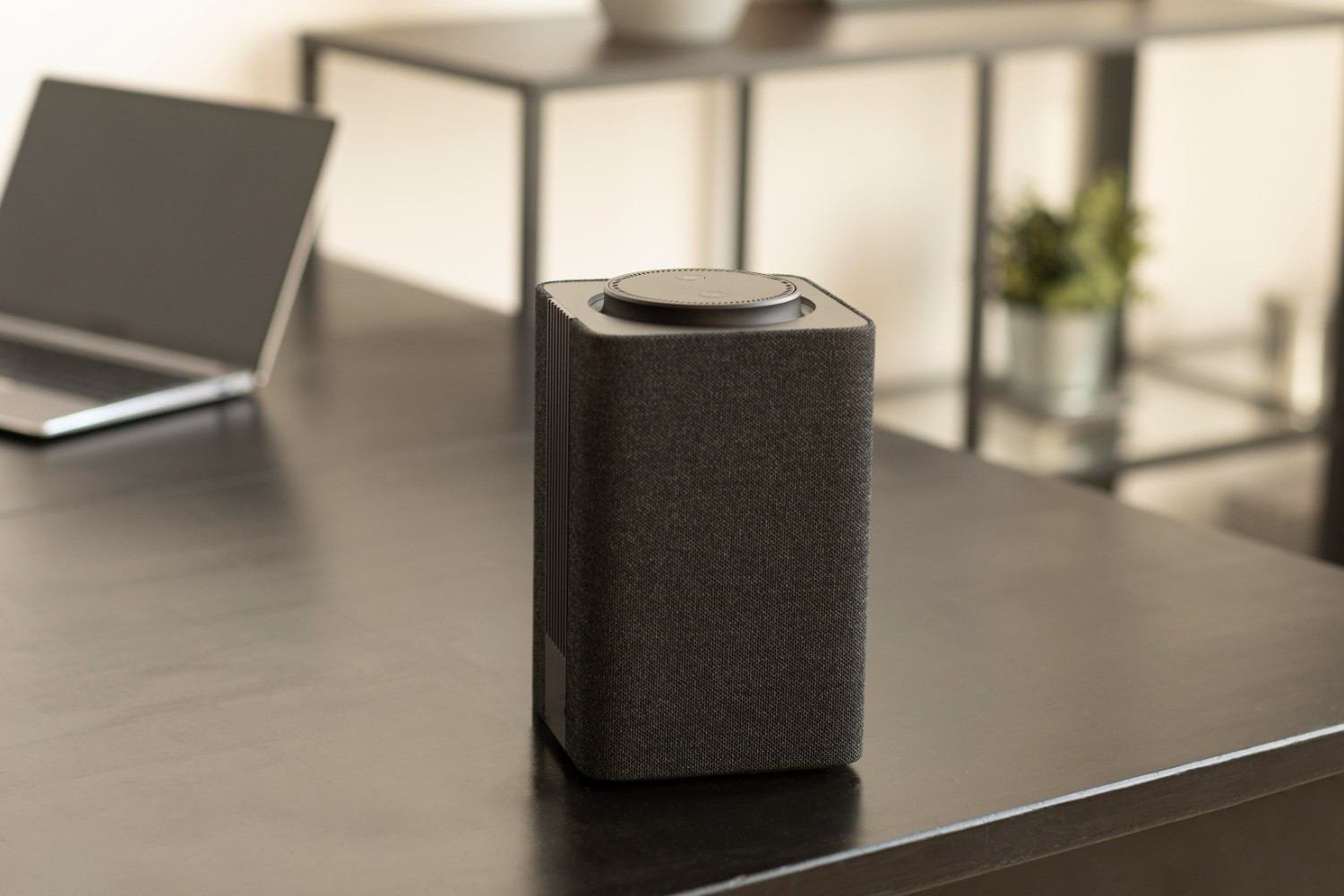
Compact designs sometimes move switches, inputs, or other controls to the back of the cabinet to keep the front panel clean and uncluttered. That can save visible space, but it may also make adjustments frustrating when the speaker sits close to a wall or beside a large monitor.
For example, the Creative Pebble V3 places its volume control at the front but positions its gain switch and AUX input on the rear. This shows why I check the complete control layout rather than simply asking whether a speaker has a volume knob.
On a crowded setup, I prefer front controls, top-mounted touch controls, or another easy-to-reach control system. Edifier’s M60 uses a top-mounted capacitive touch panel, which can be easier to reach when desk space is tight.
Is USB-C or Bluetooth Better for Desktop Speakers?
For a permanent desktop setup, I generally prefer USB audio because it creates a straightforward digital connection between the computer and speaker system.
USB-C is especially useful with current laptops and compact PCs that may have limited traditional audio ports.
Bluetooth is more convenient when I frequently switch between a computer, phone, and tablet. It can also reduce visible cable clutter. However, a wired connection may still make more sense when latency matters, particularly for gaming.
I also like having a 3.5mm AUX input as a fallback because it works with a wide range of older and newer equipment.
The ideal small desktop speaker gives me more than one connection instead of locking me into a single format.
Are Compact Computer Speakers Good for Gaming?
Yes, particularly for casual gaming and single-player titles.
A properly positioned stereo pair creates far better left-right separation than speakers built into most monitors or laptops. That helps dialogue, environmental effects, music, and action feel more immersive.
Competitive players may still prefer headphones when exact positional cues and external-noise isolation matter most. For everyday gaming, however, compact PC speakers keep the setup comfortable and allow me to play without wearing a headset for hours.
What Should I Check Before Buying Small Desktop Speakers?
I start with cabinet width and depth, then look at connectivity, control location, cable length, driver angle, and power requirements.
I also think about how close I will sit to the speakers. Desktop audio is primarily near-field listening, so extremely high wattage matters less to me than clean audio at a normal seated distance.
Cable management deserves attention too. A speaker with USB power and USB audio may create a cleaner workstation than one requiring several separate connections. Bluetooth can simplify things further when wireless playback suits the way I use the desk.
Finally, I consider whether a subwoofer is genuinely necessary. Eliminating it can free valuable floor space and reduce wiring around a small workstation.
Frequently Asked Questions (FAQs)
1. What are the best computer speakers for small desk setups?
The best computer speakers for small desk setups depend on budget and available space, but the Audioengine A2+, Edifier M60, Creative Pebble Pro, and Pebble V3 are strong compact choices. I would compare actual width and depth, connectivity, control placement, and bass expectations before choosing.
2. What size computer speakers work well on a small desk?
I usually look for cabinets around 4 to 5 inches wide when space is limited. However, depth matters just as much because deep speakers can interfere with monitor stands and cables.
3. Should desktop speakers be raised off the desk?
Raising or angling speakers can direct the drivers more closely toward ear level. Isolation pads can also reduce vibration transferred into the desk.
4. Can small computer speakers have good bass?
Yes, but their physical size limits very deep bass. Good tuning and passive radiators can improve low-end performance, while a subwoofer remains the better option for strong low-frequency rumble.
5. Are Bluetooth speakers good for a computer desk?
Bluetooth works well when convenience and reduced cable clutter matter. USB or AUX connections may be preferable when I want a permanent wired setup or lower latency.
My Final Take
When desk space is limited, I do not think the biggest or most powerful speaker automatically makes the most sense. I would rather have compact speakers that fit naturally beside my monitor, put the controls within easy reach, direct sound toward my ears, and connect cleanly to my computer.
For premium compact sound, the Audioengine A2+ deserves attention. The Edifier M60 combines a narrow footprint with USB-C, Bluetooth, accessible top controls, and useful angled stands. Creative’s Pebble Pro and Pebble V3 make strong alternatives when affordability and maximum space savings matter more.
Ultimately, choosing the best computer speakers for small desk use comes down to balancing sound quality with the realities of a compact workstation. If I measure first, consider bass expectations, check control placement, and pay attention to speaker angle and cable management, I can get much better sound without sacrificing the workspace I need.