A clean computer desk is easier to work at, easier to maintain, and much better to look at. I have seen otherwise excellent home offices and gaming setups ruined by exposed power strips, bulky laptop chargers, monitor cords, USB cables, and extension leads running in every direction. That is why choosing the best cable management box for computer desk setups can make such a noticeable difference.
A good cable organizer box hides the mess without making your equipment harder to access. It can conceal a surge protector, keep charging bricks together, reduce visible wire clutter, and help create a more polished workstation. For US home offices, gaming desks, dorm rooms, and hybrid workspaces, the key is choosing the right size, ventilation, and cable access for the equipment you already use.
What Is the Best Cable Management Box for a Computer Desk?
For most computer desks, I would choose a medium or large box with multiple cable openings, enough internal height for charging bricks, and enough room around the power strip for airflow.
D-Line, Bluelounge, Yamazaki Home, YECAYE, and Baskiss are among the better-known names in this category. The right option, however, depends less on the brand and more on the equipment inside your setup.
A basic laptop desk may only need room for a small power strip, laptop adapter, and phone charger. A gaming desk with dual monitors, powered speakers, USB hubs, RGB accessories, and charging docks needs considerably more space.
Which Cable Management Box Works Best for Most Computer Desks?
D-Line Large Cable Management Box
The D-Line Large Cable Management Box is a practical all-around choice for typical home-office and desktop setups. Its larger enclosure gives you room for a power strip while keeping plugs and cords out of sight.
I especially like boxes with openings at both ends because they make it easier to route monitor, computer, and charger cables in separate directions. That can prevent the box from becoming another tangled mess inside.
For a desktop PC with one or two monitors, speakers, a phone charger, and a few accessories, this type of large cord management box usually provides enough capacity without looking excessive.
What Is Best for a Large Surge Protector?

Bluelounge CableBox
Large surge protectors are one of the biggest reasons people buy a box that ultimately does not fit.
The Bluelounge CableBox is designed around larger power strips, which makes it useful for setups with multiple computer peripherals and bulky plugs. A wider enclosure also gives adapters more breathing room and reduces the need to bend cords sharply.
If you use two monitors, powered speakers, a docking station, external drives, multiple USB chargers, or a laptop cooling pad for gaming, I would lean toward a larger power strip organizer rather than a compact model.
What Is Best for a Small Computer Desk?
Baskiss Cable Management Box
A huge box can be just as annoying as visible cords when your desk is narrow.
For smaller desks, the Baskiss Cable Management Box can make more sense because it provides basic cable concealment without taking up too much floor or desktop space.
This size is better suited to a laptop, a single monitor, and a few charging cables than a full gaming setup. I would consider it for apartment offices, study desks, or compact work-from-home stations.
Which Cable Box Looks Best on a Modern Desk?
Yamazaki Home Cable Management Box
Some cable boxes are meant to disappear. Others are attractive enough to remain visible.
The Yamazaki Home Cable Management Box works well when you want easy access to chargers while keeping the desk visually clean. It can be particularly useful for phones, tablets, headphones, cameras, and laptops that you plug in frequently.
Its cleaner appearance also suits modern US home offices where the desk is part of a living room, bedroom, or shared workspace.
What Is the Best Value Option for Multiple Chargers?
YECAYE Cable Management Box
YECAYE offers larger cable organizer designs that work well for workstations with several adapters and charging cables.
I like this style when the goal is not just hiding one power strip, but organizing several cords that leave the box in different directions. Larger models can work especially well with monitor cables, laptop chargers, phone chargers, and USB accessories.
For budget-conscious desk cable management, this type of box can offer plenty of usable space without moving into premium pricing.
How Should You Measure a Cable Management Box?

This is where many buyers make a mistake.
Do not measure only the plastic body of your power strip. Measure its total usable length, including the fixed cord strain relief where the power cable exits the strip. That section can add enough length to stop an otherwise suitable box from closing properly.
I also recommend measuring the strip with your largest plugs already connected. Wide USB-C chargers, laptop adapters, and angled plugs can take up far more room than standard two-prong plugs.
The box should have enough internal clearance so cords are not forced into tight bends.
Why Does Ventilation Matter So Much?
Ventilation becomes especially important when you place large laptop chargers, USB-C power bricks, or several adapters inside an enclosed space.
Look for cable boxes with multiple cutouts, vent slots, or mesh-style openings that allow heat to escape. Cable entry points also help air circulate, but they should not be the only source of ventilation when you are storing bulky charging equipment.
I would never pack adapters tightly together or force the lid shut over a charger. A cable management box should organize electrical equipment, not compress it.
What Size Cable Box Do I Need for a Gaming PC?
Gaming setups usually need more capacity than office desks.
A gaming system can include a desktop PC, two or three monitors, speakers, a microphone, a console, RGB controllers, charging docks, an Ethernet connection, and external storage.
For that reason, I generally recommend a larger surge protector box with several cable exits. Extra internal height also helps accommodate oversized plugs and power bricks.
If you use a high-powered gaming setup, keep the PC itself outside the cable box. The box should only organize appropriate cords, adapters, and power strips.
Cable Management Box vs Under-Desk Cable Tray
A cable box and an under-desk tray solve different problems.
A cable management box conceals the power strip and adapters. An under-desk tray lifts them off the floor and keeps them attached beneath the desktop.
For a fixed desk, either can work well.
For a standing desk, I usually prefer an under-desk tray because the power strip moves with the desktop. This reduces the chance that cables become stretched when you raise or lower the desk.
Many people get the cleanest result by combining both methods with reusable cable ties and adhesive clips.
How Do You Hide Computer Wires Without Making Them Hard to Reach?
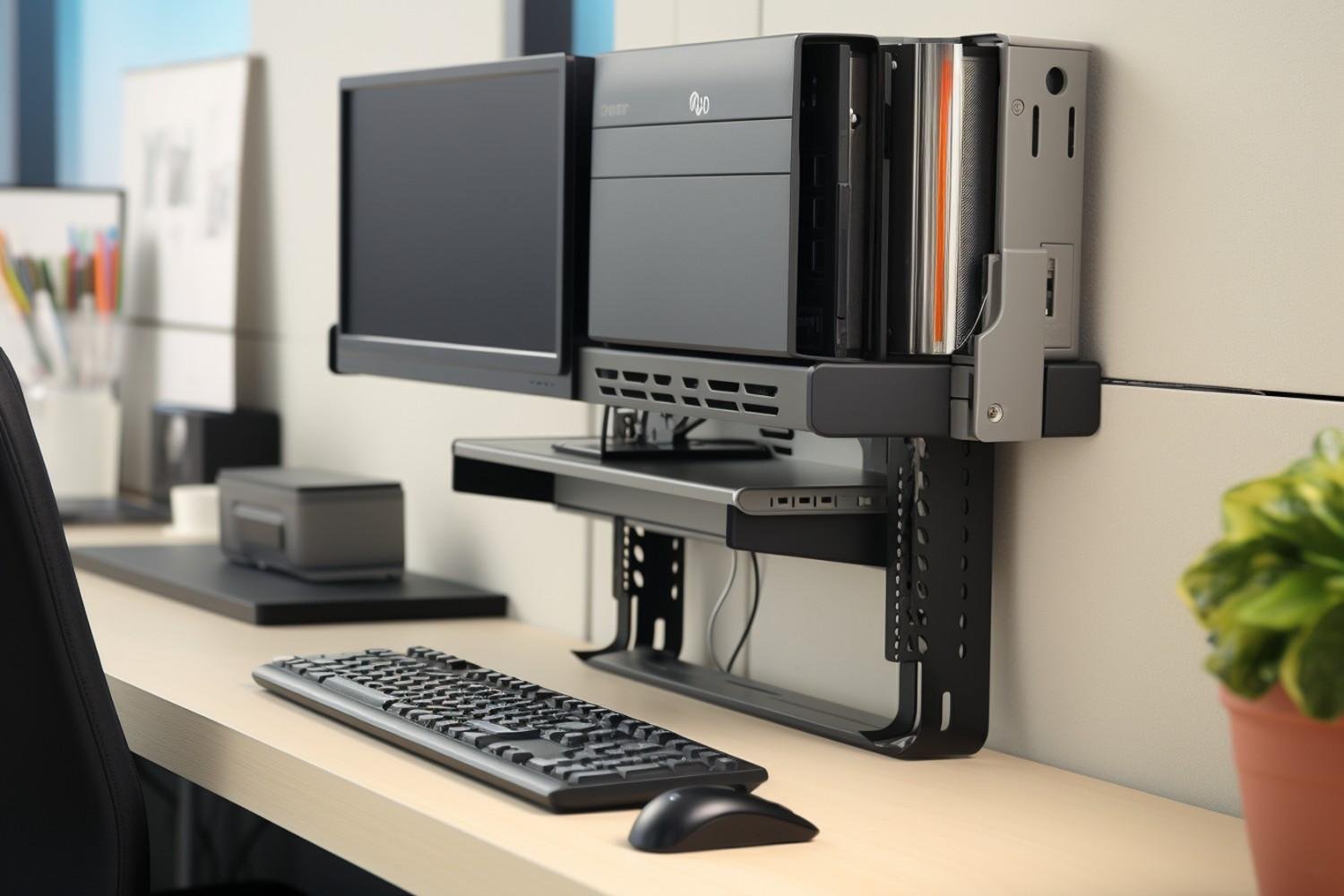
I start by keeping the main power strip inside the box and then routing only the necessary cables toward the desk.
Monitor power cords, USB cables, Ethernet cables, and speaker wires can be grouped with reusable Velcro ties. Adhesive cable clips can keep frequently used charging cables from falling behind the desk.
Leave some slack in cables connected to computers and monitors. A setup may look cleaner with every wire pulled tight, but it becomes frustrating when you need to move equipment.
Frequently Asked Questions (FAQs)
1. What is the best cable management box for computer desk setups with multiple monitors?
A large box with several cable openings and enough height for bulky adapters is usually the better choice. Dual-monitor setups often use larger surge protectors and more charging accessories than basic laptop workstations.
2. Can I put a surge protector inside a cable management box?
Many boxes are designed to conceal surge protectors, but you should confirm the manufacturer’s instructions, allow enough room around plugs, and avoid blocking ventilation.
3. Can cable management boxes overheat?
Heat can build up when adapters are crowded together in a poorly ventilated enclosure. Multiple cutouts, mesh areas, and sufficient internal space can improve airflow.
4. Should I put a cable box on the desk or floor?
Both can work. Desktop placement gives you easier access to chargers, while floor placement usually creates a cleaner-looking workstation.
5. Is a cable box useful for a gaming desk?
Yes. It can help conceal the surge protector and chargers used by monitors, speakers, accessories, and gaming peripherals.
Final Thoughts
I think the smartest way to choose the best cable management box for computer desk use is to start with your existing power strip rather than the box itself.
Measure the full strip, including the cord strain relief, check the height of your largest adapters, and make sure the enclosure provides multiple cable openings or ventilation cutouts. Smaller boxes are fine for laptop setups, while larger models are much more practical for gaming PCs, dual monitors, docking stations, and accessory-heavy workspaces.
A cable box will not solve every wire-management problem by itself, but combined with reusable ties, cable clips, or an under-desk tray, it can make a cluttered computer desk look significantly cleaner and easier to use.
Leave a Reply