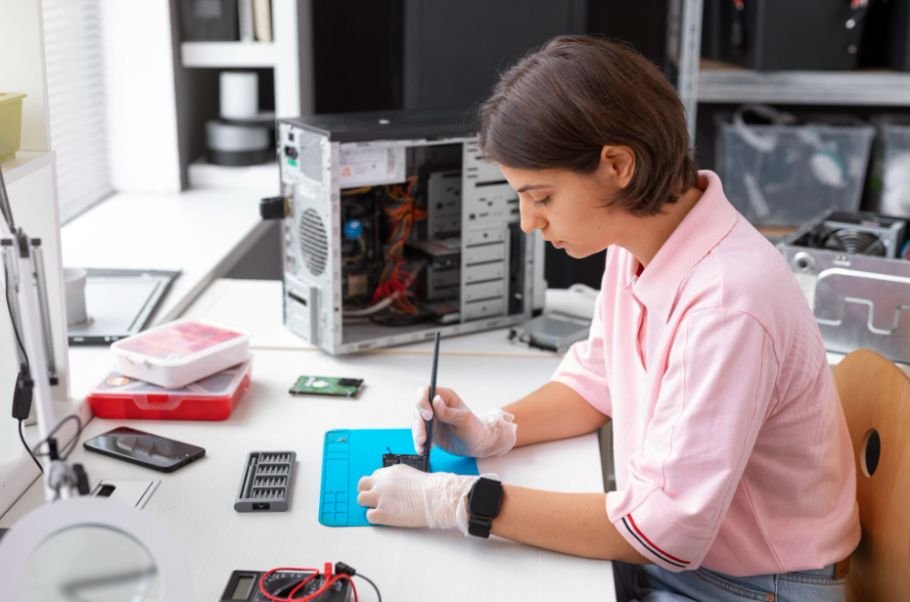
The first time I opened a PC case for a full build, I realized quickly that having more tools does not always mean having the right tools. A giant repair set can look impressive, but if it lacks the screwdriver sizes, magnetic control, and precision accessories needed for modern components, much of that kit goes unused.
The best computer tool kit for PC building should make the job simpler, not more complicated. I look for a dependable magnetic Phillips screwdriver, smaller precision bits for M.2 hardware, tweezers for tight spaces, basic ESD protection, and a smart way to keep screws organized. With those essentials, a first-time builder can handle most desktop assembly tasks without paying extra for dozens of specialized tools that rarely leave the case.
What Tools Do You Actually Need to Build a PC?
You can assemble many desktop PCs with surprisingly few tools. PCWorld identifies a Phillips #2 screwdriver as a basic PC-building essential and recommends a magnetized version because it makes small screws much easier to position and retrieve. A Phillips #1 is useful for smaller hardware such as some M.2 SSD mounting screws.
I would therefore make screwdriver quality my priority rather than buying the kit with the largest number of attachments.
Why Is a Magnetic Phillips #2 Screwdriver So Important?
The Phillips #2 handles much of the fastening work inside a desktop. Depending on the case and components, it may be used for motherboard mounting, power supply installation, expansion-card brackets, drive hardware, and CPU cooler components. It is also especially useful when working around computer cooling hardware, where radiator mounts, fan brackets, and cooler assemblies can involve several small screws.
A magnetic screwdriver makes this work considerably easier. Instead of balancing a tiny screw on the end of the driver while reaching into a case, the magnetic tip holds it in position.
PCWorld specifically recommends a magnetized Phillips #2 for PC building, making this one of the most useful features to look for in a computer repair toolkit.
Do You Need a Precision Screwdriver for an M.2 SSD?
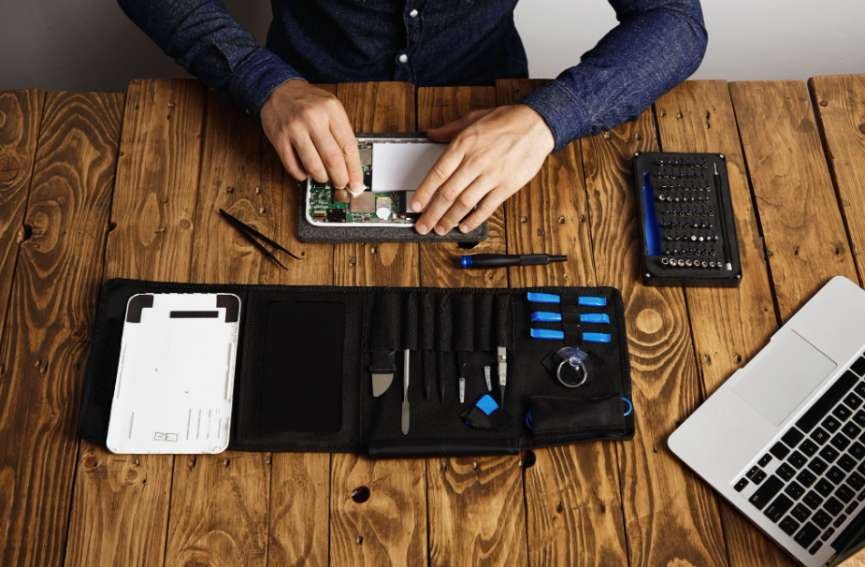
I recommend having smaller precision bits even if the main screwdriver handles most of the build.
M.2 screws are considerably smaller than standard case screws. PCWorld recommends a Phillips #1 for M.2 installation and notes that these small screws are particularly easy to lose, making a magnetic driver helpful.
A precision screwdriver set also gives you more flexibility if you later work on Wi-Fi cards, laptops, small electronics, or other hardware.
Which PC Building Tools Are Essential and Which Are Extras?
A focused toolkit usually offers better value than a box packed with accessories you may never touch.
| Tool | How Useful Is It? | Main Purpose |
| Magnetic Phillips #2 screwdriver | Essential | Most desktop fastening |
| Smaller precision screwdriver | Highly useful | M.2 and smaller screws |
| Magnetic screw tray | Highly useful | Prevents lost hardware |
| Tweezers | Useful | Small screws and tight spaces |
| Anti-static wrist strap | Useful | Additional ESD protection |
| Spudger | Optional | Handling small connectors |
| Cable ties | Highly useful | Cleaner cable management |
| Work light | Optional | Visibility inside dark cases |
PCWorld and other current PC-building guides similarly separate core tools from accessories that simply make assembly easier.
Do You Need Anti-Static Tools When Building a PC?
Electrostatic discharge can damage sensitive electronics, so I prefer taking basic ESD precautions whenever I handle components.
An anti-static wrist strap or properly grounded ESD work surface can provide added protection. PCWorld’s 2026 toolkit guidance also highlights anti-static equipment for protecting components during PC assembly and maintenance.
Even with ESD protection, I avoid unnecessary contact with exposed circuitry and prefer working on a clean, hard surface instead of carpet.
For a first-time builder, an anti-static wrist strap is inexpensive enough that I consider it a worthwhile addition even if the toolkit does not include one.
Is a 100-Piece Computer Repair Toolkit Worth Buying?
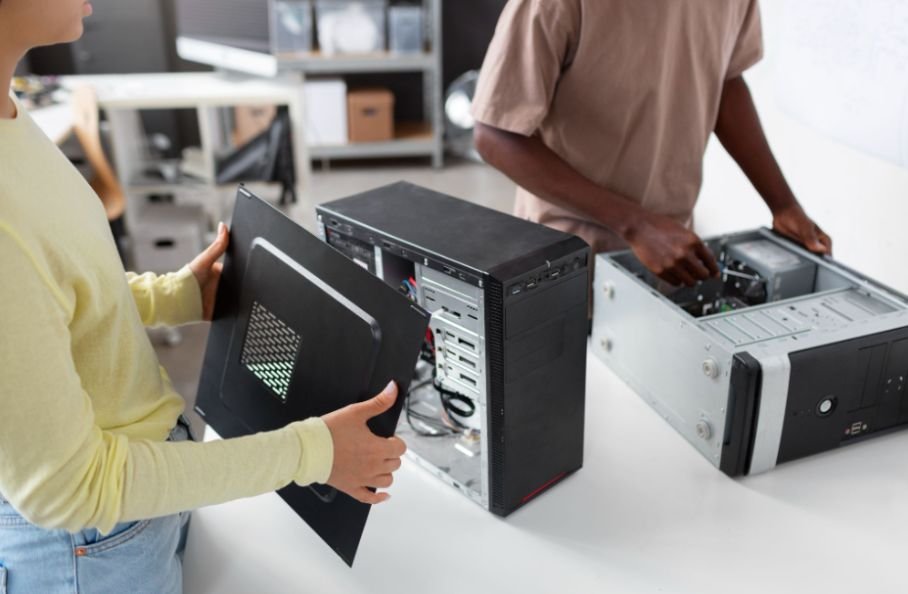
More pieces do not automatically make a better PC building toolkit.
Large electronics repair kits may contain Torx bits, security bits, pry tools, opening picks, suction tools, brushes, and dozens of precision heads. Those accessories are valuable if you repair phones, laptops, consoles, and other electronics.
Some of those laptop-related setups may also benefit from an external DVD drive for laptop when accessing older software, drivers, or archived discs.
For a desktop PC, however, many may sit unused.
Current PC tool kits can contain well over 100 magnetic bits and multiple repair accessories, showing how broad these sets have become. Tom’s Hardware, for example, recently covered a 144-piece toolkit containing precision and electric screwdrivers alongside 120 magnetic bits and maintenance tools.
I would choose a smaller set with high-quality bits over a huge low-quality kit simply because the number on the package is larger.
What Should You Look for in Screwdriver Bit Quality?
Bit material matters because poor-quality tips can round, deform, or lose their grip after repeated use.
S2 tool steel and chrome-vanadium, commonly abbreviated as Cr-V, are materials frequently used in screwdriver bits and hand tools. Regardless of the steel type, I recommend checking that the tips are accurately machined and seat firmly inside the screw head.
How Should You Store S2 and Cr-V Screwdriver Bits?
Bit care is easy to overlook.
High-quality S2 or Cr-V steel bits can still develop surface oxidation over time when repeatedly exposed to moisture or stored in damp conditions. I keep toolsets closed in their case and store them in a dry indoor location.
Keeping the bits clean and dry helps preserve their surface condition and maintains dependable grip on small motherboard, case, and M.2 screws. It also prevents an otherwise good precision screwdriver set from deteriorating unnecessarily between PC builds.
Are Electric Screwdrivers Good for PC Building?
Electric precision screwdrivers can be convenient if you build and repair computers regularly, but they are not essential.
If your Windows 11 PC feels sluggish during regular maintenance or upgrades, it can also help to find out what is slowing down your Windows 11 PC before replacing hardware unnecessarily.
Current electric repair kits may include adjustable low-torque settings and built-in lighting, which can help with repetitive work and dark areas inside a case.
For delicate hardware, however, I prefer controlling the final tightening by hand. PC screws rarely require excessive force, and overtightening can damage threads or mounting hardware.
A quality manual magnetic screwdriver remains the simplest choice for most home builders.
Which Extra Tools Make Building a PC Easier?
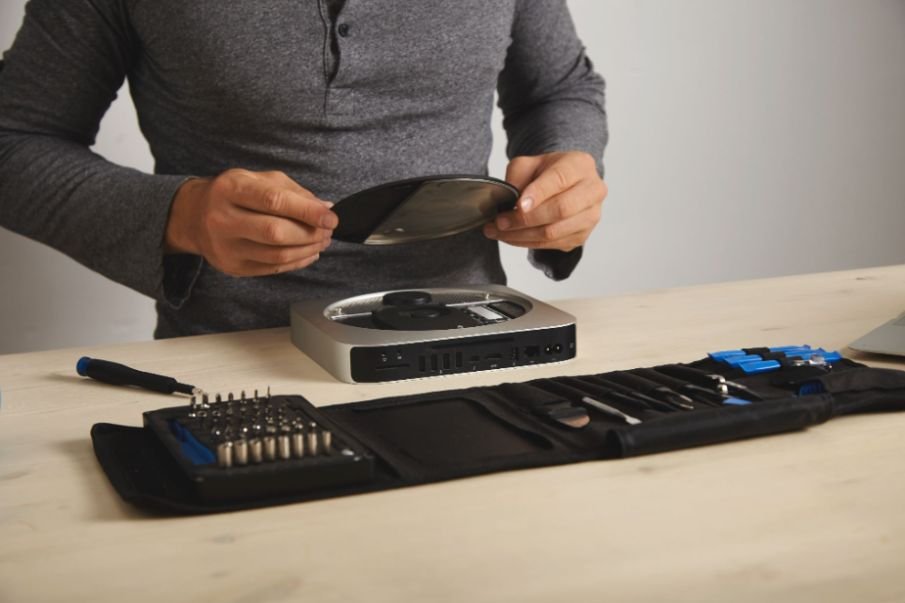
A magnetic screw tray is one accessory I would strongly consider. PC cases can use several screw types, and separating motherboard screws, M.2 screws, standoffs, and drive hardware prevents confusion.
PCWorld also recommends using some type of screw container during a build.
Tweezers can help retrieve dropped screws, while reusable cable ties make cable management easier. A flashlight or work light helps when connecting front-panel headers in a dark corner of the motherboard.
A best portable scanner for home office can also be useful in a PC-building workspace for quickly digitizing receipts, component invoices, or warranty documents.
Thermal paste is useful to keep available as well, particularly when reinstalling a CPU cooler, although many new coolers already include thermal compound.
What Should the Best Computer Tool Kit for PC Building Include?
For a first build, I would choose a compact kit containing a magnetic Phillips #2 screwdriver, smaller Phillips precision bits, tweezers, a bit extension, and a storage case. I would then add a screw organizer, reusable cable ties, and an anti-static wrist strap if those items are not included.
That combination handles most standard ATX, micro-ATX, and Mini-ITX assembly tasks without paying for dozens of specialty bits you may never use.
Frequently Asked Questions
1. What screwdriver size do I need to build a PC?
A Phillips #2 handles many standard desktop screws. A smaller Phillips driver, often #1 depending on the hardware, is useful for small M.2 mounting screws.
2. Is a magnetic screwdriver safe for PC building?
Magnetic screwdrivers are commonly recommended for PC assembly because they make it easier to position and retrieve screws inside the case.
3. Do I need an anti-static wrist strap?
It is not the only way to manage ESD risk, but a grounded anti-static wrist strap provides an additional layer of protection while handling sensitive components.
4. Are expensive computer repair kits necessary for beginners?
Usually not. A beginner can complete most desktop builds with a few well-chosen tools. Larger kits become more valuable when you also repair laptops, phones, consoles, and other electronics.
Final Thoughts
When I choose PC building tools, I focus on fit, durability, and usefulness rather than the largest possible piece count. A good magnetic screwdriver, precision bits, screw organization, cable-management accessories, and sensible ESD protection cover most of what a desktop builder genuinely needs.
The best computer tool kit for PC building is therefore not necessarily the biggest or most expensive option. A compact kit with durable bits, a comfortable driver, and the right accessories can make installation easier today and remain useful through years of PC upgrades—especially when you keep those S2 or Cr-V bits clean, dry, and properly stored.
Leave a Reply