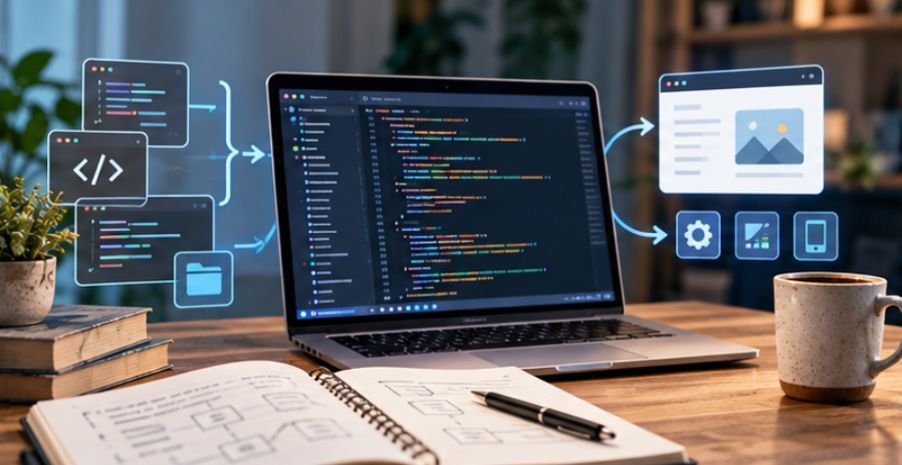
Some of the software powering websites, phones, cloud services, businesses, and government systems can be inspected by anyone with an internet connection.
That sounds unusual if you are used to commercial programs whose inner workings remain hidden. Yet it is the basic idea behind open source software: the source code is available under a license that permits people to inspect it and, depending on the license, modify and redistribute it.
Understanding how does open source software work for beginners becomes much easier once you stop thinking of it as “free software” and start thinking of it as a different way to build and govern software.
What Actually Makes Software Open Source?
Every application begins with source code: human-readable instructions written in programming languages such as Python, JavaScript, C, or Java.
With proprietary software, that code normally remains private. Users receive the finished program but cannot freely inspect or alter the underlying instructions.
Open source takes another approach. The source is made available under a license granting specific rights to users and developers.
The Open Source Initiative’s definition makes an important distinction: simply publishing source code is not enough. An open source license must permit redistribution and access to source code while meeting additional requirements designed to protect users’ ability to modify and share the software.
That licensing layer is what turns visible code into genuinely open source software.
The Open Source Workflow in Plain English
The easiest way to understand the system is to follow one hypothetical change from beginning to end.
Imagine an open source photo-management application has a bug that makes image folders load slowly.
1. The project stores its code in a repository
Developers usually keep the project’s files, history, documentation, reported problems, and proposed changes in an online code repository.
GitHub is a familiar example, although open source projects can use many other hosting systems. Anyone permitted by the license can examine the project’s code and documentation.
2. A user reports the problem
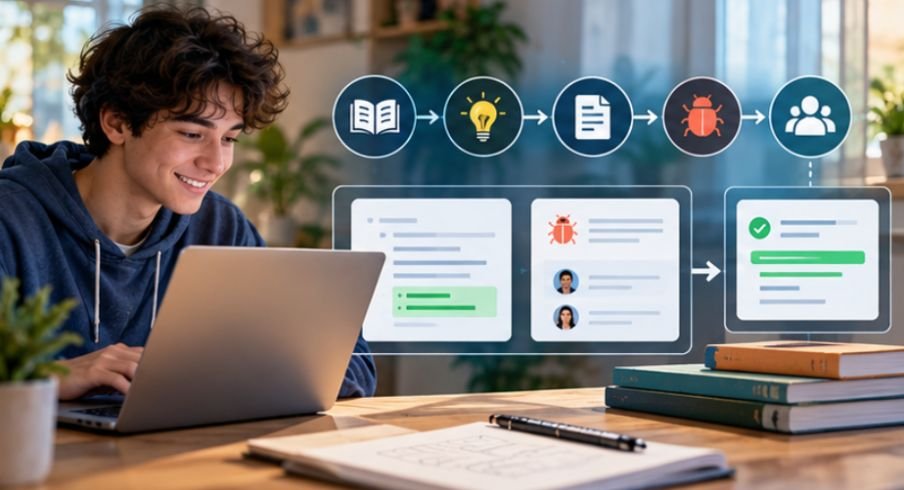
The person noticing the slow folder loading might create an issue describing what happened, the operating system involved, and steps for reproducing the bug. That person does not need to know programming.
Bug reports, documentation improvements, translations, accessibility feedback, and testing are all legitimate forms of contribution.
The Apache Software Foundation explicitly recognizes users who submit feedback, bug reports, feature suggestions, documentation, patches, and other contributions as part of its development community.
3. A contributor creates a change
A developer may copy, or “fork,” the repository into their own account, create a separate branch, fix the problem, and test the change.
These copies do not automatically alter the official application. They provide a safe workspace where contributors can experiment without damaging the main project.
4. The contributor submits a pull request
The proposed fix is then submitted for review, commonly through a pull request.
Maintainers can inspect the code, request revisions, run automated tests, discuss design choices, or reject the proposal.
If the contribution meets the project’s standards, an authorized maintainer can merge it into the main codebase.
That review process is one reason open source does not mean “anyone can randomly change the software installed on your computer.”
Open Source Does Not Mean “No Rules”
One of the biggest beginner misconceptions is that publicly visible code belongs to everyone without restrictions.
It does not.
The license determines what you may do.
Popular licenses include MIT, Apache License 2.0, GNU GPL, BSD licenses, and others. Their obligations differ. Some are highly permissive, while others require redistributed modified versions to remain under compatible open licensing terms.
The Open Source Initiative’s approved license directory lists licenses reviewed against its Open Source Definition.
This also explains why open source and free-of-charge are not identical concepts.
A company can sell open source software, charge for hosting, provide paid technical support, offer enterprise features, or sell consulting services. The Open Source Initiative specifically notes that open source software can be used commercially.
Why Open Source Matters Far Beyond Hobby Projects
Open source has become part of the infrastructure underneath commercial technology.
A 2024 Harvard Business School study estimated that widely used open source software would have a demand-side replacement value of approximately $8.8 trillion. Researchers Manuel Hoffmann, Frank Nagle, and Yanuo Zhou estimated that companies would spend about 3.5 times more on software if the studied open source components did not exist.
The finding helps explain why open source knowledge matters even to people who never plan to become professional programmers.
Web servers, development frameworks, programming languages, operating systems, databases, cloud infrastructure, browsers, and cybersecurity tools frequently depend on open technologies.
The Linux Foundation now offers a dedicated beginner course covering open source communities, governance, strategy, licensing, and contribution workflows, reflecting how useful these skills have become in professional technology environments.
Is Open Source Automatically More Secure?
No. The argument that “many eyes can see the code, so it must be secure” oversimplifies the issue.
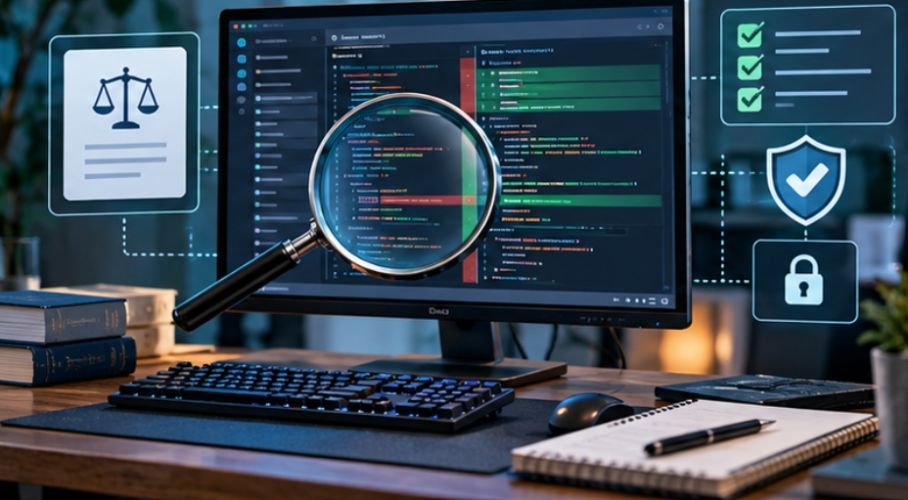
Public code allows independent review, security testing, and rapid collaborative fixes. But vulnerabilities can still remain unnoticed, poorly maintained projects can become outdated, and malicious packages can enter software supply chains.
The U.S. National Institute of Standards and Technology recommends organizations assess open source components carefully, obtain software through trustworthy repositories, track vulnerabilities, and evaluate provenance and maintenance practices.
The practical lesson for beginners is simple: visibility creates the opportunity for review, not a guarantee that review has happened.
Check whether a project receives recent updates, has responsive maintainers, publishes security information, and has an active user community before depending on it for important work.
A Five-Minute Test Before Installing an Open Source Program
You do not need to inspect thousands of lines of code yourself.
Start with five questions:
- Does the project clearly state its open source license?
- Has the software received recent updates?
- Are bugs and security reports actively addressed?
- Is the download coming from the official project or a trusted repository?
- Does the project have usable documentation and an identifiable maintainer community?
A “no” does not automatically make software dangerous, but several unanswered questions should make you investigate further.
If you are experimenting with an open source operating system on a DIY computer, hardware preparation matters too.
Our computer tool kit for PC building overview outlines the essential equipment required for a precise and efficient system assembly.
The guide to low-profile CPU coolers for small form factor PCs provides useful considerations for selecting an effective cooling solution where space is limited.
How Beginners Can Participate Without Being Programmers
Learning how does open source software work for beginners does not require writing a major feature.
A useful first contribution may be correcting confusing documentation, reproducing a reported bug, improving installation instructions, translating help pages, reviewing accessibility problems, or providing detailed testing information.
The Linux Foundation’s beginner contribution guidance specifically covers technical and nontechnical participation.
For a first project, choose software you already use. Read its contributor documentation, search for beginner-friendly issues, observe how maintainers communicate, and make one small improvement before attempting a large change. That teaches the collaborative process without overwhelming you.
As you become more comfortable with software projects, understanding how their components fit together can provide useful context for contributors and developers alike.
Learning how to document software architecture for new developers can provide a practical framework for clearly communicating system components, their interdependencies, and the overall architecture of an application.
Frequently Asked Questions
1. Is open source software always free?
No. Open source describes licensing rights involving source code, modification, and redistribution. Companies may still charge for software distribution, hosting, support, customization, or related services.
2. Can anyone change open source software?
Anyone may be able to modify their own permitted copy, but changes to the official project normally require review and approval from maintainers.
3. Do I need coding skills to contribute?
No. Beginners can test software, improve documentation, report bugs, translate content, answer community questions, or identify usability and accessibility problems.
4. How does open source software work for beginners who only want to use it?
You can simply install and use reputable open source applications. Understanding licenses, official download sources, update activity, and project reputation is usually more important than reading the source code yourself.
The Bigger Idea Behind Open Source
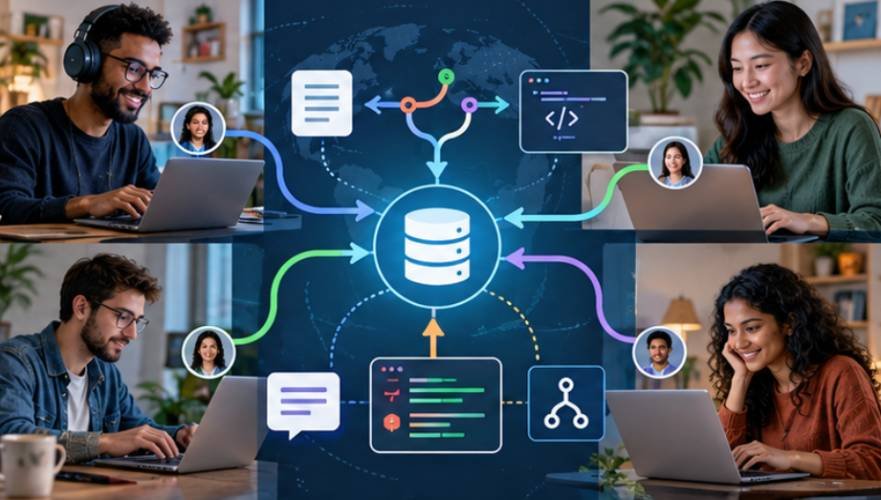
The remarkable part of open source is not simply that strangers can read computer code. It is that software development can be organized so people and organizations that may never meet can inspect, improve, test, reuse, and govern the same technology.
Beginners do not need to understand every repository command or license clause immediately. Start by examining one reputable project, identifying its license, reading its issue tracker, and watching how one proposed change becomes an approved update.
Once you see that cycle happen, open source stops looking mysterious. It becomes what it really is: software development made visible.
Leave a Reply