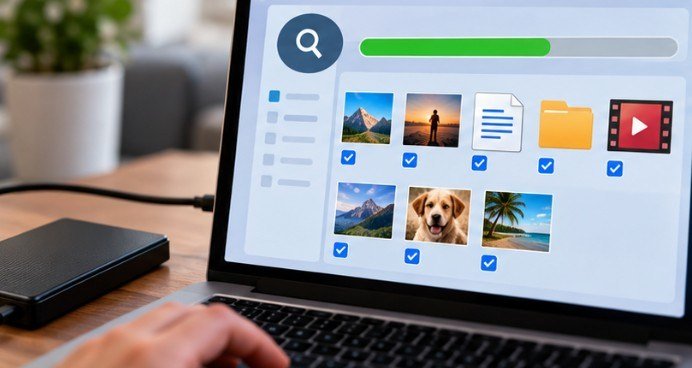
A photo viewer can feel perfectly fast with 50 JPEGs and become painfully sluggish when a folder contains 10,000 RAW files, HEIC photos, and high-resolution TIFFs. The difference usually comes down to thumbnail caching, preview generation, metadata handling, and how much of each image the software decodes before displaying it.
That is why choosing photo viewer software for large image folders requires more than checking how quickly one photograph opens. For big archives, photographers need fast folder scanning, responsive thumbnails, reliable format support, comparison tools, and a workflow that does not force every image into a heavy catalog.
For most Windows users, FastStone Image Viewer offers the strongest balance. But IrfanView, XnView MP, Photo Mechanic, and ImageGlass each make more sense for particular workloads.
Why Large Photo Folders Slow Down Ordinary Image Viewers
Opening one image is relatively simple. Opening a directory containing several thousand photographs creates a different workload.
The viewer may need to read filenames, create thumbnails, extract EXIF data, identify RAW previews, calculate orientation, and cache information for future visits. Network drives and external hard drives introduce another bottleneck because every thumbnail may require additional disk access.
File types matter too. The Library of Congress lists TIFF, JPEG 2000, PNG, and JPEG among its preferred raster formats while also recognizing DNG and proprietary camera RAW formats. Library of Congress still-image format guidance
The U.S. National Archives likewise deals with born-digital photographic records in formats including TIFF and JPEG and emphasizes preserving technical information such as image dimensions, compression, profiles, and EXIF data.
For a personal archive, that means format compatibility and metadata handling deserve nearly as much attention as raw opening speed.
Five Photo Viewers Worth Considering for Huge Folders
FastStone Image Viewer: The Best All-Around Windows Choice
FastStone is especially practical when a folder needs reviewing rather than importing into a full photo-management database.
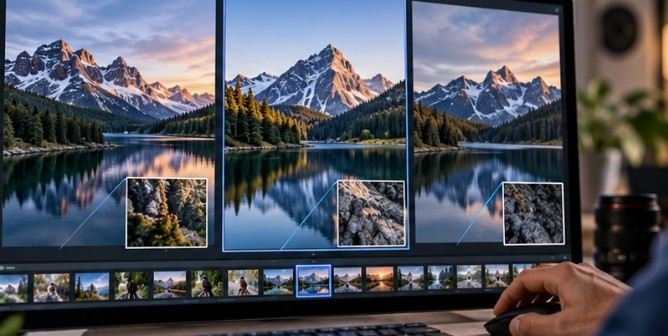
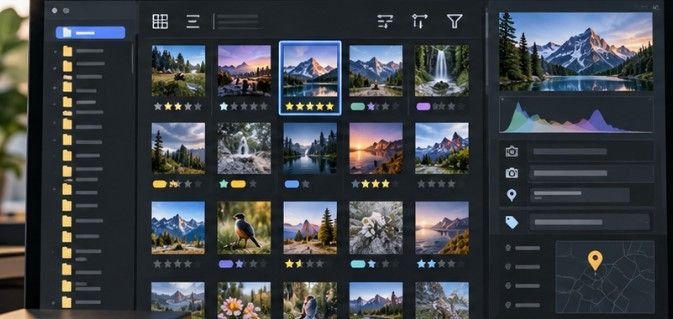
The current FastStone Image Viewer supports common formats including JPEG, HEIC, WebP, PNG, TIFF, PSD and numerous camera RAW formats. It can compare as many as four images simultaneously, display EXIF metadata, assign ratings, batch rename or convert files, and work across dual monitors. FastStone also provides a pre-scan option that can prepare thumbnails before browsing a folder.
That combination matters when sorting event photos, product photography, real-estate images, or years of family pictures. Instead of opening files individually, you can browse, compare, reject, rate, and reorganize photographs from one interface.
For general Windows use, this is where I would start.
IrfanView: The Lightweight Option for Maximum Responsiveness
IrfanView remains attractive when the priority is speed without a complicated library system. Its batch system can convert, rename, reorganize, and perform several JPEG operations across many files. HEIC and camera RAW support are also available, although some formats depend on additional components or plugins.
IrfanView makes particular sense on an older office desktop or laptop where a resource-heavy photo-management application feels excessive.
Its weakness is presentation. The interface prioritizes function over modern design, so photographers expecting a Lightroom-style workspace may need time to adjust.
XnView MP: Better for Mixed File Formats
XnView MP becomes especially useful when an archive contains much more than ordinary JPEG photos.
According to XnView, the software can read more than 500 image formats and write around 70. Supported formats include JPEG, TIFF, WebP, AVIF, HEIC/HEIF, JPEG XL, PSD and major RAW formats. It is also available for Windows, macOS, and Linux.
Persistent thumbnail caching, ratings, filtering, batch renaming, metadata-based sorting, filmstrip viewing, and image comparison make it closer to an advanced visual file manager than a basic viewer.
That versatility is valuable for designers, photographers, archivists, and anyone maintaining old collections accumulated across different cameras and software generations.
Photo Mechanic: Built for High-Volume Photography
Professional sports, wedding, press, and event photographers face a different problem: they may need to evaluate thousands of RAW images immediately after a shoot.
Photo Mechanic approaches RAW browsing efficiently by displaying the JPEG preview embedded inside supported RAW files rather than fully rendering the RAW data every time. Camera Bits says this approach provides faster browsing.
Its Contact Sheet workflow lets photographers inspect thumbnails, tag keepers, apply ratings, add metadata, rename files, and move selected photographs into an editing workflow.
If your problem is “I shot 4,000 RAW images and need 200 selects quickly,” Photo Mechanic addresses that job more directly than a conventional image viewer.
ImageGlass: A Cleaner Viewer for Modern Formats
ImageGlass is a sensible alternative for people who want a simple interface without giving up newer file-format support.
Its current documentation lists support for formats including AVIF, HEIC, HEIF, JPEG XL, WebP, TIFF, PSD, SVG and several others, using multiple decoding engines and optional codec extensions.
It is better viewed as a streamlined viewer than a complete digital asset management platform. For browsing a large collection without extensive cataloging requirements, that simplicity can be an advantage.
Use This 10-Minute Test Before Choosing a Viewer

Do not judge software using a folder containing only a few photographs. Create a realistic test directory with at least several hundred images from your actual collection.
First, time how long usable thumbnails take to appear. Then scroll rapidly through the folder and watch for blank thumbnails or interface pauses.
Next, open ten large images consecutively with the keyboard. Check whether the viewer keeps pace or repeatedly pauses to decode each file.
After that, test the operations you perform most often: sorting by capture date, viewing EXIF information, comparing similar shots, rating images, rotating photographs, and batch renaming.
Finally, close the program and reopen the same folder. A good caching system should make the second visit noticeably easier.
This test tells you far more than software marketing claims because it uses your storage device,image formats, folder structure, and computer.
Storage Speed Can Be the Real Bottleneck
Sometimes replacing the viewer will not solve the problem.
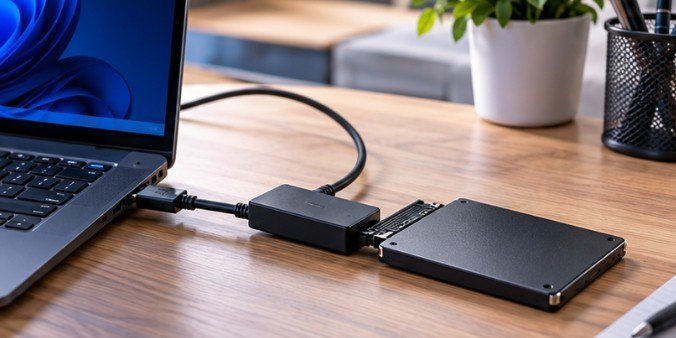
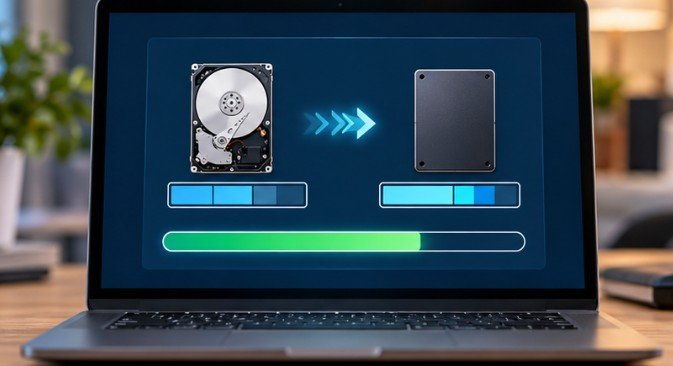
A folder stored on a slow external hard disk, congested NAS, damaged memory card, or low-speed USB connection can make excellent software appear sluggish. Copy a troublesome folder to an internal SSD and repeat the same browsing test.
Photographers regularly importing large shoots should also examine transfer hardware. Our guide to choosing the best memory card reader for photographers explains how card interfaces and reader compatibility can affect the earlier stage of the workflow.
FAQ
What is the best photo viewer software for large image folders?
FastStone Image Viewer is a strong starting point for Windows because it combines fast browsing, thumbnail preparation, ratings, four-image comparison, RAW support, and batch processing.
Which image viewer is best for thousands of RAW photos?
Photo Mechanic is particularly suited to high-volume RAW culling because it can use embedded JPEG previews for fast review rather than fully processing every RAW file.
Can XnView MP handle very large photo collections?
Yes. XnView MP includes persistent thumbnail caching, filtering, ratings, metadata tools, and support for more than 500 readable formats, making it useful for diverse archives.
Why does my photo viewer become slow in large folders?
Thumbnail generation, RAW decoding, metadata extraction, slow storage, network access, and insufficient caching can all reduce performance when thousands of files are displayed.
The Viewer Should Disappear Into the Workflow
The best photo viewer software for large image folders is not necessarily the application with the longest feature list. It is the one that lets you move through photographs without noticing the software slowing you down.
FastStone is a compelling default for Windows, IrfanView favors lightweight speed, XnView MP handles unusually diverse collections, Photo Mechanic targets professional culling, and ImageGlass keeps the experience relatively simple. Test each candidate with a genuinely difficult folder rather than a handful of sample images. Once thumbnails, previews, metadata, and navigation remain responsive under real pressure, you have found the viewer that fits your archive.