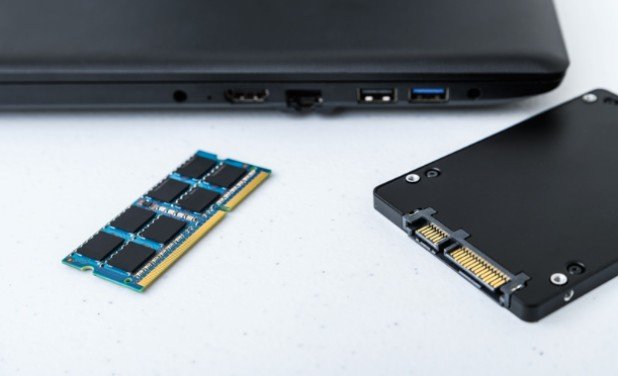
I know how tempting it is to buy an upgrade as soon as a computer starts lagging. But a slow startup, frozen browser tabs, and choppy games can have different causes. To learn how to tell if a slow PC needs more RAM or a faster SSD, I would watch what happens during the task that actually feels slow. Windows Task Manager provides the clues in a few minutes, without buying anything first.
Start With the Type of Slowdown
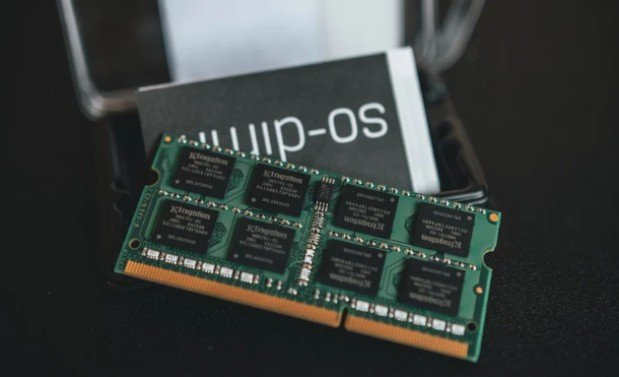
RAM holds the apps and data your computer is actively using. Storage keeps Windows, programs, and files between sessions. An SSD can retrieve stored data much faster than a mechanical hard drive, while additional RAM gives active apps more room to run.
The timing of the slowdown matters. If Windows takes a long time to start and programs are slow to open, check the system drive. If everything feels fine until you open several apps or browser tabs, check memory. If a game loads slowly but runs smoothly afterward, storage is a more likely concern than RAM. These are clues, though, not diagnoses on their own.
Signs Your PC May Need More RAM
Memory is a strong suspect when switching between open programs causes pauses, browser tabs repeatedly reload, or a large spreadsheet becomes difficult to use alongside video calls and other apps. The computer may run well after a restart, then slow as your usual workload builds up.
When physical memory is scarce, Windows can move some data to a page file on the drive. That helps programs stay open, but retrieving that data takes longer than accessing RAM. A faster SSD can soften the delay; it cannot give the computer more physical memory.
Signs Your PC May Need an SSD Upgrade
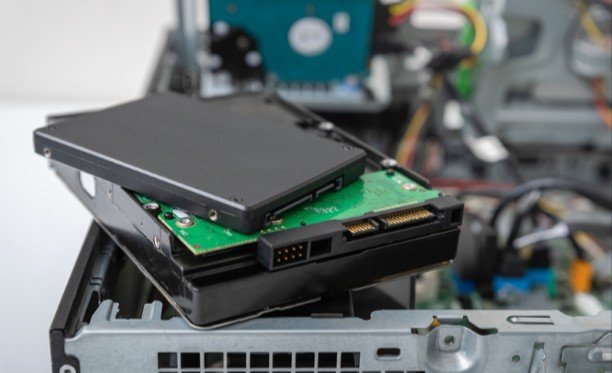
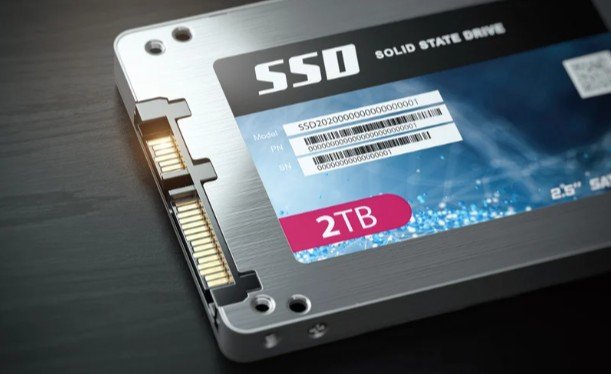
If Windows runs from a mechanical hard drive, long startups, slow app launches, and extended loading screens can point toward storage. Before replacing the drive, you can free up storage on laptop without deleting important files to see whether low space is adding to the slowdown. Replacing the system drive with a compatible SSD often makes everyday tasks feel more responsive.
Already have an SSD? Check its free space and health before shopping for a faster one. A newer NVMe drive may help with demanding file transfers, but it should not be treated as a guaranteed cure for ordinary desktop lag.
Run a Five-Minute Windows Check
Press Ctrl + Shift + Esc to open Task Manager. Select Performance, then look at Memory, Disk, and CPU. If you do not see those options, select More details. Keep Task Manager open while you repeat the activity that causes the problem: launch your usual apps, reopen your working tabs, or load the game or project that feels slow.
Watch the readings for several minutes. A brief spike when an app opens is normal; a repeated pattern that lines up with the lag is more useful. Check Processes as well to see which app is using the most memory or driving disk activity. Under Performance, select Disk to see whether the Windows system drive is labeled HDD or SSD.
What Do High Memory and Disk Readings Mean?
If memory stays near capacity during your normal workload and closing a few apps restores responsiveness, more RAM may help. Do not make the decision from one percentage alone: Windows also uses available memory to cache data. Look for a shortage that coincides with the symptoms.
If the system drive is an HDD and disk activity stays high while Windows or apps struggle to load, an SSD is a sensible first upgrade to investigate. But 100% disk activity does not automatically mean the drive is too slow. Updates, syncing, security scans, or a drive problem can create the same reading. Identify the busy process before spending money.
What If RAM and Disk Are Busy Together?
This is where many upgrade decisions go wrong. A PC with too little RAM may use its page file heavily, causing high disk activity as a result. That combination can be especially frustrating when the page file sits on a mechanical drive.
If your computer has both an HDD system drive and persistent memory pressure, it may benefit from both upgrades. Consider the SSD first when startup and app loading are also major complaints, then repeat the memory check afterward. If Windows already runs from an SSD and the slowdown appears mainly during multitasking, RAM is more likely to be the useful first purchase.
Check for Other Causes Before Buying
Look at CPU usage during the same test. If the processor is consistently overwhelmed while memory and disk have room to spare, neither proposed upgrade directly addresses that limit. Low game frame rates can also involve the graphics processor, game settings, or heat rather than storage speed.
If the slowdown began suddenly, restart the PC and check for a newly installed app, active update, cloud sync, or unwanted software. If the drive is nearly full, free some space and test again. Back up important files before making drive changes, particularly if the computer shows read errors or the drive’s health is in doubt.
Finally, verify compatibility. Check your computer’s service manual for supported RAM type, maximum capacity, and whether its memory is replaceable. For storage, confirm the supported drive size and connection before ordering. A component can be fast on paper and still be the wrong part for your machine.
Frequently Asked Questions
1. How to tell if a slow PC needs more RAM or a faster SSD when both readings are high?
Check which activity triggers the slowdown. If memory fills as you open apps and disk activity rises afterward, paging may be involved. If an HDD is busy during startup before you open anything, storage deserves closer attention. Test again after closing unnecessary background apps.
2. Will a faster SSD make games run at higher frame rates?
Usually, an SSD helps games load rather than directly increasing frame rates. If loading is quick but play is choppy, check CPU, graphics, memory, and temperature readings during the game.
3. Should I upgrade an SSD that is almost full?
First remove or move files you no longer need, then retest. If you regularly need more capacity, a larger compatible SSD may solve a more practical problem than buying a faster drive of the same size.
My Takeaway
I would choose an upgrade only after seeing the slowdown happen and checking the readings at that moment.
A mechanical system drive paired with slow launches makes an SSD worth investigating; memory that repeatedly fills during real work makes RAM worth considering. If neither pattern appears, I would keep diagnosing before spending money. That small check gives me a much better chance of fixing the problem I actually have.
Leave a Reply