Nothing kills the momentum after a great shoot like watching a progress bar crawl across the screen. When I’m moving hundreds or even thousands of RAW files, I want a reader that can keep up with my camera, memory cards, and editing setup without overheating, disconnecting, or wasting time.
The best memory card reader for photographers should deliver more than impressive advertised speeds. It needs the right card compatibility, a reliable USB connection, enough power for demanding transfers, and consistent performance during long offloads. Whether you shoot weddings, wildlife, sports, portraits, or commercial work, choosing the right reader can make your post-shoot workflow noticeably faster and far less frustrating.
Which Memory Card Reader Is Best for Professional Photographers?
For photographers using both CFexpress Type B and SD UHS-II cards, the ProGrade Digital PG05.7 is a strong professional option. It combines CFexpress Type B and SDXC UHS-II support with a USB4 interface designed for high-bandwidth workflows. ProGrade also supports simultaneous access to both slots, which can be valuable after a camera records different files to primary and backup cards.
I particularly like this type of dual-slot reader for wedding and event photography. Instead of connecting separate readers or constantly swapping cards, I can build a simpler ingest workflow around one device.
For Sony photographers using CFexpress Type A, the Sony MRW-G2 remains highly relevant. Sony specifies support for both CFexpress Type A and SD UHS-I/UHS-II cards through a USB 3.2 Gen 2 interface. This combination works especially well for photographers whose Sony bodies accept both formats.
What Is the Best SD UHS-II Reader for Wedding Photography?
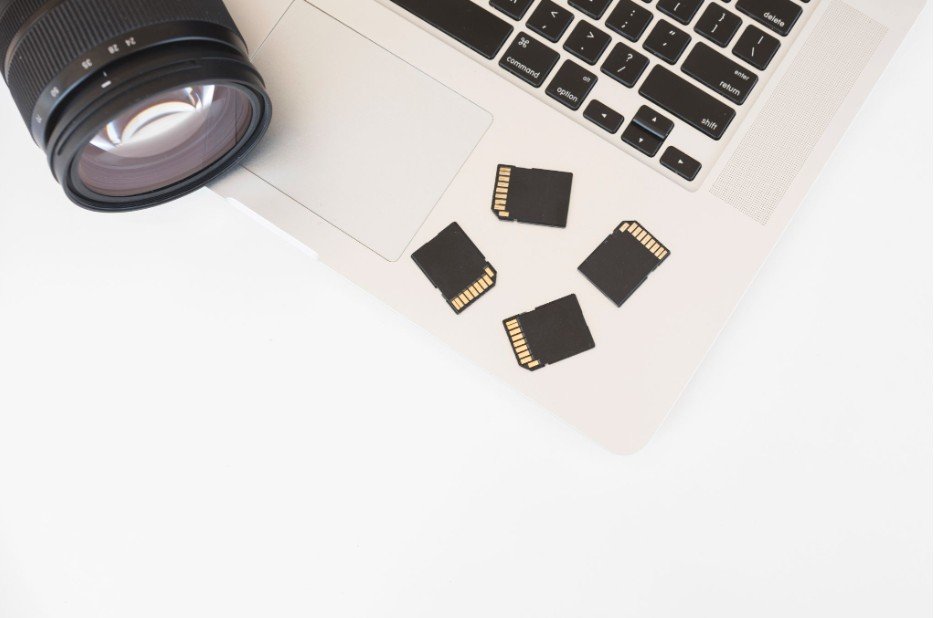
The Lexar Professional Workflow Dual-Slot SD UHS-II Card Reader makes sense for photographers who return from events with several SD cards.
Lexar states that both slots can work simultaneously and that compatible UHS-II cards can reach transfer speeds of up to 312MB/s per slot. The reader uses USB 3.2 Gen 2 and includes a USB-C cable plus a USB-A adapter.
I see dual SD slots as particularly useful for wedding photographers who record to two cards for redundancy. Offloading both cards through one reader can simplify the backup process while reducing the constant card swapping that comes with single-slot readers.
What Is the Fastest CFexpress Type B Reader for Large RAW Files?
Photographers working with large CFexpress Type B cards should pay more attention to interface speed.
The Lexar Professional Workflow CFexpress 4.0 Type B Card Reader uses USB4 and supports CFexpress 4.0 Type B cards while remaining backward compatible with CFexpress 2.0 Type B media. Lexar advertises very high transfer performance with compatible cards and systems, making this type of reader attractive for high-resolution RAW files, sports bursts, and large video projects.
However, I would not buy the fastest reader simply because the specification looks impressive. If the memory card, computer port, or destination SSD cannot maintain those speeds, the extra bandwidth provides little practical benefit.
Why Does a CFexpress Card Reader Slow Down When It Gets Hot?
Thermal behavior is one of the most overlooked parts of choosing the best memory card reader for photographers.
CFexpress media can generate considerable heat during sustained high-speed transfers. A compact reader may also warm significantly while moving hundreds of gigabytes. When internal temperatures rise, protective thermal controls may reduce performance until temperatures return to a safer range.
This means a transfer can begin quickly and then become noticeably slower later in the offload. Once the reader and card cool down, normal performance may return.
For photographers who regularly empty 256GB, 512GB, or larger CFexpress cards, I prefer readers with well-designed aluminum housings, adequate ventilation, or active thermal management. A good enclosure does more than look premium; it can help dissipate heat during demanding transfers.
Can USB Power Limits Cause Dual Card Readers to Disconnect?
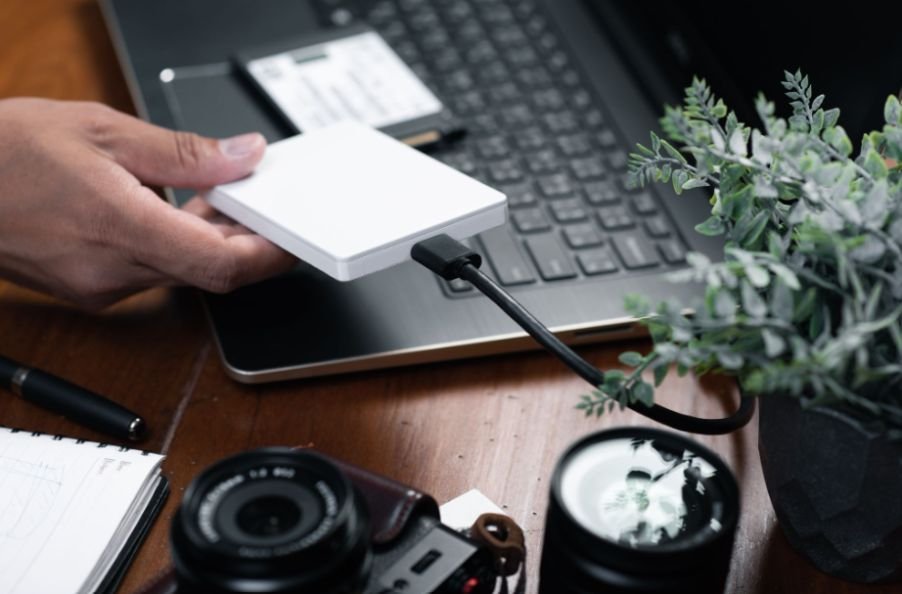
Yes, and this problem is easy to mistake for a faulty card.
A dual-slot reader working with two high-speed cards simultaneously may place greater demands on its USB connection. Older ports, inexpensive USB-A hubs, poorly designed adapters, or underpowered connections can create instability when the reader needs more power.
USB specifications allow different levels of available current depending on the USB generation and connection. USB Type-C can support higher-current modes than older default USB connections, although simply seeing a USB-C connector does not guarantee maximum power or maximum transfer speed.
When I am transferring from two high-speed cards, I prefer connecting the reader directly to a capable USB-C port on the computer rather than routing it through a cheap USB-A hub. This reduces another potential point of failure.
The same workspace considerations can matter when choosing best computer speakers for small desk setups where USB ports and available desk space are limited.
Does USB-C Automatically Make a Card Reader Faster?
No. USB-C describes the connector, not the actual data speed.
A USB-C card reader could operate at USB 3.2 Gen 1 speeds, USB 3.2 Gen 2 speeds, USB4 speeds, or another supported configuration. The same principle applies to power availability.
I always check the reader’s complete interface specification rather than buying based on the shape of the connector.
The real transfer chain looks like this:
memory card → reader → cable → computer port → destination drive.
Whichever component is slowest can become the bottleneck.
Should Photographers Choose UHS-I or UHS-II?
If your camera and SD card support UHS-II, a UHS-II reader can significantly reduce transfer times compared with slower UHS-I equipment.
That advantage becomes more noticeable when importing hundreds or thousands of RAW images. Wedding, sports, wildlife, and commercial photographers usually benefit more than casual JPEG shooters.
However, putting a UHS-I card into an expensive UHS-II reader will not suddenly make the card perform at UHS-II speeds. I recommend matching the reader to the cards you already use or plan to buy.
How I Choose a Memory Card Reader for Photography
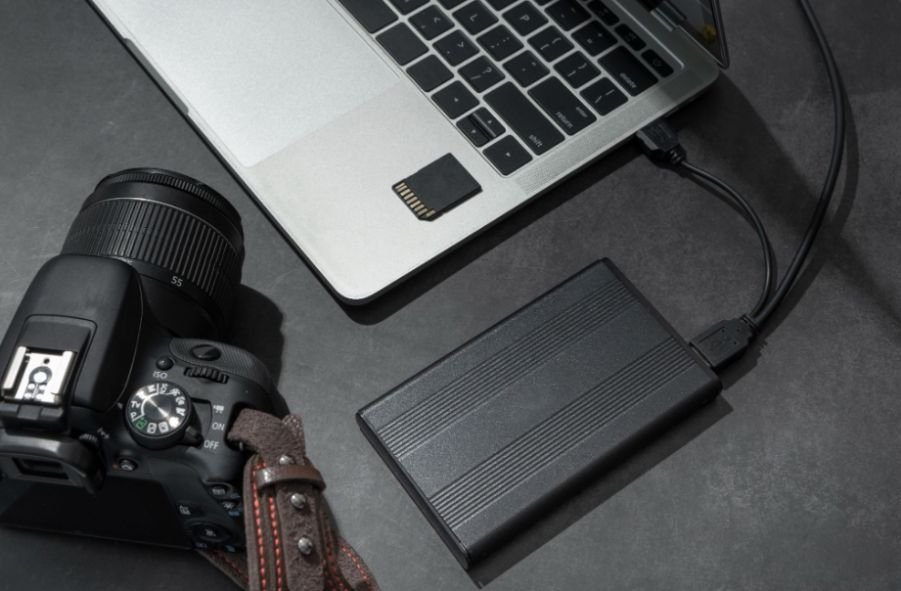
I start with card compatibility before looking at advertised speeds. CFexpress Type A and CFexpress Type B are physically different formats and require compatible readers.
For photographers who also work with physical media, an external DVD drive for laptop can be another useful peripheral for accessing archived files.
SD photographers should also confirm whether both their card and reader support UHS-II.
Next, I consider the computer. A fast USB4 reader provides little benefit when attached through a slower port or cable.
The same principle applies to accessories such as a best fingerprint reader for Windows PC, where the computer’s port and compatibility also matter.
Finally, I look at thermal design, simultaneous-transfer support, portability, cable quality, and build quality. These factors become increasingly important when a reader is used every working day rather than occasionally.
Frequently Asked Questions
1. What is the best memory card reader for photographers?
The best memory card reader for photographers depends on the camera’s memory format and the photographer’s workflow. Dual-format USB4 readers suit high-volume CFexpress and SD workflows, while photographers using only SD cards can often save money with a quality UHS-II reader.
2. Is CFexpress Type A the same as CFexpress Type B?
No. Type A and Type B cards have different physical dimensions and require readers designed for the correct format.
3. Why does my CFexpress reader become hot?
High-speed cards and readers generate heat while transferring large amounts of data. Extended transfers can raise temperatures enough for some hardware to reduce speed temporarily as a protective measure.
4. Can a USB-A port cause card reader problems?
It can in demanding configurations. Older or underpowered USB-A connections and low-quality hubs may provide less available power than a high-speed multi-card setup needs. A direct, properly specified USB-C connection is generally preferable for demanding dual-card workflows.
5. Is a USB4 card reader worth buying?
USB4 makes the most sense when you use very fast CFexpress cards, a USB4-capable computer, suitable cables, and fast SSD storage. SD-only photographers may see little practical advantage.
Final Takeaway
I would choose a card reader based on workflow rather than marketing numbers. A wedding photographer using two UHS-II SD cards has different needs from a sports photographer offloading a large CFexpress Type B card.
Compatibility comes first, followed by sustained transfer speed, thermal management, reliable USB power, and build quality. When those pieces work together, a good reader does something simple but valuable: it gets photographs safely from the camera bag to the editing drive without becoming the slowest part of the job.