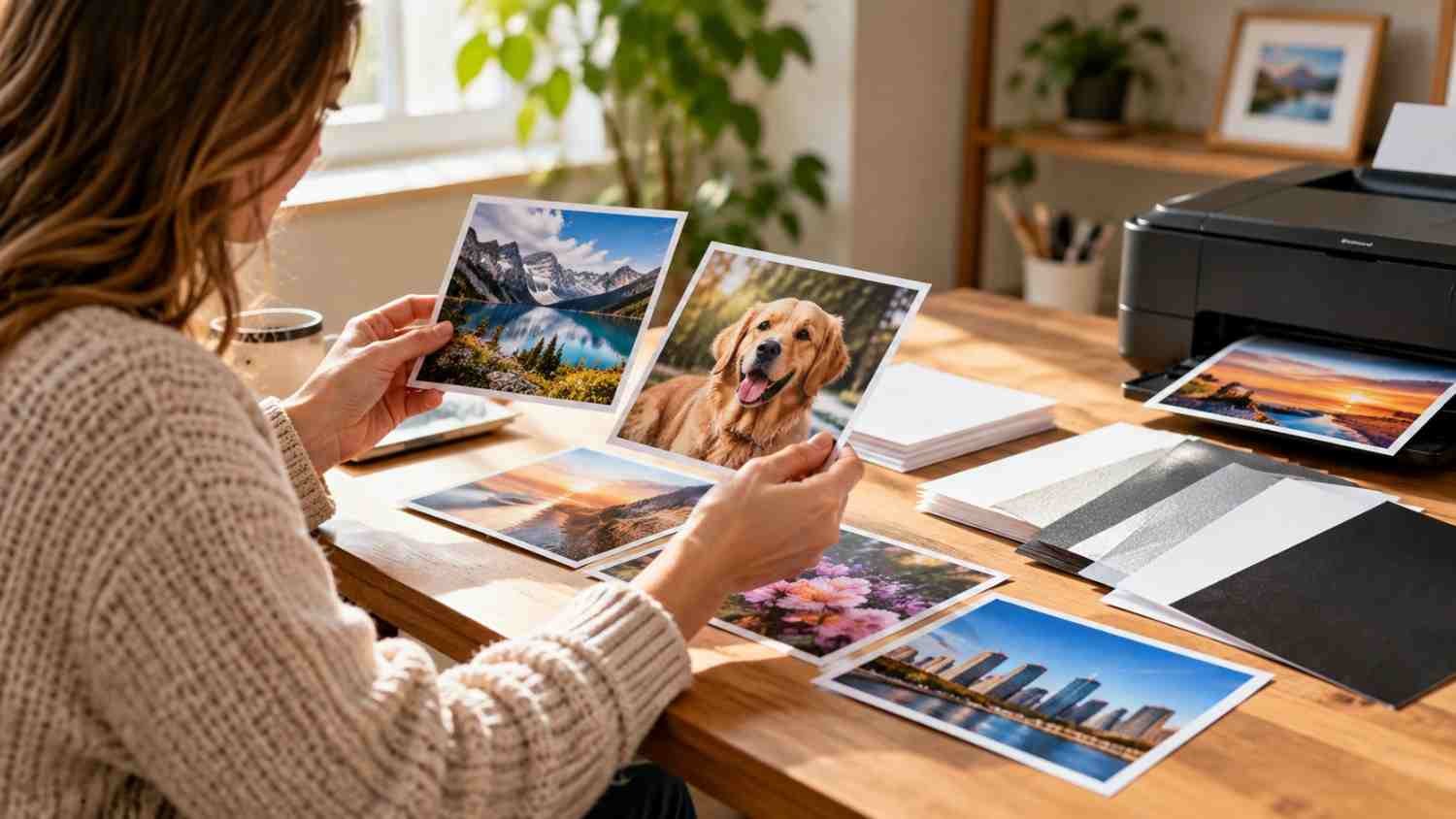
I noticed the biggest difference in my home photo prints was not always the printer. Two sheets could go through the same inkjet and produce different colors, reflections, and detail. Once I paid attention to the paper surface instead of grabbing whatever package was cheapest, the results became more predictable.
I also realized that good-looking photos depend on more than premium paper. The finish has to suit the picture, the sheet has to work with the printer, and the settings have to match what is loaded. A little attention before pressing Print can save ink, paper, and the frustration of a dull finished image.
Start With Your Printer’s Paper Requirements
Before choosing a finish or weight, check the printer manual or manufacturer’s specifications. Home inkjet printers do not all handle the same thickness, sizes, or coated surfaces.
Look for supported sizes, maximum paper weight or thickness, and compatible photo-paper types. If a package says it is designed for inkjet printing, that is a useful starting point, but the printer’s specifications should make the final call. That small detail can prevent misfeeds and save a pack of expensive paper.
This also prevents an easy mistake: assuming heavier paper automatically means better paper. A thick sheet can feel more substantial, yet a printer that struggles to feed it may produce jams or uneven results.
Choose a Finish That Fits the Photo
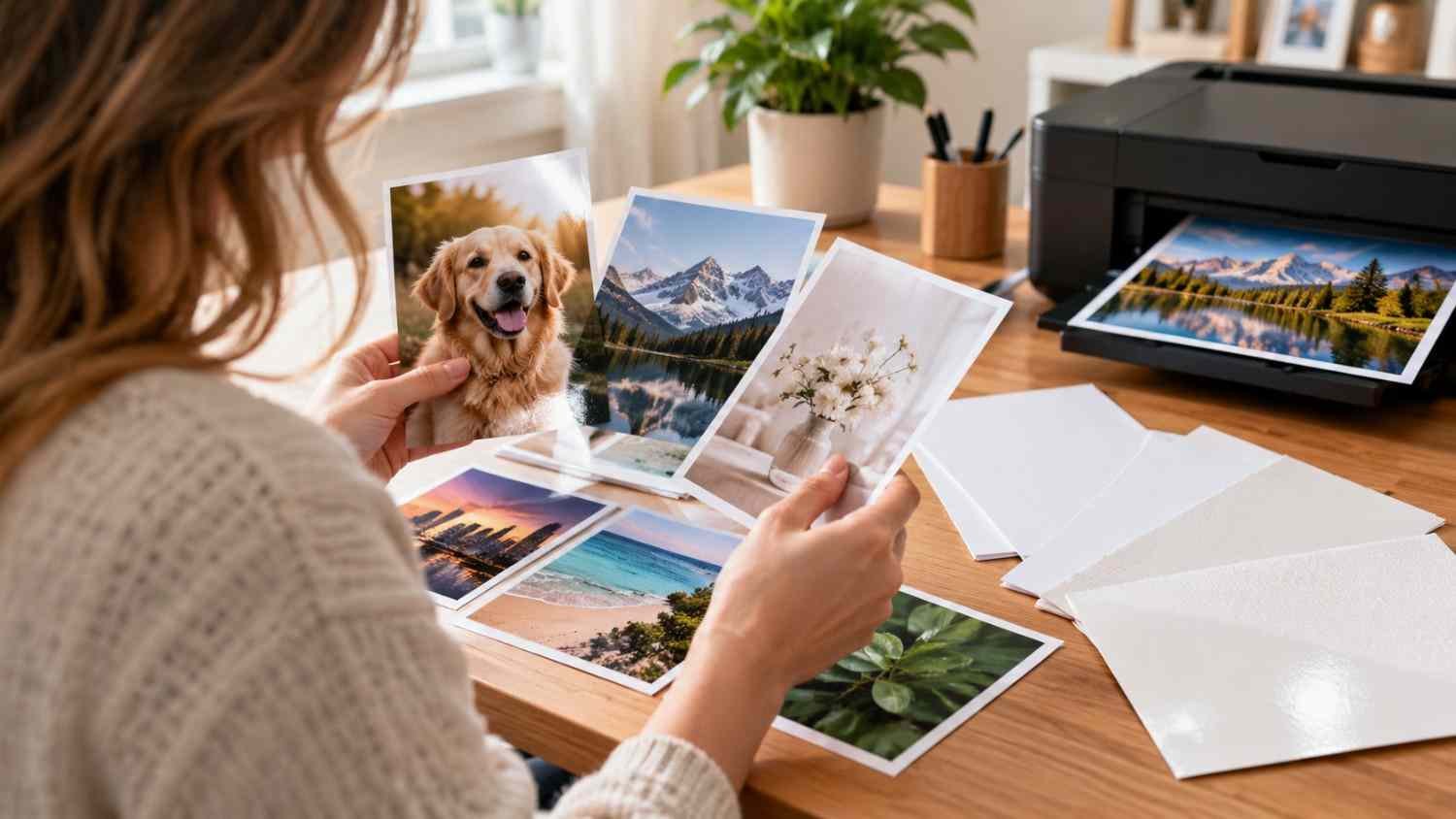
Glossy photo paper is an easy choice when the goal is strong color, crisp contrast, and a shiny presentation. It can make landscapes, travel photos, portraits, and snapshots look lively.
Matte photo paper takes the opposite approach. Its low-reflection surface works well for prints displayed in bright rooms, handled frequently, or placed behind glass. It can also give artistic images a quieter, less reflective presentation.
Luster, satin, and semi-gloss papers sit between those choices. They offer color depth associated with glossy paper while reducing glare and making fingerprints less obvious.
The best finish depends on the viewing conditions and mood you want from the image. That matters most when the photo is special.
Pay Attention to Weight and Thickness
Photo paper is commonly described by pounds, GSM, or both. GSM means grams per square meter and provides a useful way to compare papers when brands use different U.S. weight descriptions. Higher numbers generally indicate a heavier sheet, but they do not guarantee better image quality.
Lighter photo stock can suit casual snapshots, crafts, or album prints. Heavier premium sheets generally feel more substantial and can be a better fit for framed photographs, gifts, and display pieces.
Do not buy the heaviest paper simply because it sounds more professional. Thickness can affect how a sheet moves through rollers. Check the manufacturer’s limits first, then choose the weight that suits the purpose.
Match the Paper With the Printer Settings
Paper selection and printer settings should be treated as one decision. After loading the sheets, select the closest matching media type in the print dialog. If you load glossy photo paper but leave the printer set to plain paper, it may apply ink differently than intended.
For important photos, increase the quality setting to Best, High, or Photo, depending on the printer.
Color management deserves attention too. If your photo application manages colors, avoid having the printer driver independently make another correction. Two systems adjusting the same image can create muddy tones.
For edge-to-edge output, check whether your printer supports borderless printing at the selected size. Also make sure the image is cropped correctly before printing, since borderless output is less forgiving of framing mistakes.
Match Paper Size to the Finished Photo
The familiar 4-by-6-inch sheet is convenient for everyday snapshots and albums. Five-by-seven-inch paper gives portraits and small display prints more presence, while letter-size sheets suit larger photos, collages, crafts, and projects.
Before printing, check the image’s aspect ratio as well as the paper dimensions. A phone or camera photo may not match the sheet’s proportions. Software may crop part of the image to make it fit.
For frequent wireless printing from a phone or laptop, features such as Wi-Fi Direct printers for printing without a router can make the home workflow simpler.
Know When Premium Paper Is Worth It
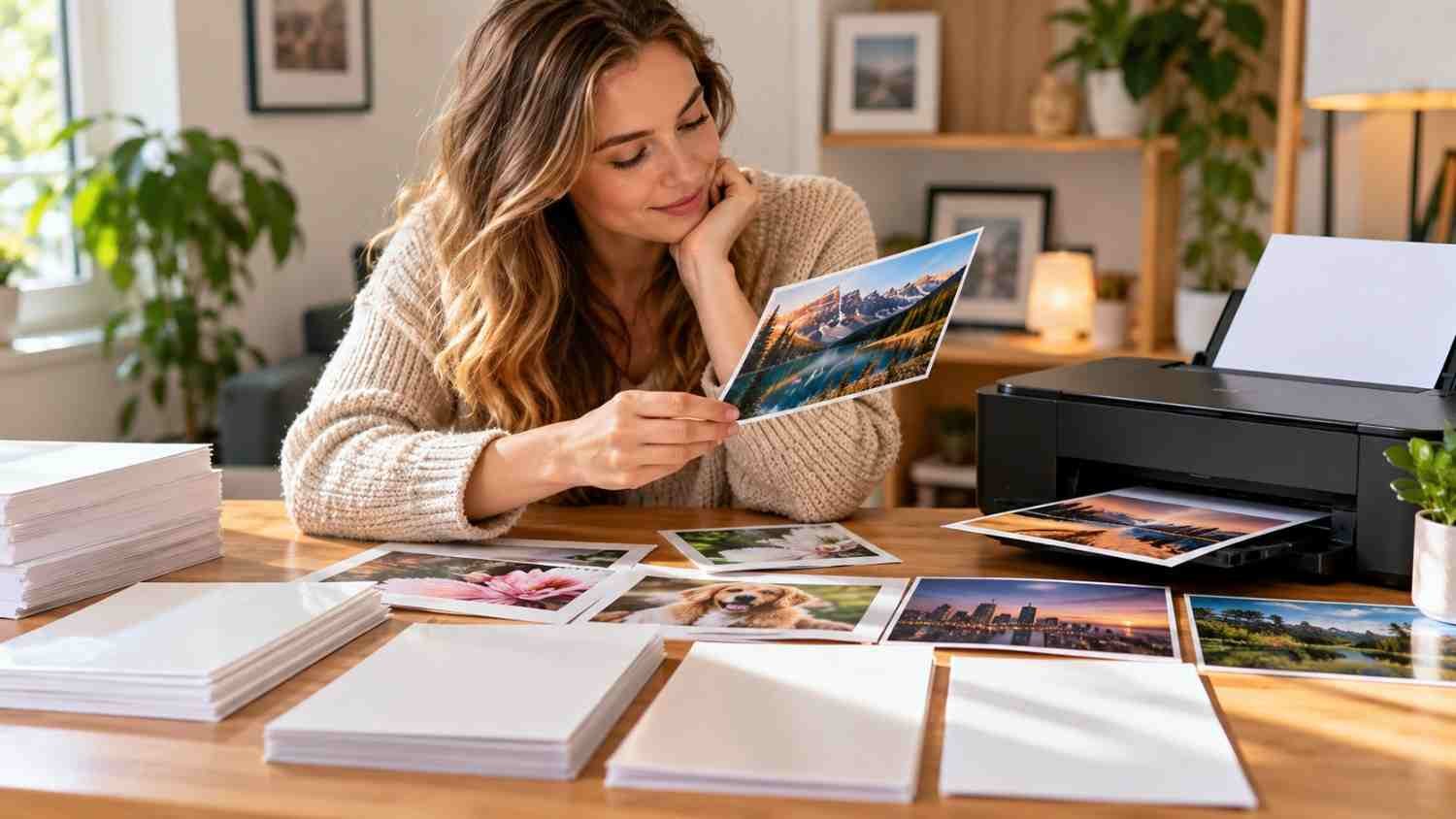
Premium photo paper makes more sense when the print itself matters. A favorite family portrait, wedding photo, framed landscape, portfolio sample, or gift deserves paper appropriate to the final use.
For casual snapshots, test prints, children’s projects, or temporary decorations, less expensive photo paper can be adequate. There is little value in paying for a premium surface when the print will be used briefly or replaced often.
A practical approach is to buy a small pack first. Print the same image on two finishes or weights and compare them in the lighting where the photograph will be displayed.
Handle and Store Photo Paper Carefully
Coated photo paper needs more care than ordinary copy paper. Hold sheets by the edges, keep the printable surface clean, and store unused paper flat in its original packaging.
After printing, give the photo time to dry before stacking, framing, or placing it in an album.
Keep photo paper separate from everyday document stock. If you also print reports, forms, or presentations, using the best printer paper for sharp text and professional documents helps you choose a sheet designed for those jobs.
FAQs: How to Choose Photo Paper for Home Inkjet Printers and Get Better Results
1. Is glossy or matte paper better for photos?
Neither is universally better. Glossy emphasizes color and contrast, while matte reduces reflections and fingerprints. Choose based on the photo and display location.
2. Does heavier photo paper produce better prints?
Not automatically. Heavier paper can feel more premium, but your printer must support its thickness. Compatibility matters more than maximum weight.
3. Why do my photos look different after printing?
Screens emit light, while paper reflects light. Color management, paper coating, ink, and printer settings can also change the appearance.
4. Should I use the highest print-quality setting?
Use a higher-quality setting for important photos when extra detail is worthwhile. For casual images, a lower setting can save time and ink.
The Paper Choice Becomes Part of the Photograph
Choosing photo paper gets easier when the decision starts with the final image rather than the package label. Think about the photo’s colors, viewing environment, handling, and desired appearance.
There is no need to make every home print expensive. The right sheet helps your printer deliver the look you intended.
Leave a Reply