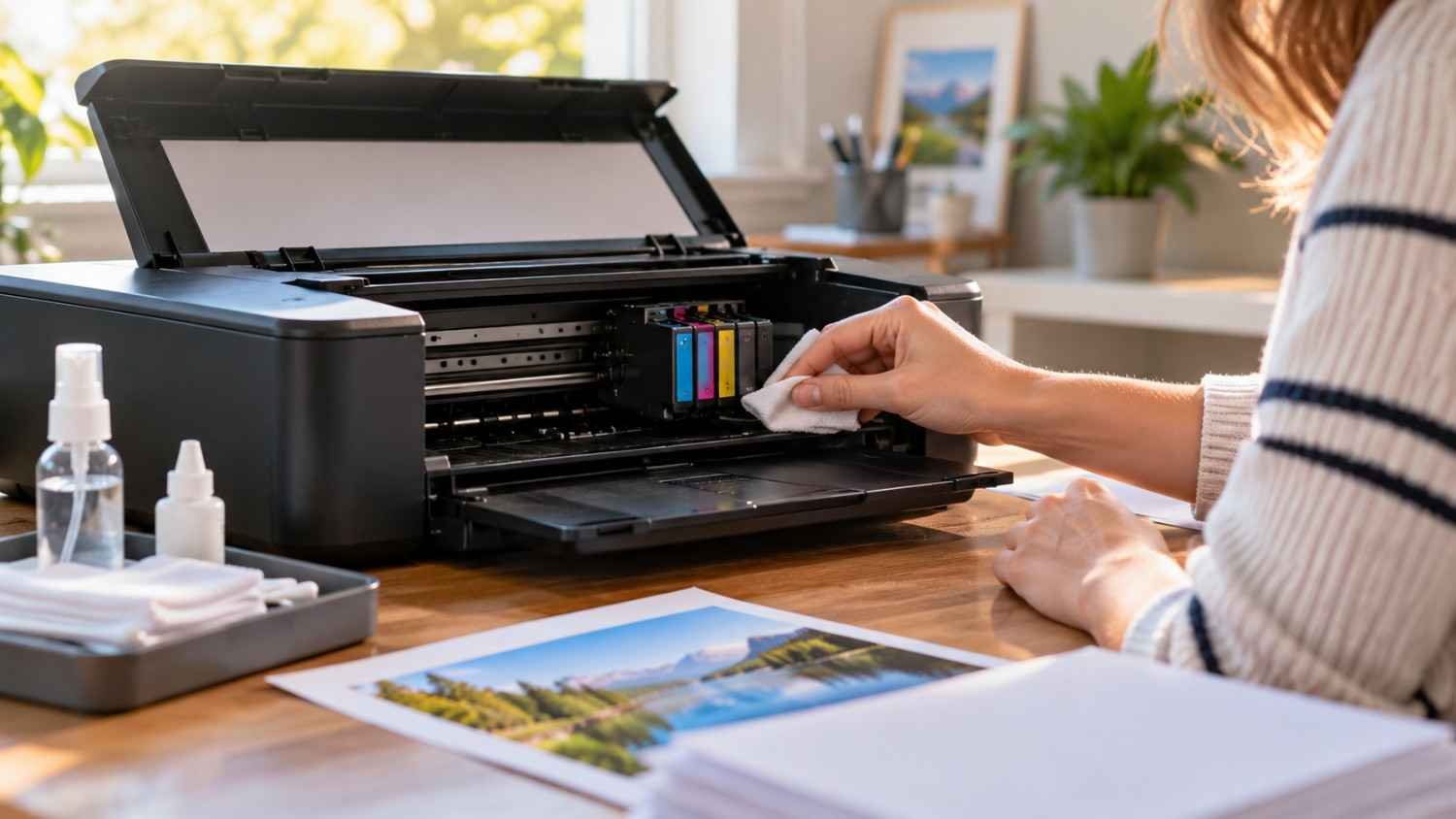
I used to think an inkjet printer could sit quietly for months as long as its cartridges were not empty. Then I noticed how quickly an occasional printer could develop faint lines, missing colors, or uneven text after sitting unused. The machine had not failed, yet the tiny printhead nozzles were clearly not as happy as they had been.
That experience changed how I treated my printer. Instead of waiting for a bad print to tell me something was wrong, I started paying attention to simple habits that keep ink moving and the printhead protected. For anyone who prints only when a form, photo, or school assignment comes up, those small habits can prevent a surprisingly annoying problem.
Why Inkjet Printer Nozzles Clog
Inkjet printers push extremely small droplets through microscopic openings in the printhead. When a printer sits unused, ink around those openings can dry or thicken. Dust, heat, low humidity, and poor storage conditions can add to the problem.
The warning signs are usually easy to recognize. Text may develop thin gaps, photos can show streaks, and one color may disappear while others look normal. A nozzle check can reveal broken lines or missing sections before a larger print job exposes the problem.
Regular use helps because fresh ink repeatedly passes through those tiny channels. That does not mean printing stacks of documents for maintenance. A small diagnostic page or occasional mixed-color document is generally enough to keep the system active.
Build a Simple Printing Routine
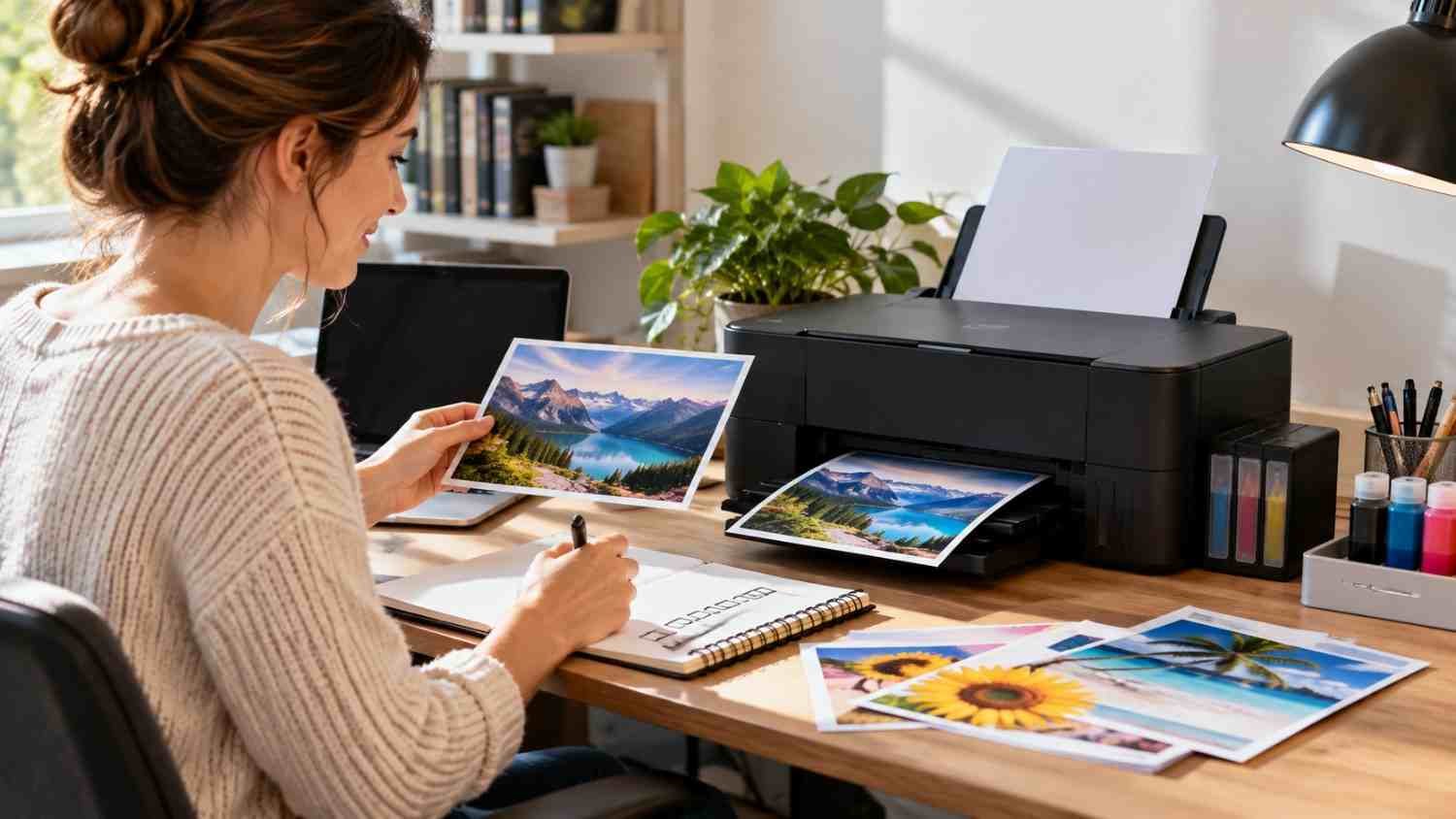
For many occasional home users, the easiest preventive habit is to print something periodically. A practical starting point is once every week or two, although the ideal interval varies by printer, ink formulation, environment, and manufacturer guidance.
A nozzle check is useful when your printer offers one. It creates a diagnostic pattern that lets you inspect individual ink channels without committing to a large document. If the pattern looks complete, there is usually no reason to launch a cleaning cycle simply because the printer has been sitting idle.
That distinction matters. Printhead cleaning deliberately uses ink to clear the nozzles, and deeper cleaning functions can use considerably more. Epson advises checking the nozzles first and cleaning when print quality declines. Repeated cleaning when nothing is wrong can waste ink without providing much benefit.
Shut the Printer Down the Right Way
Power habits can also affect printhead care. When you finish printing, use the printer’s normal power button instead of immediately cutting electricity at a wall switch or unplugging the cord.
Many inkjet designs move the printhead into a capped parking position during normal shutdown. That helps isolate the nozzles from air and reduces the opportunity for ink to dry. The exact mechanism differs by model, so the printer’s manual should take priority.
Keep Ink, Paper, and the Environment in Check
Ink levels deserve attention. Running extremely low can interfere with maintenance on some models, while repeatedly removing cartridges can expose ink to air and create handling problems. Keep cartridges or tanks installed as the manufacturer recommends.
Paper choice also affects the printing experience. Paper that matches the printer’s specifications helps deliver predictable results and reduces avoidable handling issues. If photos are part of your routine, understanding how to choose photo paper for home inkjet printers can help you match paper type, finish, and printer settings instead of treating every sheet as interchangeable.
Use Cleaning Tools Only When They Are Needed
A common mistake is reaching for printhead cleaning before checking what is actually wrong. If a nozzle pattern is clean and pages look normal, there is little reason to run a cleaning cycle as a ritual.
When a nozzle check shows gaps, follow the maintenance procedure provided for your printer. Usually, that means running the standard cleaning utility and checking the pattern again. If the problem persists, the manufacturer’s instructions may provide a stronger cleaning option or recommend waiting before trying again.
That waiting period can matter. Some printers need time for ink to settle or for a cleaning process to finish its effect. Jumping immediately into repeated cycles can consume a lot of ink, especially when deeper cleaning is involved.
If cleaning does not restore missing lines, stop escalating blindly. Persistent clogging can have causes beyond dried ink, including cartridge problems, air in the ink path, a damaged printhead, or a maintenance component needing attention.
Habits That Protect Printhead Health
Good maintenance is mostly about consistency rather than constant intervention. Keep the printer in a sensible location, use it periodically, shut it down correctly, and check print quality before spending ink on cleaning.
For a broader routine, printer maintenance habits that extend printhead life can help turn these individual actions into a manageable care schedule.
A Routine Worth Keeping
Preventing clogged inkjet nozzles does not require complicated tools or constant attention. The advantage comes from a simple routine: use it periodically, inspect the nozzle pattern when appropriate, protect it from harsh environmental conditions, and avoid unnecessary cleaning.
FAQs: How to Prevent Inkjet Printer Nozzles From Clogging Over Time
1. How often should I print to prevent clogged nozzles?
For many home inkjet printers, printing every week or two is a reasonable starting point. Check your model’s manual because recommended intervals vary with the design, ink, environment, and expected workload. A model-specific manual is the final reference.
2. Should I run a nozzle check every week?
Not necessarily. A periodic check can be useful, particularly for an occasionally used printer, but routine cleaning is different. Use a nozzle check when appropriate and follow the manufacturer’s guidance.
3. Does turning off an inkjet printer prevent clogging?
Proper shutdown can help because many printers park and cap the printhead. Use the printer’s power button rather than abruptly disconnecting power, especially if the manual recommends this procedure.
4. Can printhead cleaning cause more ink waste?
Yes. Cleaning consumes ink, and stronger cleaning functions can use substantially more. Check the nozzle pattern first and clean only when the printer’s condition calls for it.
Why Consistency Beats Complicated Maintenance
The easiest printer care is the kind that becomes automatic. A brief print every so often, sensible storage, proper shutdown, and a quick check when quality changes can do far more than frantic cleaning after a clog appears. These habits also make it easier to catch problems while they are still minor.
A printer does not need constant attention. It needs steady, sensible use and a little awareness. That simple routine is easier than emergency repairs when deadlines come.
Leave a Reply