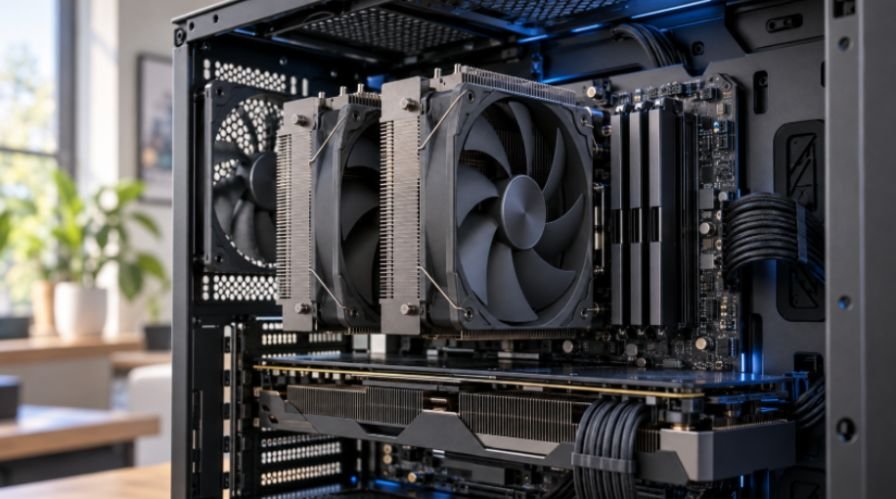
A cooler can look silent on a product page and still roar through a long render. When I compare quiet cpu air coolers for high performance pcs, I start with the heat the processor will produce, then check what the case can hold. That approach catches two costly mistakes: buying a large cooler that blocks the RAM or choosing a fanless one for a workload it cannot sustain.
For US desktop buyers, these five models cover distinct needs. The strongest choice depends on your CPU, case, memory height, and tolerance for fan noise.
Quick Comparison: Quiet CPU Air Cooler Options
| Cooler | Best fit | Published cooler height | Main consideration |
| Noctua NH-D15 G2 | Demanding, sustained CPU workloads | 168 mm | Front fan can conflict with tall RAM |
| be quiet! Dark Rock Pro 5 | Buyers who want a built-in quiet/performance switch | 168 mm | Check case and memory clearance |
| Thermalright Assassin Spirit 120 PLUS V2 | Value-focused builds with moderate heat output | 154 mm | Single tower has less cooling headroom |
| Noctua NH-U12A chromax.black | Builds with tall RAM or less room around the socket | 158 mm | Premium price for a smaller footprint |
| Noctua NH-P1 | Carefully planned, low-to-moderate-heat fanless builds | 158 mm | Poor match for sustained high CPU power |
Heights and fan specifications come from the manufacturers. They are fit measurements, not a ranking of cooling performance or real-world loudness. Noctua lists the NH-D15 G2 at 168 mm, while be quiet! lists the Dark Rock Pro 5 at the same height. Thermalright lists the Assassin Spirit’s heatsink at 154 mm.
Which Quiet Air Cooler Fits Your Build?
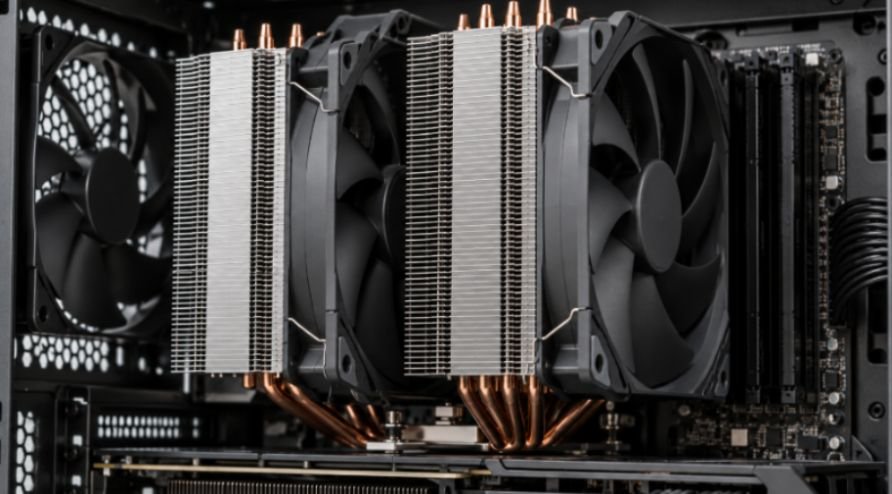
For sustained high CPU loads: Noctua NH-D15 G2
The NH-D15 G2 is the flagship pick for a workstation that spends hours compiling, exporting video, or rendering. It combines two towers, eight heatpipes, and two 140 mm fans. Noctua gives those fans slightly different speeds to reduce an unpleasant tonal interaction between them. Its offset design also improves clearance near the top PCIe slot.
Memory is the catch. With both fans in their standard positions, Noctua specifies 32 mm of RAM clearance. Raising the front fan may accommodate taller modules, but it increases the space needed inside the case. I would measure the memory and check the case limit before ordering, especially for a build with tall RGB DIMMs.
For adjustable acoustics: be quiet! Dark Rock Pro 5
The Dark Rock Pro 5 offers a useful choice at the cooler itself. Its switch sets Quiet Mode to a maximum of 1,500 RPM and Performance Mode to a maximum of 2,000 RPM. Two Silent Wings fans, seven heatpipes, and a 168 mm height make it a substantial option for demanding desktops. Be quiet! advertises a 270 W TDP cooling capacity.
I would begin in Quiet Mode for everyday work, then check CPU temperatures and clock behavior during the longest task I actually run. A TDP claim is a manufacturer rating; it does not promise the same temperature or noise level across every CPU and case. Performance Mode gives you another option if that real workload needs more airflow.
For value with a smaller tower: Thermalright Assassin Spirit 120 PLUS V2
The Assassin Spirit 120 PLUS V2 uses a single tower with four heatpipes and two 120 mm fans. Thermalright lists a 154 mm heatsink height and a 25.6 dB(A) noise specification for each fan. Its compact design makes it worth considering when a 168 mm dual tower will not fit.
This is the value choice I would consider for a capable gaming desktop that does not push extreme CPU power for hours. I would not assume it matches the larger flagships under sustained heavy loads. Its published fan figure also cannot be compared directly with another brand’s figure as though both were measured in the same finished PC.
For tall RAM: Noctua NH-U12A chromax.black
The NH-U12A chromax.black puts two NF-A12x25 fans and seven heatpipes on a 158 mm single tower. Its asymmetric shape avoids overhanging the RAM slots on the supported mainstream Intel and AMD platforms listed by Noctua. That makes it especially useful when memory access matters or a larger dual tower crowds the motherboard.
The trade-off is price and scale: this is a premium compact choice, not an automatic replacement for a larger cooler on every high-power CPU.
For silence at modest heat output: Noctua NH-P1
The NH-P1 has no fan, so the CPU cooler itself makes no fan noise. Its widely spaced fins rely on natural convection and a suitable enclosure. Noctua describes passive use with low-to-moderate CPU heat dissipation and advises careful case and workload selection. Continuous heavy work is a different challenge from short bursts followed by idle time.
I would reserve it for a planned quiet workstation, such as an audio PC with a suitable processor and case. A fanless CPU heatsink does not make the whole computer silent; the GPU, power supply, and case fans can still make noise.
Check Fit Before Buying
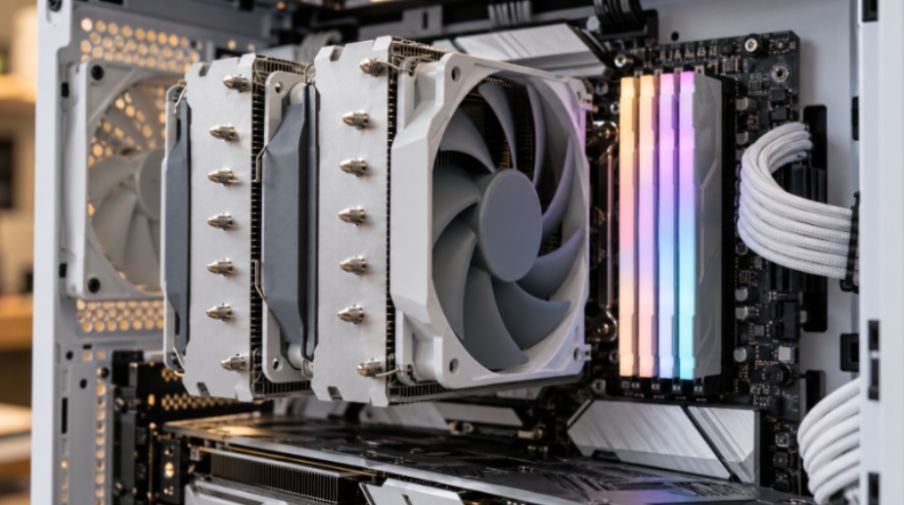
The useful buying calculation is simple: case cooler clearance must exceed the cooler’s installed height, including any raised fan. For example, a case rated for 170 mm offers only 2 mm above a 168 mm cooler before you move its front fan.
Tall RAM could erase that margin. This is a fit example based on the published dimensions, not a tested clearance result.
Next, check the exact CPU socket and motherboard compatibility page. A socket may be supported while nearby heatsinks or the first PCIe slot still need attention. If you are choosing intel core processors for a new build, settle the CPU, motherboard, RAM, and case dimensions together.
Make an Air Cooler Quieter After Installation
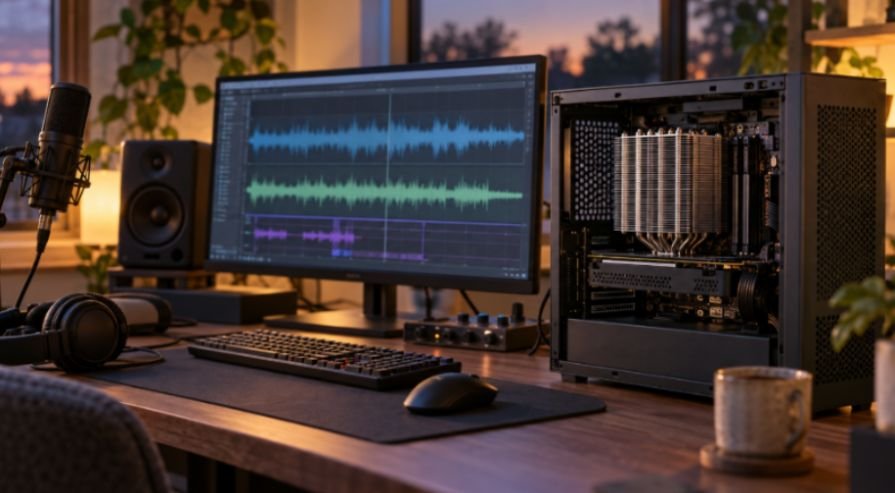
For quiet cpu air coolers for high performance pcs, setup can matter as much as the model name. Start with an unobstructed intake and exhaust path. A premium heatsink cannot shed heat efficiently when warm air stays trapped around it.
Then set a gradual PWM fan curve in the motherboard firmware. Avoid sharp jumps around the temperatures your CPU reaches during ordinary tasks. Run your usual game or work application, watch temperatures and clock behavior, and adjust the curve from that result. A quieter setting is useful only if the processor still performs as expected.
Finally, listen for which fan makes the noise. During many gaming pc builds, the GPU or case fans become louder than the CPU cooler. Changing the CPU cooler will have little effect if another fan dominates what you hear.
Frequently Asked Questions
1. Is a dual-tower air cooler always quieter than a single tower?
No. It may move more heat at lower fan speeds, but the CPU load, case airflow, and fan curve determine the result.
2. Can the NH-P1 cool a high-end CPU without a fan?
Only in a suitable build with low-to-moderate heat output; check Noctua’s CPU and case guidance for your exact setup.
3. How much case clearance does a 168 mm CPU cooler need?
More than 168 mm if its front fan must rise to clear tall RAM. Check the final installed height.
4. Do published dB(A) figures predict noise in my PC?
No. They describe a manufacturer’s measurement, while your case, fan curve, and other components change what you hear.
The Quiet Build Wins Before Checkout
I would pick the NH-D15 G2 for sustained heavy work, the Dark Rock Pro 5 for its mode switch, or the NH-U12A when tall RAM limits my options. The Thermalright model suits a tighter budget; the NH-P1 needs a purpose-built passive setup. Measure the case and RAM first. The quietest cooler is no bargain if the side panel cannot close.
Leave a Reply