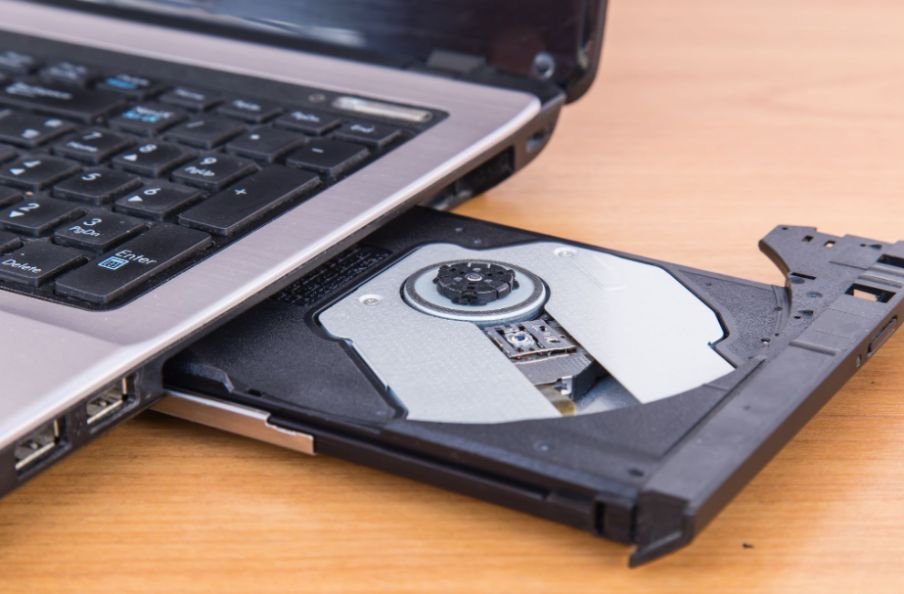
Buying an external DVD drive sounds easy until I start comparing connectors, disc formats, operating-system support, and playback requirements. A cheap drive might look fine on the product page, but the wrong USB connector, limited format support, or missing playback software can quickly turn it into a frustrating purchase.
When I search for the best external DVD drive for laptop use, I focus on the details that actually affect everyday performance: USB-A or USB-C compatibility, dependable CD and DVD reading, reliable disc burning, Windows 11 or macOS support, and a portable design. In this guide, I’ll break down what matters most so US laptop users can choose a drive that works with their hardware instead of paying for specifications they may never use.
Which External DVD Drive Is Best for Most Laptop Users?
The ASUS ZenDrive range is one of the strongest places I would start. The ZenDrive U9M supports both USB Type-A and Type-C connections, works with Windows 11 and macOS, supports M-DISC, and can read DVDs at up to 8X. ASUS also lists it as USB-powered, so a separate wall adapter is unnecessary.
For newer USB-C-only laptops, ASUS also offers the ZenDrive U3M with a USB-C interface, Windows and macOS compatibility, an 8X portable DVD writer, and M-DISC support.
LG’s GP65NB60 is another practical external CD/DVD drive. LG specifies a slim 14 mm design, approximately 0.4-pound weight, 8X DVD±R writing, 24X CD writing, USB 2.0 connectivity, and M-DISC support.
For US shoppers, these specifications matter more than choosing an unknown drive simply because its listing advertises an unusually high USB speed.
Should I Buy a USB-A or USB-C DVD Drive?
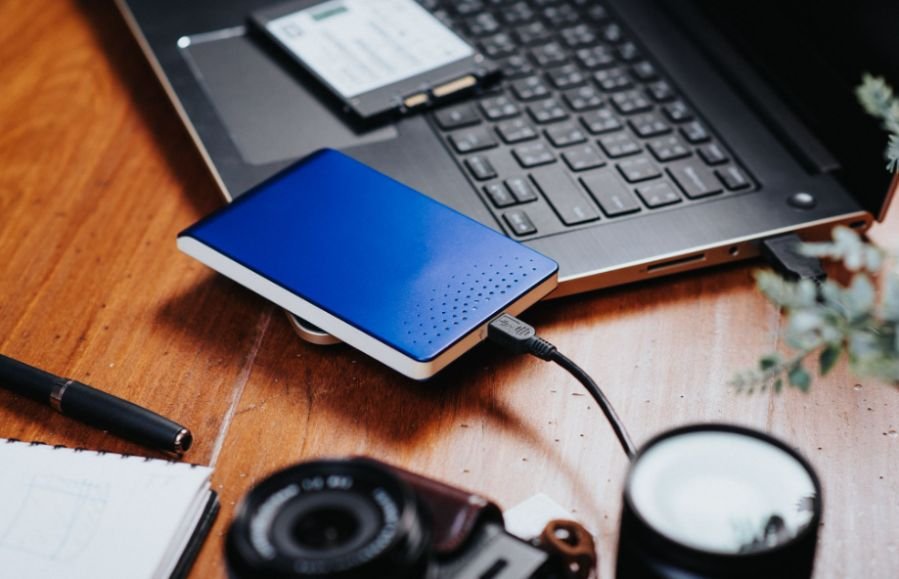
Interface matching should be one of the first things I check.
Older Windows laptops commonly have traditional rectangular USB-A ports, while newer ultrabooks, MacBooks, and compact PCs increasingly rely on USB-C. Buying an external optical drive with the wrong connector can mean carrying an additional adapter everywhere.
A dual-connector model gives me the most flexibility because I can move it between older and newer computers. ASUS, for example, specifies both Type-C and Type-A connectivity on the ZenDrive U9M.
Native USB-C is particularly convenient if the laptop has only modern Type-C ports.
If you regularly switch between two computers, a best KVM switch for two computers can make sharing peripherals between them more convenient.
Does USB 3.0 Make an External DVD Drive Faster?
Not as much as the marketing might suggest.
DVD read and write speeds are far below the maximum bandwidth available through USB 2.0. LG’s GP65NB60, for example, uses USB 2.0 while still delivering up to 8X DVD±R writing and 24X CD writing.
That is why I would not automatically choose a generic “USB 3.0 DVD drive” over a reliable USB 2.0 model.
For an external DVD writer, stable power, reliable disc recognition, compatible connectors, and dependable burning usually matter more than theoretical USB bandwidth.
Similar considerations apply when choosing a best Bluetooth adapter for desktop computer, where connection compatibility matters more than simply focusing on specifications.
Can an External DVD Drive Read and Burn CDs?
Most external DVD writers handle considerably more than DVDs.
Typical models can read CDs and DVDs while also writing formats such as CD-R, CD-RW, DVD-R, DVD+R, DVD-RW, and dual-layer DVDs. The exact support varies by model, so I always check the manufacturer’s specification page before buying.
The LG GP65NB60, for example, supports both CD and DVD families and offers up to 24X CD writing alongside its DVD-writing capabilities.
That makes a portable DVD burner useful for ripping an old music collection, opening archived files, installing legacy software, or creating physical backups.
Do External DVD Drives Play Blu-ray and 4K UHD Discs?
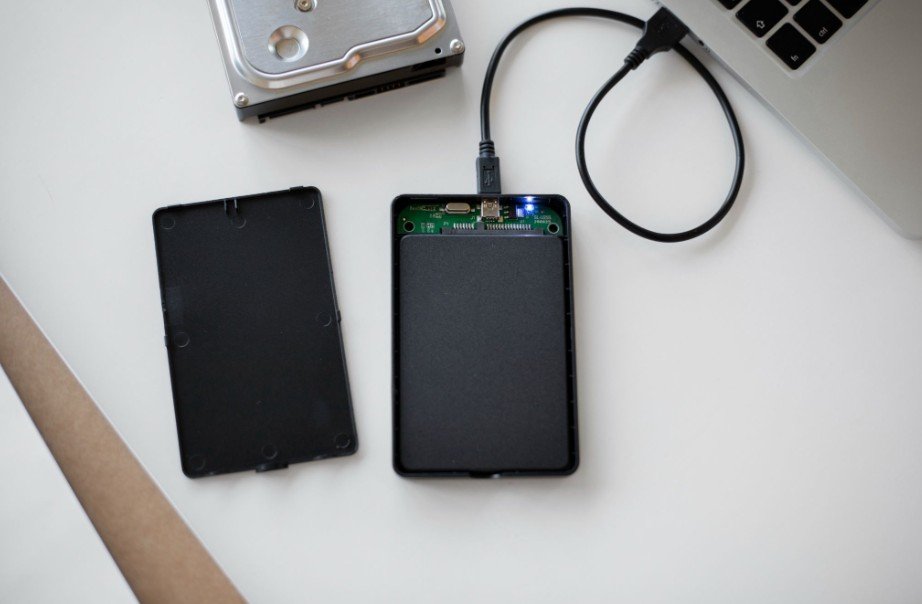
No. This distinction is important.
A standard external DVD drive does not become a Blu-ray reader simply because both products use optical discs. If I want to play Blu-ray movies, access Blu-ray data discs, or use specialized UHD Blu-ray media, I need a compatible Blu-ray optical drive.
Apple also notes that its DVD Player does not play Blu-ray discs.
I would therefore avoid paying for a standard DVD writer if Blu-ray playback is one of the main reasons for buying an optical drive.
Do You Need Software to Watch DVDs on a Laptop?
The physical drive and the playback software perform different jobs.
The drive reads the disc. Software handles the movie.
On Windows, I would not assume that plugging in a USB DVD drive automatically provides everything needed for DVD-Video playback. VLC Media Player is a popular free, open-source option that officially supports DVDs, audio CDs, VCDs, and many multimedia formats.
macOS is different. Contrary to a common misconception, Apple still provides a DVD Player app. Apple states that Macs can play DVD movies using an external optical drive, and its current DVD Player documentation explains how to play discs directly.
So I would confirm both hardware compatibility and playback software before assuming a movie disc will work immediately.
Is M-DISC Support Worth Paying For?
M-DISC matters primarily for users who want physical archival storage.
Compatible optical drives can write to M-DISC media designed for long-term data preservation. ASUS lists M-DISC support across several ZenDrive models, while LG includes the feature on the GP65NB60.
I would consider it useful for irreplaceable family photos, documents, home videos, and offline backups.
For someone who only wants to install software or occasionally watch a movie, however, M-DISC support should not determine the purchase.
What Should I Check Before Buying an External DVD Drive?
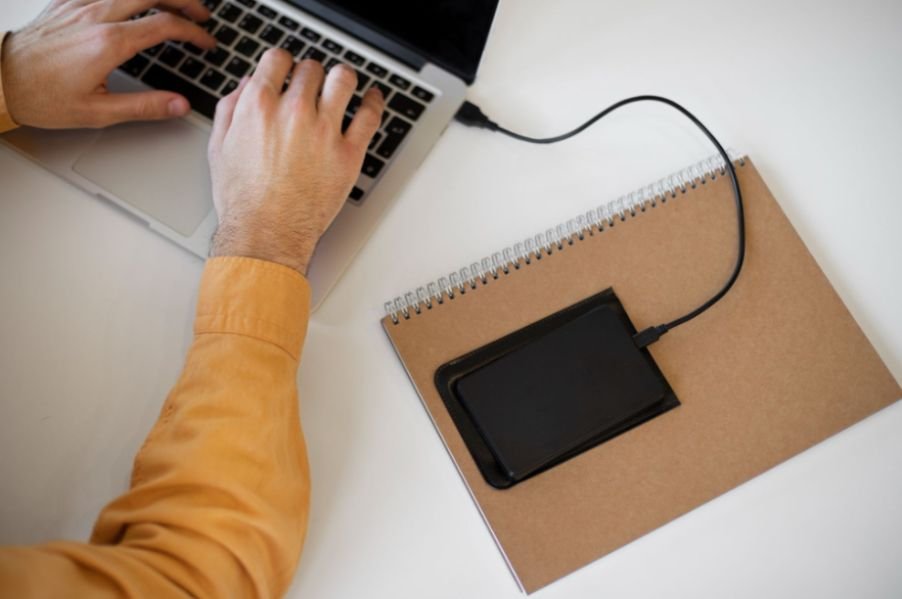
I would start with the laptop’s ports, then check operating-system compatibility. After that, I would compare supported disc formats, DVD and CD read/write speeds, cable design, physical size, and power requirements.
A best surge protector for gaming PC can also be useful when considering power protection for a broader computer setup.
Portability matters more than it initially seems. A slim external optical drive is easier to carry between home, school, and work, but an extremely short integrated cable can make placement awkward if the laptop’s USB port is on the opposite side.
I also prefer a USB-powered model because it eliminates another charger from my desk or laptop bag.
Frequently Asked Questions
1. What is the best external DVD drive for laptop users in the US?
For most buyers, I would consider a portable ASUS ZenDrive or LG slim DVD writer because established models provide clearly documented disc speeds, compatibility, and format support. The right model ultimately depends on whether the laptop uses USB-A, USB-C, or both.
2. Will an external DVD drive work with Windows 11?
Many current drives do. ASUS specifically lists Windows 11 compatibility for models such as the ZenDrive U9M. Always confirm the exact model before purchasing.
3. Can I connect an external DVD drive to a MacBook?
Yes, compatible external optical drives can work with a Mac. Apple confirms that an external optical drive can be used to access CDs and DVDs. Newer MacBooks may require USB-C connectivity.
4. Can VLC play DVDs from an external DVD drive?
VLC officially supports DVD playback along with CDs, VCDs, multimedia files, and streaming protocols. Disc protection, region settings, or individual media can still affect playback.
5. Can a DVD writer burn CDs?
Most can. Check the supported formats and write speeds because capabilities differ by model.
Final Thoughts
Choosing the best external DVD drive for laptop use becomes much easier once I ignore exaggerated USB marketing and focus on the features that affect everyday use.
I want the connector to match my laptop, clear Windows or macOS support, reliable CD/DVD reading and burning, and a lightweight design. USB-C is worth prioritizing on newer laptops, while dual USB-A and USB-C connectivity offers better flexibility across multiple computers.
Most importantly, remember that a standard DVD writer cannot handle Blu-ray or 4K UHD discs, and hardware alone may not solve movie playback on every Windows PC. Once those details are clear, an external DVD drive remains an inexpensive and practical way to keep years of physical media accessible.
Leave a Reply