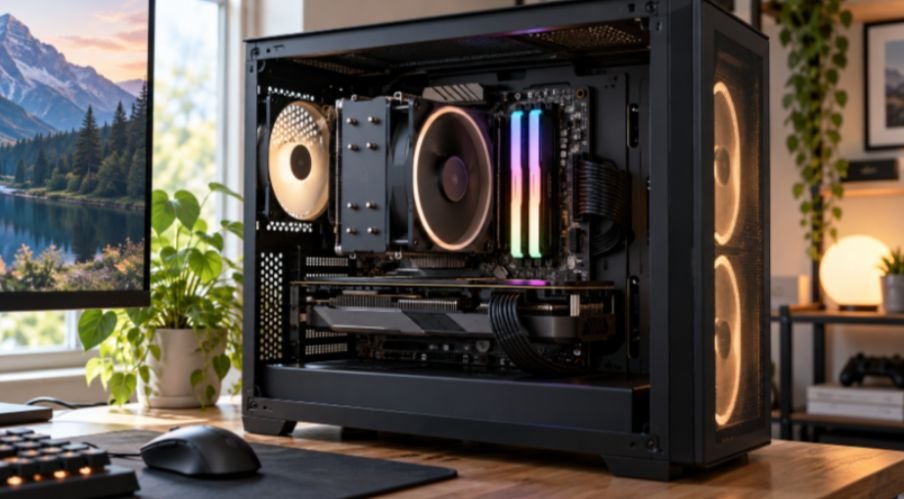
A DDR5 kit can look perfect on a store page and still be a poor fit for your gaming PC. I start with the processor and motherboard, then check the kit’s capacity, timings, and height. That order makes how to choose ddr5 ram for gaming pc builds a practical compatibility decision instead of a race toward the biggest speed number.
For many new gaming builds, my starting point is a matched 32GB kit with two 16GB modules. DDR5-6000 CL30 is a useful option to investigate, especially on AMD AM5. It is not a guaranteed best choice for every CPU, board, budget, or game.
Start With Capacity and a Two-Stick Kit
Choose capacity before comparing speeds. A 32GB kit gives a gaming PC room for a demanding game, voice chat, browser tabs, and background tools. A 16GB build can still make sense under a tight budget, while 64GB is easier to justify if you also edit video, run virtual machines, or use memory-heavy creative software.
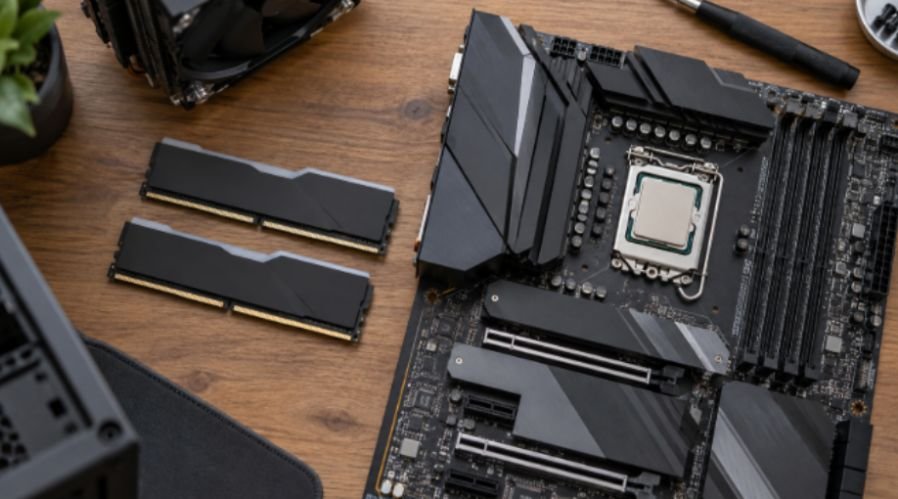
Buy the capacity you expect to need as one matched kit. If that means 64GB, look at 2×32GB rather than assuming you can add a second 2×16GB kit later. Four modules can work, but they place more demands on the memory controller. You may need to run them below their advertised profile speed.
Two modules also let you use the motherboard’s intended dual-channel slots. Check its manual for the correct pair, often labeled A2 and B2. Two sticks alone do not help if they sit in the wrong slots.
Match DDR5 Speed to Your CPU and Motherboard
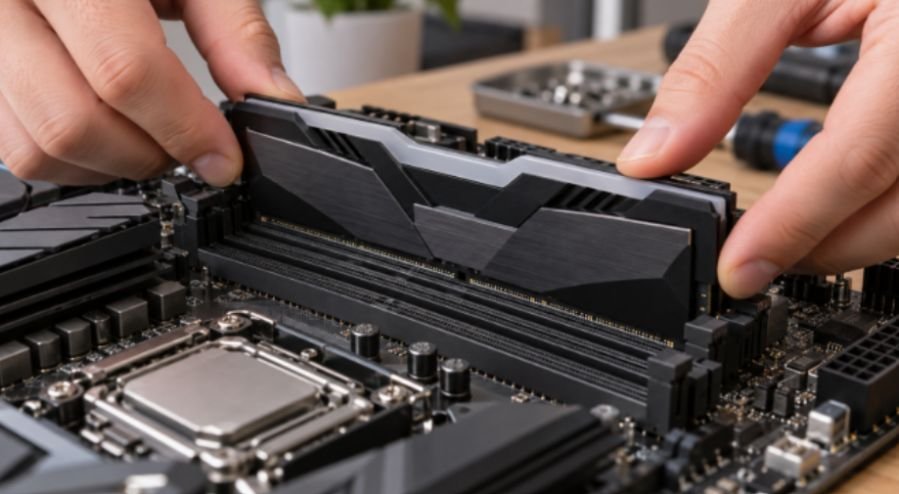
DDR5 speed is usually listed in MT/s, or megatransfers per second. Stores often label DDR5-6000 as “6000MHz,” but MT/s is the more accurate term for its advertised data rate. The speed printed on the box is a profile target; your completed system still has to run it reliably.
AMD Ryzen Builds
For a Ryzen 7000 or 9000 gaming build, I would compare 2×16GB DDR5-6000 kits with CL30 or CL32 timings first. Then I would check the exact motherboard’s memory support list. AMD’s EXPO information shows how its memory profiles work, but an EXPO label alone cannot guarantee a given speed on every build.
Do not treat DDR5-6000 as a universal 1:1 Infinity Fabric rule. Memory behavior varies by processor and settings. Faster kits can work, but paying more for one only makes sense when the board supports it and the performance gain matters to you.
Intel Core Builds
Intel builds need the same model-specific check. Some Intel Core platforms and motherboards can support faster DDR5 profiles, but “Intel” by itself is not a reason to buy DDR5-7200. The processor generation, board, module type, and number of occupied slots all matter.
For example, Intel lists different supported memory speeds and configurations for Core Ultra 200S desktop processors.
Treat an advertised DDR5-7200 kit as an overclocking target to verify, not a speed promised by the CPU name.
If you are still selecting the board, compare motherboards for intel core processors alongside their memory support lists before ordering RAM.
Compare Speed and Latency Together
CAS latency, or CL, is measured in clock cycles. A lower CL number sounds better, but it only tells part of the story: you must compare it with the kit’s data rate.
I use this quick calculation to compare the CAS portion of latency:
CAS latency in nanoseconds = CL × 2,000 ÷ MT/s
DDR5-6000 CL30 works out to 10 ns. DDR5-6400 CL32 also works out to 10 ns. The second kit offers more bandwidth, but its CAS timing alone is not quicker. This calculation does not predict game frame rates; other timings, the CPU, and the workload matter too. motherboards for intel core processors.
That is why I would not pay a large premium for DDR5-6400 CL32 over DDR5-6000 CL30 based on the speed label alone. I would first confirm that both kits work well with my board, then put the price difference toward the part that benefits the build most.
If you are comparing memory generations rather than just different DDR5 kits, understanding DDR4 vs DDR5 RAM performance in modern games can help put the performance differences into context.
Check Profiles and Compatibility Before Buying
AMD EXPO and Intel XMP store tested settings for a memory kit. Choose a profile that your motherboard supports, then look up the kit’s exact part number on the board maker’s qualified vendor list, or QVL. A listing for a similar brand and speed is not the same kit.
A QVL entry is helpful evidence, though an absent kit is not automatically incompatible. Also check the motherboard’s supported capacity, the listed number of modules, and any BIOS requirements. ASUS, for example, recommends checking its DRAM QVL when setting XMP or EXPO.
Make Room for RGB RAM
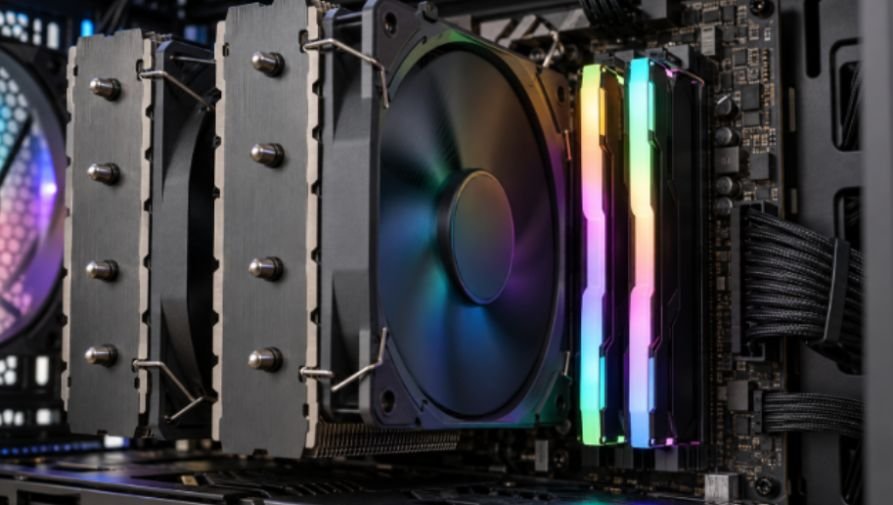
RGB changes the clearance check. A tall light bar may sit beneath the front fan of a large air cooler. Measure the cooler’s stated RAM clearance against the exact module height, and account for any fan adjustment and case height limit.
For a concrete comparison, Corsair lists its standard Vengeance DDR5 at 35 mm and Vengeance RGB DDR5 at 44 mm. That 9 mm difference could decide whether the cooler fan fits in its planned position. An all-in-one liquid cooler may leave the RAM area more open, but it is not required for RGB memory.
Check lighting controls before buying, too. Some kits can sync through supported motherboard software; others offer more features through the memory maker’s app. Compatibility depends on the specific kit and software. Pick the lighting setup you want to manage rather than assuming every RGB logo will sync automatically.
Install and Verify Your Kit
After installing the modules in the manual’s recommended slots, enter the BIOS and enable the appropriate EXPO or XMP profile. Save the setting and check the reported memory data rate. Then test the system during normal use and with a memory stability test.
If the PC fails to boot or shows memory errors, update the BIOS if your board maker recommends it, reseat the modules, and retry. You can also choose a lower supported speed. A stable DDR5-6000 system is a better gaming build than an unstable DDR5-7200 setting.
Frequently Asked Questions
1. Is 32GB of DDR5 enough for a gaming PC?
For most gaming-focused builds, 32GB is a sensible starting point; choose more if your other work needs it.
2. Is DDR5-6000 CL30 good for Ryzen gaming?
It is a strong kit specification to consider, provided your CPU and motherboard can run that profile reliably.
3. Can I use four DDR5 sticks?
Yes, but four modules may require a lower speed. Check your board’s guidance for that exact configuration.
4. Does RGB DDR5 require liquid cooling?
No. An air cooler works if its RAM clearance accommodates the modules and fan position.
Your RAM Does Not Need a Trophy
I would buy the kit that clears four checks: enough capacity, a supported profile, a fair speed-and-latency combination, and physical fit.
Before checkout, compare the kit’s full part number with your motherboard’s support list and measure the cooler clearance. That final check is more useful than paying for a speed your PC may never run.
Leave a Reply