
Almost every action on a computer—from opening a browser to editing a photo—depends on software translating human intentions into instructions hardware can execute. Yet beginners are often introduced to programming before anyone explains what software actually is.
That makes learning about software for beginners unnecessarily confusing. You do not need to memorize dozens of programming languages or understand computer architecture immediately. A better starting point is learning how software, hardware, operating systems, applications, files, and code fit together. Once that mental model is clear, programming becomes far less mysterious.
What Is Software, in Plain English?
Software is the nonphysical part of a computer system: programs, instructions, supporting data, and related components that tell hardware what operations to perform.
The U.S. National Institute of Standards and Technology describes software broadly as computer programs and associated data that can be stored and executed by computer hardware. Read more at NIST software glossary.
Think about opening a photo.
If you regularly work with many images, the application you use can make a noticeable difference in how quickly you can browse and organize them.
Photo viewer software for large image folders is one example of how specialized applications are designed around a particular task.
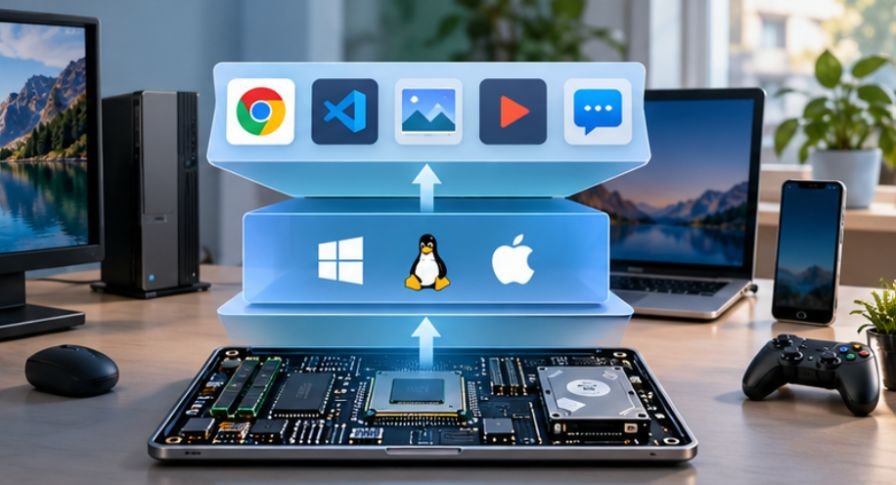
Your screen, processor, storage drive, keyboard, and mouse are hardware. The operating system manages those components. A photo-viewing application reads the image file, processes its information, and tells the computer what pixels to display.
Software therefore sits between what you want the machine to do and what the physical machine can actually perform.
The Three Software Categories Beginners Should Recognize
Software classifications can become complicated, but three groups cover most programs beginners encounter.
| Software type | Main purpose | Familiar examples |
| System software | Operates the computer and manages hardware | Windows, macOS, Linux |
| Application software | Helps users perform specific tasks | Browsers, spreadsheets, photo editors |
| Utility software | Maintains, protects, or manages the system | Backup tools, antivirus programs, disk utilities |
An operating system is particularly important because applications normally communicate with hardware through services provided by that operating system.
This explains why a program made specifically for Windows may not automatically run on macOS. Software depends on a particular technical environment.
Software Is More Than Desktop Programs
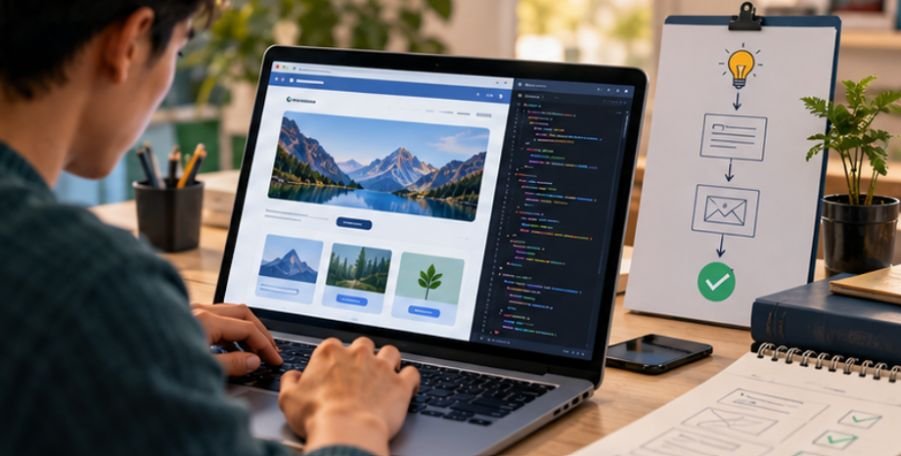
Modern software also includes mobile apps, web applications, embedded systems, cloud services, browser extensions, database systems, games, and software inside cars, TVs, appliances, and other connected devices.
Specialized utilities are another example of application software built for a specific task. For example, screenshot software for long web pages can capture content that extends beyond the visible screen, showing how software can solve a particular problem that basic built-in tools may not handle as conveniently.
Understanding that variety helps beginners avoid one common misconception: learning software does not necessarily mean becoming a professional programmer.
You can learn how software works, how to install and evaluate programs, how files are handled, how operating systems interact with applications, and how basic code works without pursuing software development as a career.
How Does Software Become a Working Program?
Programmers write instructions using programming languages. Computers eventually execute those instructions through processes that convert or interpret them into operations the machine can handle.
Beginners do not need to understand every layer immediately. Start with five ideas.
Variables Store Information
A variable gives a program a way to store a value.
A simple budgeting program might store:
monthly_income = 4000
The program can later retrieve that number and use it in calculations.
Data Types Describe the Information
Software needs to distinguish different kinds of data. Common examples include numbers, text strings, lists, and Boolean values representing true or false conditions.
A person’s name and bank balance, for example, should not normally be treated as the same kind of information.
Conditionals Let Software Make Decisions
An if statement tells a program to perform an action only when a condition is satisfied.
A weather application could effectively reason:
If the temperature is below freezing, display a freezing warning.
Loops Repeat Work
Computers are valuable partly because they can repeat operations rapidly.
Rather than writing the same instruction 1,000 times to process 1,000 files, a programmer can use a loop to process each file according to the same rule.
Functions Package Reusable Instructions
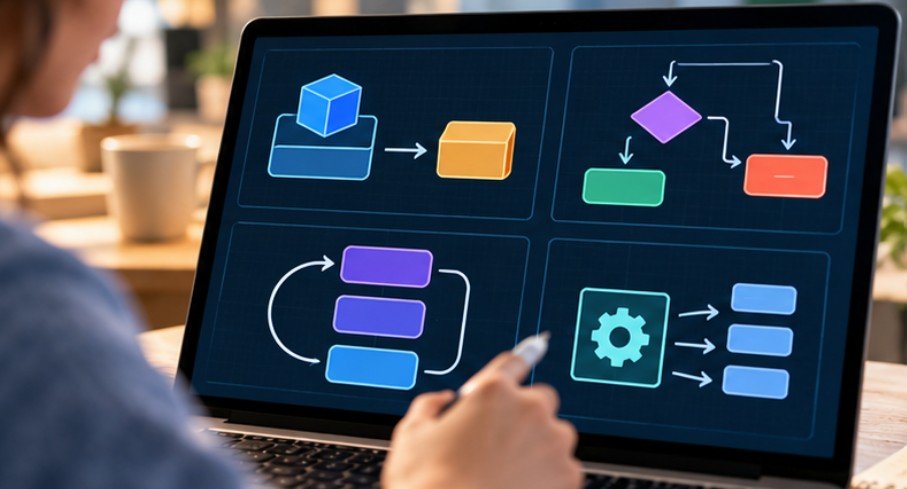
A function groups instructions that perform a particular job. Instead of rewriting those instructions throughout a program, developers can call the function whenever that task is needed.
Harvard CS50 course curriculum teaches functions, variables, conditionals, loops, algorithms, data structures, memory, Python, SQL, and web technologies as connected concepts rather than isolated vocabulary. Harvard also notes that many students begin CS50 without prior computer science experience.
A Better Way to Start Learning About Software
The fastest path is not trying to learn everything at once. Use a sequence that moves from understanding software to actually building something.
Step 1: Understand Your Own Computer
Before programming, become comfortable with files, folders, file extensions, applications, browser downloads, operating system settings, and installing or uninstalling software.
This also includes knowing what to do when files are accidentally removed. Learning how to recover deleted files from an external hard drive can help beginners understand how storage, file deletion, and recovery tools work in practice.
These basic skills make later development tools much easier to understand.
Step 2: Pick One Learning Direction
Choose based on what you want to create.
Python is useful for beginners interested in automation, data processing, scripting, and general programming. Python.org specifically provides a beginner pathway and describes the language as approachable for new learners.
For websites, start with HTML and CSS before moving deeply into JavaScript. Mozilla’s beginner curriculum takes new learners through development tools, files, simple websites, and fundamental web concepts.
Step 3: Build Something Smaller Than You Think You Should
Avoid starting with a social network, full mobile application, or complicated game.
Build a temperature converter, expense calculator, personal webpage, quiz, to-do list, or filename organizer.
A small project forces you to connect variables, conditions, functions, input, output, and debugging. That teaches far more than passively watching hours of tutorials.
Step 4: Learn to Read Errors
Beginners often interpret errors as evidence they are bad at programming. In practice, debugging is part of programming.
Read the error message. Find the line involved. Identify what changed. Test one possible fix at a time.
Harvard’s Python-focused CS50 course explicitly includes exceptions, debugging, unit testing, file handling, libraries, and other practical concepts alongside basic syntax.
Should Beginners Learn Python or JavaScript First?
Choose Python if your main interests are general programming, automation, data, or simple scripts.
Choose JavaScript if your primary goal is interactive websites.
Mozilla explains that JavaScript controls interactive web behaviors such as buttons, form validation, animations, dynamic styling, and other changing page elements.
Neither choice traps you permanently. Once you understand variables, functions, loops, conditions, and problem-solving, learning another language becomes easier.
The real mistake is switching languages every week because another tutorial promises an easier route.
Do You Need a Computer Science Degree?
Not to begin learning. A structured university curriculum can provide valuable depth in algorithms, systems, mathematics, databases, networking, and software engineering. Self-directed learning can still teach many practical programming skills.
Career requirements are a separate issue. The U.S. Bureau of Labor Statistics reports that software developers typically need a bachelor’s degree and projects employment for software developers, quality assurance analysts, and testers to grow 10% from 2025 to 2035. U.S. Bureau of Labor Statistics software careers data.
So learning to code and qualifying for a particular professional role should not be treated as identical goals.
Common Beginner Mistakes That Slow Progress
One misconception is that good programmers remember everything. They do not. Developers routinely consult documentation, test ideas, revisit syntax, and debug unexpected behavior.
Another mistake is spending months preparing to code instead of writing code. Tutorials are helpful, but programming becomes understandable through experimentation.
Finally, avoid collecting tools unnecessarily. A beginner usually needs a browser, a code editor or online programming environment, one language, reliable documentation, and a small project.
More tools do not automatically produce more understanding.
Frequently Asked Questions
1. What should I learn first about computer software?
Start with the difference between hardware, operating systems, applications, and files. Then learn fundamental programming concepts such as variables, data types, conditions, loops, and functions.
2. Is coding required when learning about software for beginners?
No. You can first learn how operating systems, applications, files, security, installation, and updates work. Coding becomes useful when you want to understand how software is created.
3. How long does it take to understand basic software concepts?
Basic concepts can become familiar within several weeks of consistent practice. Becoming comfortable building programs takes longer and depends heavily on how often you solve problems yourself.
4. Can I learn software without paying for courses?
Yes. Universities, programming organizations, documentation sites, and open educational projects provide substantial free material. Practice and project-building matter more than collecting paid courses.
Start With One Machine, One Language, and One Project
Software can look impossibly complicated because we usually see the finished product rather than the thousands of small decisions underneath it. But those systems are built from understandable pieces: data, instructions, decisions, repetition, functions, files, and communication between components.
The strongest approach to learning about software for beginners is therefore surprisingly modest. Understand what your computer is doing, choose one programming direction, and build something small enough to finish. Then break it, fix it, and improve it.
That cycle—understand, build, test, repair—is where software stops feeling mysterious and starts becoming something you can control.
Leave a Reply