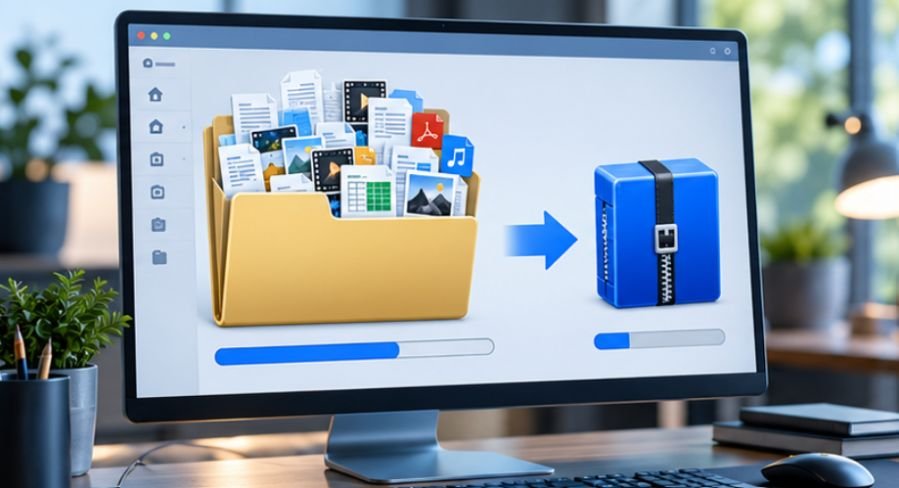
A 100 GB folder does not necessarily become a 50 GB archive just because you choose the strongest compression setting. If that folder is packed with JPEG photos, MP4 video, ZIP archives, and other already-compressed files, even excellent software may save surprisingly little space.
That is the first thing worth understanding before choosing file compression software for large folders. The right program matters, but the type of data, available RAM, archive format, dictionary size, and whether you use solid compression can matter just as much.
For most Windows users, 7-Zip remains one of the strongest free choices. WinRAR adds useful recovery and multi-volume tools, while PeaZip offers a capable open-source interface with unusually broad format support.
Why Large Folder Compression Behaves Differently
File compression works by finding patterns that can be represented more efficiently. Text files, CSV exports, logs, source code, database dumps, and uncompressed documents often contain enormous amounts of repetition.
Video, JPEG images, MP3 audio, and many installer packages have already been compressed. Running them through another archive algorithm cannot magically recreate redundancy that has already been removed.
The National Institute of Standards and Technology defines lossless compression as a reversible process in which the original information can be recovered completely. That distinction matters for folders containing business records, projects, backups, or research data because ordinary archive tools such as 7-Zip and WinRAR are designed to preserve the original files rather than discard detail.
The University of Illinois likewise recommends lossless formats when long-term reuse matters, while emphasizing that openly documented and widely supported formats are usually safer preservation choices.
7-Zip: The Practical Starting Point
7-Zip is free and open source, and its native 7z format supports LZMA and LZMA2 compression, solid archiving, AES-256 encryption, and variable dictionary sizes. Its documentation says the format can use dictionaries up to 4 GB, although selecting huge values is rarely sensible on an ordinary desktop because memory usage rises sharply.
That combination makes 7-Zip especially useful for folders containing thousands of similar documents, project files, logs, or raw datasets.
For large folders, try 7z with LZMA2 and solid compression before blindly choosing the most extreme preset. A setting that takes six hours to save an additional 1% may not be worthwhile.
WinRAR: Better When Archive Resilience Matters
WinRAR’s advantage is not simply compression ratio. Its official documentation highlights multi-volume archives and recovery records, which can help reconstruct physically damaged archives. It also supports AES-256 encryption and extremely large archives.
Multi-volume archives are particularly useful when a 200 GB folder must be copied across multiple drives, uploaded through services with per-file limits, or divided into manageable pieces.
A 120 GB archive, for example, could be divided into thirty 4 GB volumes instead of handled as one enormous file.
PeaZip: Flexible and Cross-Platform
PeaZip deserves attention when you regularly receive archives from different systems. Its official documentation says it can open more than 200 archive types and provides Windows, Linux, and macOS versions. It also handles split archives and supports strong encryption, including AES-256 for supported formats.
That makes it useful for mixed environments where compatibility and archive management matter more than squeezing out the final few percentage points.
A Better Method for Compressing a Huge Folder
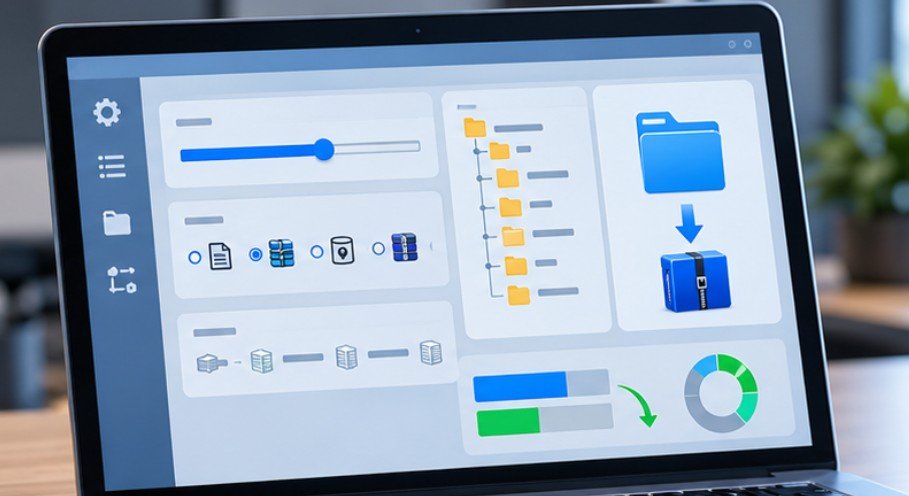
Choosing file compression software for large folders is only the first step. The settings determine whether the job finishes efficiently or turns into an overnight experiment.
First, Inspect What Is Actually Inside
Check the folder before compressing it.
If it is mainly text, spreadsheets, logs, source code, BMP images, or uncompressed datasets, substantial reductions may be possible. If it mostly contains MP4, JPEG, HEIC, MP3, existing ZIP files, or compressed game assets, expect much smaller gains.
Boston University specifically notes that archive formats such as ZIP and TAR can reduce storage requirements and are particularly useful for files that are not accessed frequently.
Choose 7z for Size, ZIP for Compatibility
If the archive is staying on your own machines, 7z is often a sensible choice because LZMA2 can prioritize compression efficiency.
If the archive will be sent to clients, coworkers, schools, government offices, or unfamiliar systems, ZIP may be safer. The Library of Congress describes ZIP as a widely used cross-platform format intended for exchanging and efficiently storing collections of files. Modern ZIP specifications also support files larger than the old 4 GB boundary.
Increase Dictionary Size Carefully
A larger compression dictionary lets algorithms recognize repeated sequences across a greater amount of data.
That can improve compression for large collections of similar files, but RAM requirements increase too. Do not assume a 1 GB or 4 GB dictionary is automatically better.
On a machine with 16 GB of RAM, moderate dictionary settings are generally safer, particularly if other applications remain open. Test a representative 5–10 GB sample before committing to a 500 GB job.
Use Solid Compression for Similar Files
Solid archiving treats numerous files more like one continuous data stream. That can dramatically help when a folder contains thousands of related text files, documents, source files, or similarly structured data.
There is a trade-off: extracting one file may require processing more of the archive, and corruption can potentially affect a larger section of tightly grouped data.
Cornell University advises choosing formats with long-term reuse and preservation in mind rather than considering file size alone.
The Five-Minute Compression Test
Before compressing an enormous folder, copy a representative sample containing roughly the same mix of files.
Compress it once with normal settings and once with stronger settings. Record the resulting size and elapsed time.
Suppose a 10 GB sample becomes 6.2 GB in 12 minutes at normal compression and 5.9 GB in 48 minutes at maximum compression. You are spending four times longer for roughly 300 MB of extra savings.
That simple test is often more useful than chasing theoretical benchmark results.
Hardware also matters. Compression can keep modern processors busy for long periods, particularly with multithreaded algorithms. Readers building or upgrading systems for similar workloads may also find our coverage of graphics cards with strong power-efficiency ratings useful when evaluating overall workstation efficiency.
For offices that eventually print archived records or large document collections, our comparison of refillable ink tank printers for low-cost printing covers another common long-term operating expense.
Compression Is Not a Backup
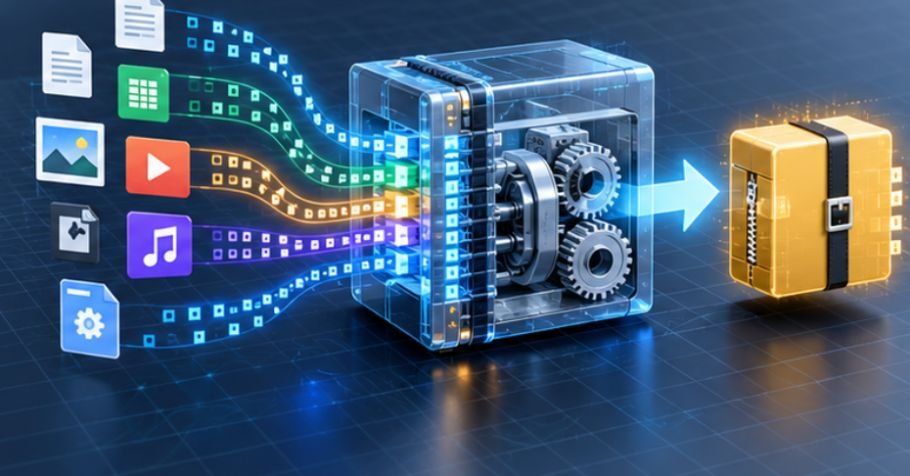
A compressed archive reduces space and simplifies transportation. It does not create redundancy.
If the only copy of an important project is inside one compressed file on one SSD, a drive failure can still destroy everything.
For complex software projects, how to document software architecture for new developers can also help teams understand the structure and dependencies of the files they are preserving.
Berkeley’s research on computing resources recommend compression tools such as 7-Zip alongside dedicated archival storage rather than treating compression itself as the preservation strategy.
For irreplaceable folders, keep the original until the archive has been tested successfully. Then maintain separate copies on independent storage locations.
Frequently Asked Questions
1. What is the best compression format for very large folders?
7z with LZMA2 is a strong choice when compression ratio matters. ZIP usually offers better universal compatibility when the archive must be opened on many different systems.
2. Does increasing compression level always save much more space?
No. Maximum settings can greatly increase processing time while producing only modest savings, particularly with JPEG, MP4, MP3, and other already-compressed files.
3. Can 7-Zip compress folders larger than 100 GB?
Yes. The 7z format is designed to support extremely large files and archives. Practical limits are more likely to involve available storage, RAM, processing time, and file-system restrictions.
4. Should I split one huge archive into several parts?
Splitting is useful for cloud uploads, removable drives, or systems with per-file size limits. Keep every volume together because losing one part can prevent complete extraction.
Make the Archive Fit the Job
The biggest mistake in large-folder compression is assuming the highest setting automatically produces the smartest result. A folder of database exports can shrink dramatically; a folder of compressed video may barely move.
Start by inspecting the files, run a small representative test, and then choose the format around your actual goal. For most people seeking file compression software for large folders, 7-Zip is an excellent place to begin, WinRAR is compelling when recovery and volume splitting matter, and PeaZip is valuable for cross-platform flexibility. The winning archive is not simply the smallest one—it is the one you can create, verify, move, and recover reliably.
Leave a Reply