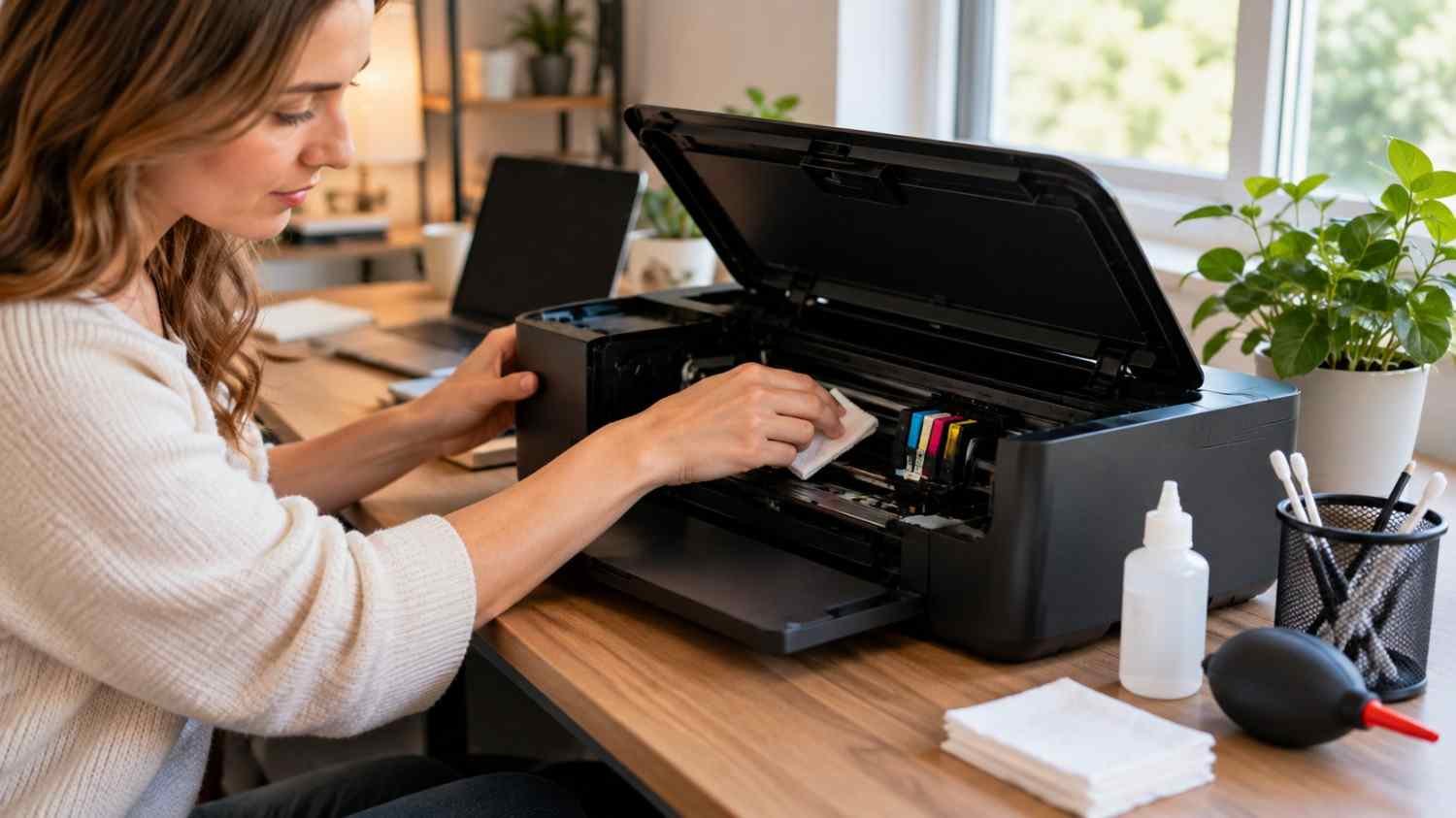
I noticed my inkjet printer behaved differently when I used it only once every few weeks. The first pages after a long break sometimes showed faint lines or missing colors, even though the cartridges were not empty. The problem seemed tied more to inactivity than age.
I started treating printer care as a small routine instead of an emergency repair job. Printing periodically, checking nozzles before cleaning, keeping dust away, and using suitable paper made the machine more predictable. Those habits also reduced the temptation to run aggressive cleaning cycles whenever a page looked imperfect.
Keep the Printer Moving
Inkjet printers work best when ink can move through their tiny nozzles regularly. Long inactivity can allow ink to dry around the nozzle area, leading to gaps, streaks, faded colors, or incomplete text.
For a home printer that does not get daily use, occasional printing is a simple preventive measure. A small color test document, test page, or mixed black-and-color print can keep the system active. No schedule fits every model, so follow the manufacturer’s recommendations.
Check Before You Clean
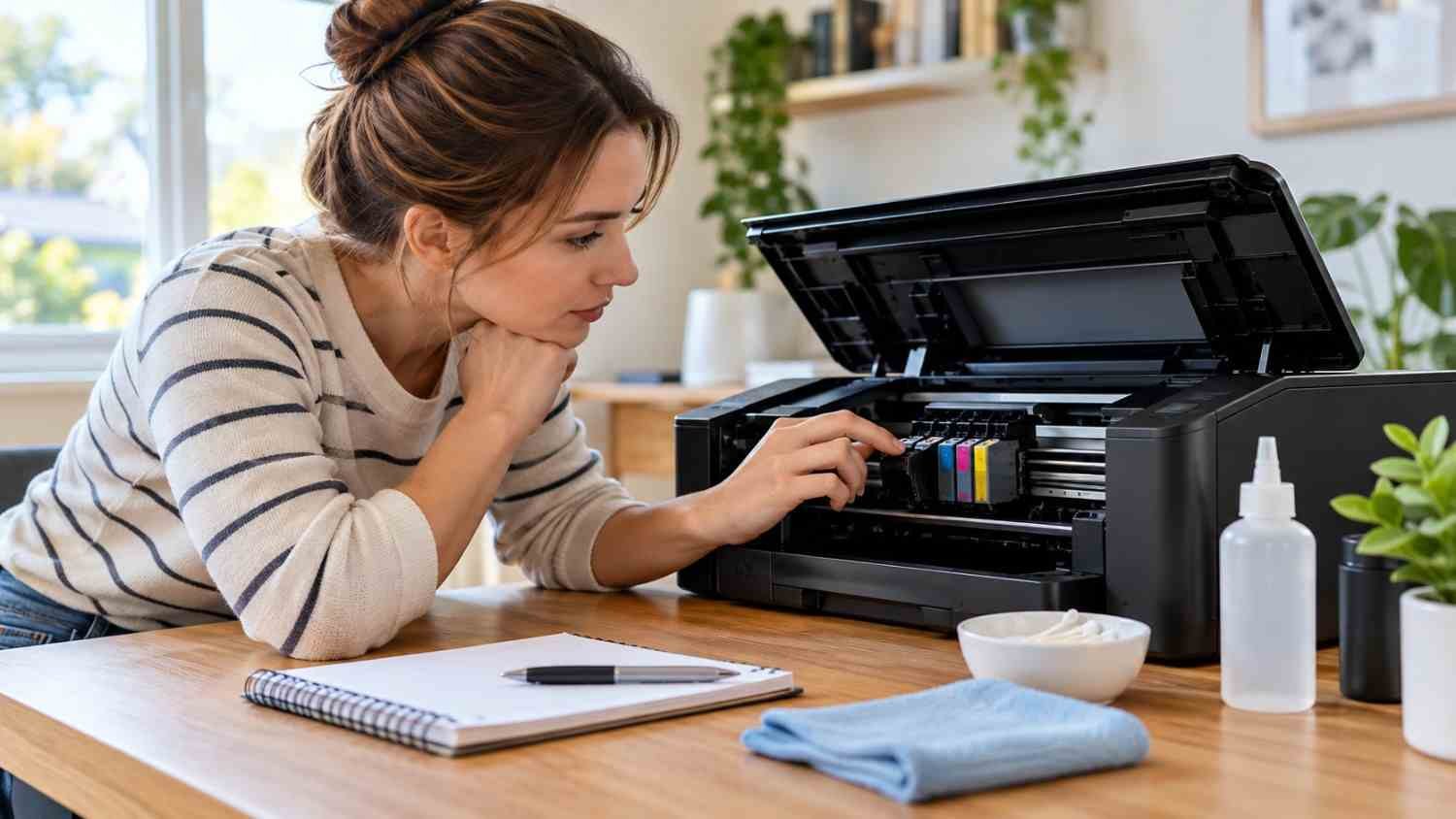
One easy maintenance mistake is reaching for the cleaning function too quickly. Modern printers usually provide a nozzle check that shows whether the printhead is missing ink from specific areas.
Gaps, broken lines, or faint sections can indicate clogged nozzles. If the pattern is complete, repeated cleaning may accomplish nothing except consume ink.
Cleaning cycles cost ink. The printer uses ink to refresh the ink path, and stronger modes can use considerably more. Checking first turns maintenance into diagnosis instead of guesswork.
Use Cleaning Cycles Sparingly
When a nozzle check shows a problem, use the printer’s built-in cleaning function according to the model’s instructions. Let the machine complete the cycle, then print another test pattern before deciding what to do next.
Avoid treating cleaning as a weekly ritual. If print quality is normal, there is usually no reason to keep flushing the printhead. Deep or power-cleaning modes should be reserved for problems that normal maintenance has not solved.
Keep Dust and Paper Debris Under Control
Dust, loose paper fibers, and debris can accumulate around rollers and other internal areas. Keeping the printer reasonably clean reduces what can enter the machine.
Avoid placing it beside an open window, heating vent, or dusty area. When the printer is rarely used, a suitable cover can help keep airborne dust away.
Clean accessible surfaces gently with materials recommended for the model. Avoid poking tools, wet cloths, or household cleaners into areas containing delicate electrical contacts or printhead components.
Treat Ink and Paper as Maintenance Supplies
Ink and paper are part of the maintenance equation. Use cartridges or ink that your printer is designed to accept. A damaged, poorly seated, or unsuitable cartridge can create ink-flow problems that look like printhead trouble.
Store paper flat and dry, and use the media setting that matches what you have loaded. For photos, understanding how to choose photo paper for home inkjet printers can help prevent poor absorption, smearing, and inconsistent results that might otherwise look like printer problems.
Dusty, curled, damp, or poorly stored sheets can also cause feeding problems and leave more debris inside the paper path.
Watch for Small Warning Signs

Print quality often changes before a printhead problem becomes severe. Pay attention when text looks uneven, photographs develop horizontal bands, colors disappear from sections of an image, or black areas become lighter.
Do not assume every defect means the printhead is clogged. Low ink, incorrect paper settings, alignment problems, cartridge issues, or damaged paper can produce similar symptoms.
If the same defect appears repeatedly, run the appropriate diagnostic or nozzle check rather than immediately starting several cleaning cycles.
Build a Simple Maintenance Routine
For most occasional home users, printer care can remain uncomplicated. Print something periodically, inspect output when quality changes, and keep the machine and paper area reasonably clean. Before a large photo or document job, a quick test can reveal a problem early.
Keep supplies stored properly and avoid buying more ink or paper than you can use within a reasonable period. If you regularly print reports, resumes, forms, or schoolwork, choosing the best printer paper for sharp text and professional documents can improve consistency while reducing paper-related problems.
When a printer continues producing missing lines or uneven colors after recommended maintenance, stop escalating the cleaning routine. The issue may involve the printhead, cartridge system, sensors, or another component requiring model-specific service.
Know When Maintenance Has Reached Its Limit
Good maintenance can reduce avoidable problems, but it cannot make a worn component new again. Persistent clogging, recurring error messages, unusual noises, leaking ink, or poor quality after appropriate cleaning deserves closer attention.
Before replacing a printer, check the manufacturer’s troubleshooting information and determine whether the printhead is replaceable or serviceable. Sometimes a cartridge or alignment issue is responsible. Other times, repair may make replacement practical.
A Better Long-Term Habit
The most useful simple printer maintenance routine is usually the one that is easy enough to keep doing. Regular use, sensible cleaning, clean surroundings, proper supplies, and early attention to changes in print quality can prevent small issues from becoming frustrating repairs.
A printer does not need constant attention. It needs consistent, measured care. That is what helps an inkjet print reliably for longer.
FAQs: Everyday Printer Maintenance Habits That Extend Printhead Life
1. How often should I use an inkjet printer?
Occasional printing can help prevent ink from sitting unused for long periods. For a rarely used home printer, printing a small black-and-color page every week or two is a practical maintenance habit, but the manufacturer’s instructions should take priority.
2. Should I clean the printhead regularly?
No. Check print quality or run a nozzle check first. If the pattern is clean and your pages look normal, unnecessary cleaning only consumes ink. Use standard or deeper cleaning modes according to the printer’s instructions when a genuine problem appears.
3. Can dust affect printhead performance?
Dust and paper fibers can accumulate inside printers and around components, potentially contributing to feeding or print-quality problems. Keep the surrounding area clean, avoid dusty locations, and use a suitable cover when the printer sits unused.
4. Does paper choice affect printer maintenance?
Yes, indirectly. Properly stored paper and the correct media setting support consistent feeding and ink absorption. Avoid damp, curled, dusty, or damaged sheets, especially when printing photographs or important documents.
Leave a Reply