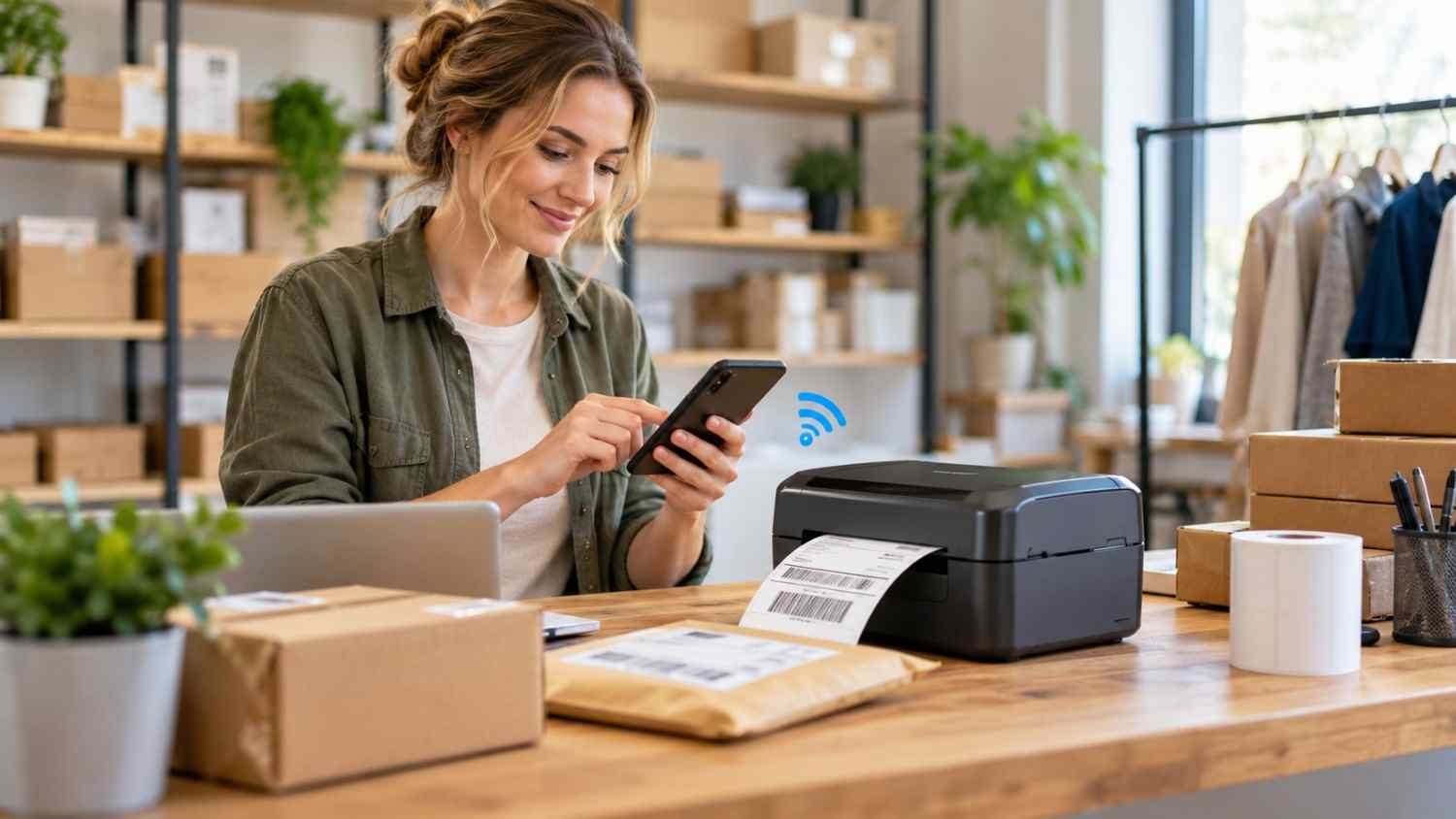
I started noticing how often small businesses need to print labels away from a traditional desk. A phone, a package, and a compact printer can now handle work that once required a desktop and cable. That shift makes Bluetooth thermal printers useful for sellers who pack orders, organize inventory, or label products in small spaces.
I also found that “Bluetooth printer” can be misleading if you assume every model works the same way. Some printers use Bluetooth for direct mobile printing, while others use it mainly for setup and depend on Wi-Fi for the actual print job. That difference matters when choosing equipment.
How Bluetooth Thermal Printers Actually Work
A Bluetooth thermal printer combines wireless communication with heat-based printing. Instead of spraying ink or transferring toner, a direct thermal printer uses a heated print head. Tiny heating elements activate a coating on specially treated label stock, creating text, barcodes, numbers, and simple graphics.
That design eliminates ink cartridges and toner. The printer still needs compatible thermal media, and direct thermal labels can be affected by heat, sunlight, friction, and time.
Most small-business models use direct thermal printing for shipping labels, address labels, inventory stickers, price tags, and product identification. Thermal transfer printers work differently by using a ribbon, and they make more sense when labels need to remain readable for long periods or withstand tougher environments.
What Bluetooth Adds to the Process
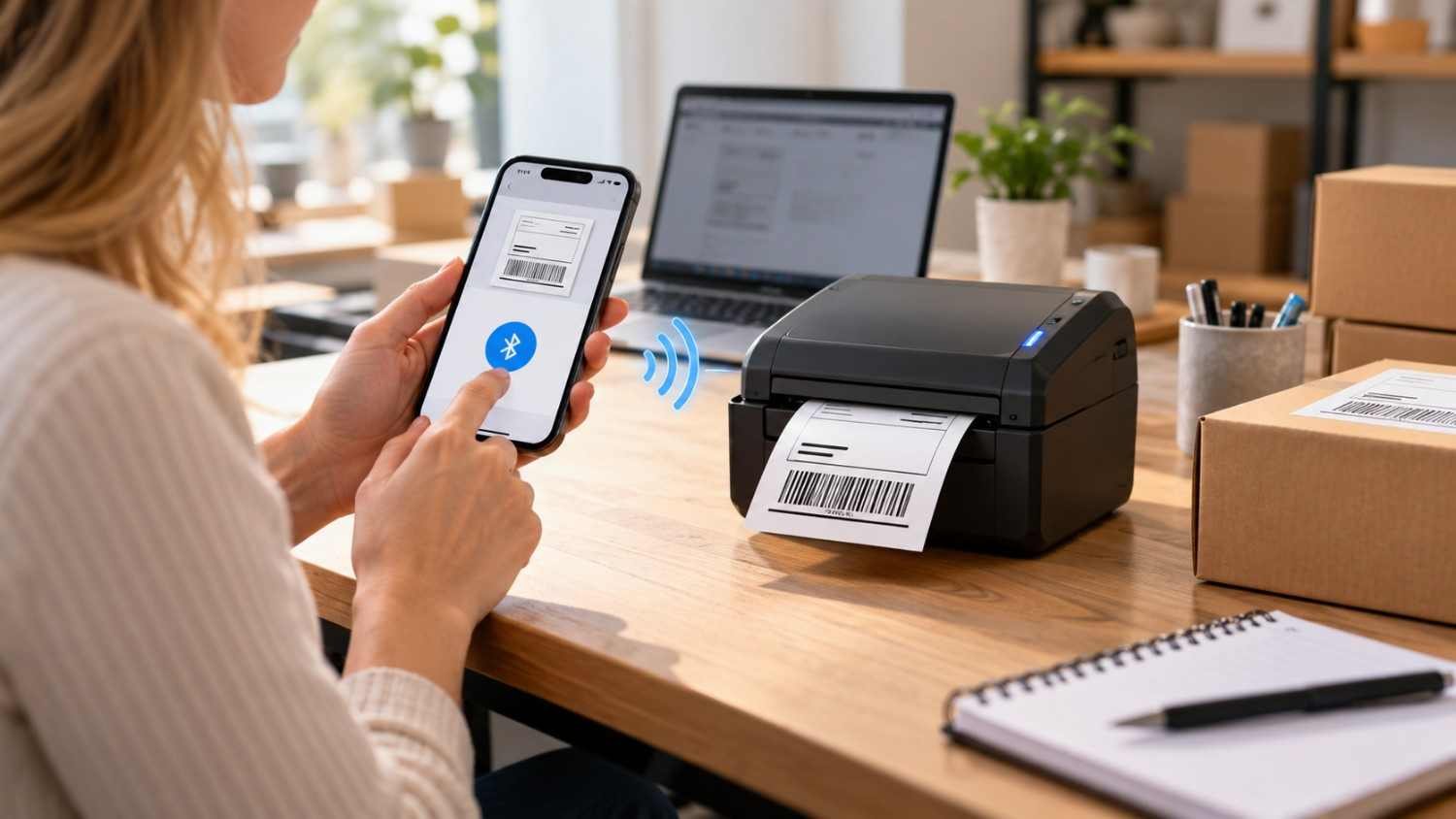
Bluetooth removes the need for a permanent cable between the printer and the device sending the job. A phone, tablet, or compatible computer can pair with the printer, after which an app, driver, or supported printing workflow sends the label.
The practical advantage is mobility. A seller packing orders at a kitchen table or a retailer labeling merchandise near a display can work without returning to a desktop.
Bluetooth does not guarantee universal mobile compatibility. Some printers require a manufacturer’s app or support only certain operating systems. Others advertise Bluetooth for setup while using Wi-Fi for regular printing. Checking the connection method, supported devices, and required software before buying can prevent a frustrating setup. Compatibility can vary by model, app, operating system, and printing platform, so checking requirements before purchase is worthwhile for shared workflows at scale and busy teams.
For businesses that also need a general-purpose mobile printer, best portable printers for remote work and travel can be a useful comparison point because the ideal device depends on whether the priority is labels, documents, portability, or a combination.
What Small Businesses Can Print
Shipping is one of the clearest uses. A 4-by-6-inch thermal label is a common format for ecommerce fulfillment, and compatible wireless printers make it easier to print carrier labels close to where packages are being packed.
The same technology can handle product labels, barcodes, QR codes, price tags, shelf markers, bins, cables, and equipment. The right printer depends heavily on label dimensions. A portable model designed for narrow labels may be excellent for price tags but unsuitable for standard shipping labels.
Check supported width, roll or fanfold format, adhesive type, and media compatibility before buying. Label stock matters as much as Bluetooth compatibility.
Which Specifications Matter?
Print resolution is measured in dots per inch, or DPI. A 203 DPI printer is generally suitable for standard shipping labels, addresses, and larger barcodes. Moving to 300 DPI can make small text, dense barcodes, and compact QR codes clearer. Higher resolution is useful when detail matters, but it does not automatically improve every print job.
Print speed matters more as volume increases. Low-volume businesses may value simple setup, while busy sellers benefit from faster output and reliable feeding.
Connectivity deserves attention. USB suits a dedicated workstation, Wi-Fi works well for shared access, and Bluetooth is useful for nearby mobile devices. Some printers combine several options.
Label cost belongs in the buying decision too. A low-priced printer can become expensive if it requires costly proprietary media.
A Practical Mobile Workflow
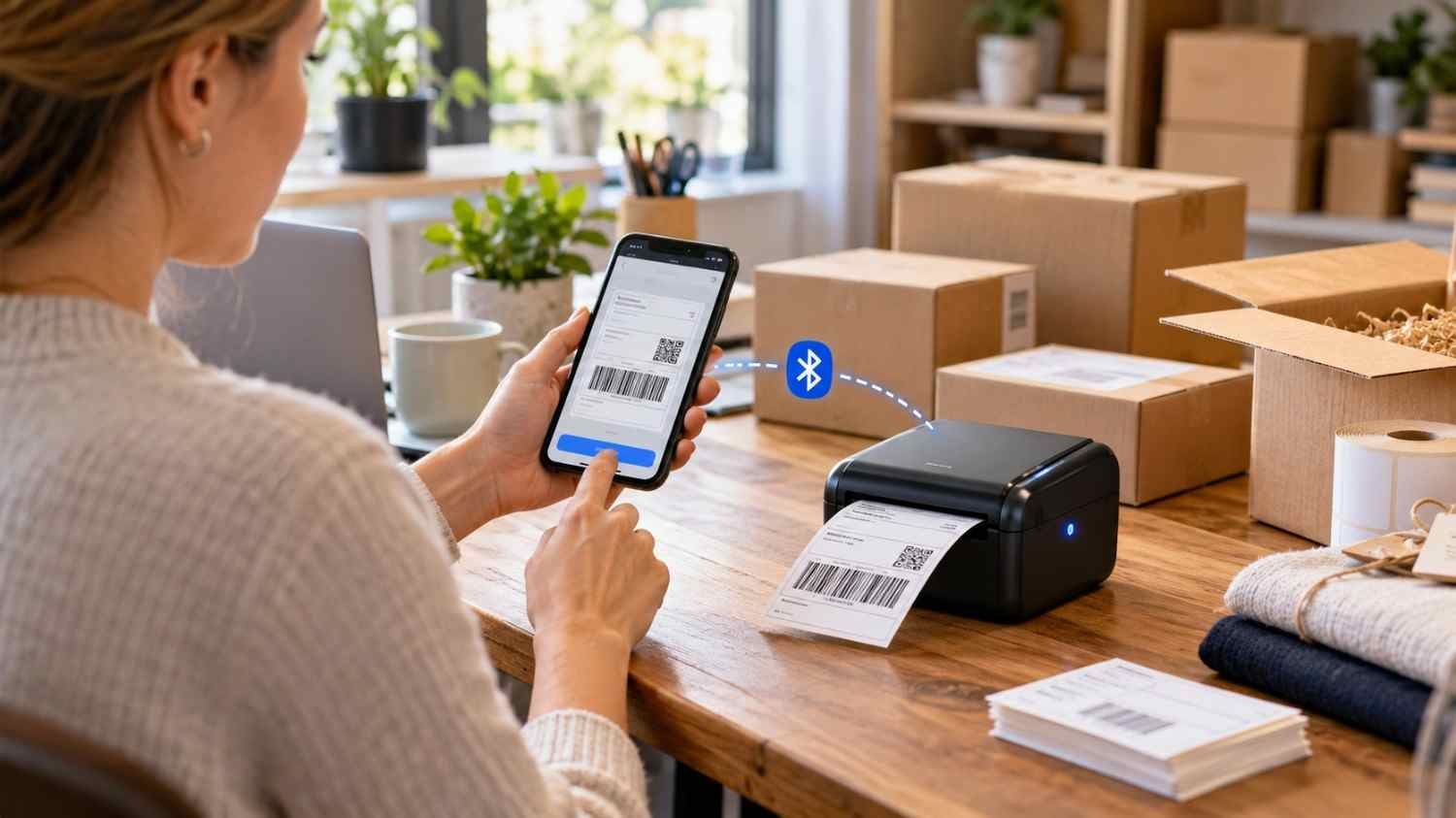
A typical Bluetooth workflow starts with creating or receiving a label on a phone or tablet. The user opens the appropriate app, selects the printer, chooses the correct label size, and sends the job. The printer converts the data into instructions for its thermal print head.
Label size settings matter. A shipping label designed for 4-by-6-inch stock can print incorrectly if the app is configured for a different format. Cropping, scaling, orientation, and margins can all affect barcode placement.
A small test print confirms that the label feeds correctly, the content fits, and the barcode or QR code is readable.
If the workflow also involves connecting ordinary printers across several devices, wireless printer setup for laptops, phones, and tablets covers a broader category of wireless printing and can complement a dedicated label-printer setup.
FAQs: How Bluetooth Thermal Printers for Labels and Small Businesses Work
1. Do Bluetooth thermal printers need ink?
No. Direct thermal models create images by heating specially coated label material. They generally do not require ink cartridges or toner. Thermal transfer models are different because they use a ribbon.
2. Can I print shipping labels from my phone?
Yes, if the printer, app, operating system, and label platform are compatible. Many mobile workflows support common 4-by-6-inch shipping labels, but connection methods vary by printer.
3. Is 203 DPI enough for business labels?
For many shipping labels, addresses, and larger barcodes, 203 DPI is adequate. A 300 DPI printer can be more suitable when labels contain small text, compact codes, or finer graphics.
4. Is Bluetooth better than Wi-Fi for label printing?
Neither is universally better. Bluetooth is convenient for nearby mobile printing, while Wi-Fi can be more useful when multiple devices need access to the same printer. The best option depends on the workspace.
Why the Right Setup Matters More Than the Label
A thermal printer can look like a simple piece of office equipment, yet its value comes from how smoothly it fits into daily work. When the media matches the job, the connection works reliably, and labels print at the right size without repeated adjustments, a small printer can remove surprising amounts of friction from fulfillment and organization. That is especially useful for businesses where one person may handle orders, inventory, customer service, and packing during the same afternoon.
The goal is not to find the most complicated printer. It is to find the setup that makes the next label easier to print than the last one.
Leave a Reply