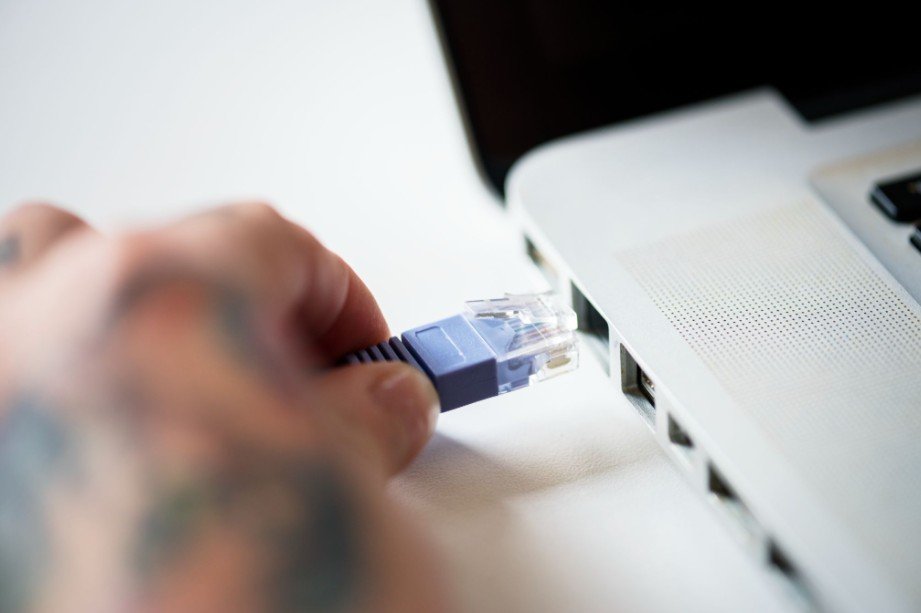
A reliable wired network can make a noticeable difference when your home is packed with streaming devices, gaming consoles, work computers, smart TVs, and network storage. When I look for the best Ethernet switch for home network use, I focus less on flashy features and more on the things that actually matter: enough ports, stable speed, quiet operation, and room to grow.
For many households in the US, a simple unmanaged Gigabit switch still offers the best value. But homes with multi-gig internet, NAS systems, Wi-Fi 7 access points, or security cameras may benefit from 2.5GbE, PoE, or managed features. The right choice depends on how many wired devices you use today and how much your network is likely to expand.
What Type of Ethernet Switch Is Best for a Home?
For an average home, I would start with a fanless unmanaged Gigabit Ethernet switch. It requires almost no configuration: connect the switch to a LAN port on your router and plug your wired devices into the remaining ports.
Brands such as NETGEAR, TP-Link, D-Link, and TRENDnet offer popular 5-port and 8-port options for residential networks. Instead of concentrating only on the brand, I recommend comparing port count, Ethernet speed, switching capacity, PoE capability, cooling, and management features.
For a work-from-home or mobile setup, a best portable monitor for business travel can also complement a compact workstation when you need an additional screen.
An 8-port model usually gives homeowners more flexibility than a 5-port Ethernet switch without occupying much more space.
How Many Ethernet Switch Ports Do You Actually Need?
Port calculations can easily cause buyers to choose a switch that is too small.
One switch port is normally occupied by the uplink cable connecting the switch to your primary router. That means a 5-port switch typically leaves only four ports available for your devices. An 8-port switch normally gives you seven usable device connections when one port handles the router connection.
A small setup with a gaming console, TV, desktop computer, and router may already fill a 5-port switch.
For this reason, I generally prefer an 8-port Ethernet switch for a home network. The extra capacity makes it easier to add a network printer, streaming device, NAS, second PC, or another wired room later.
Is Gigabit Ethernet Fast Enough for a Home Network?
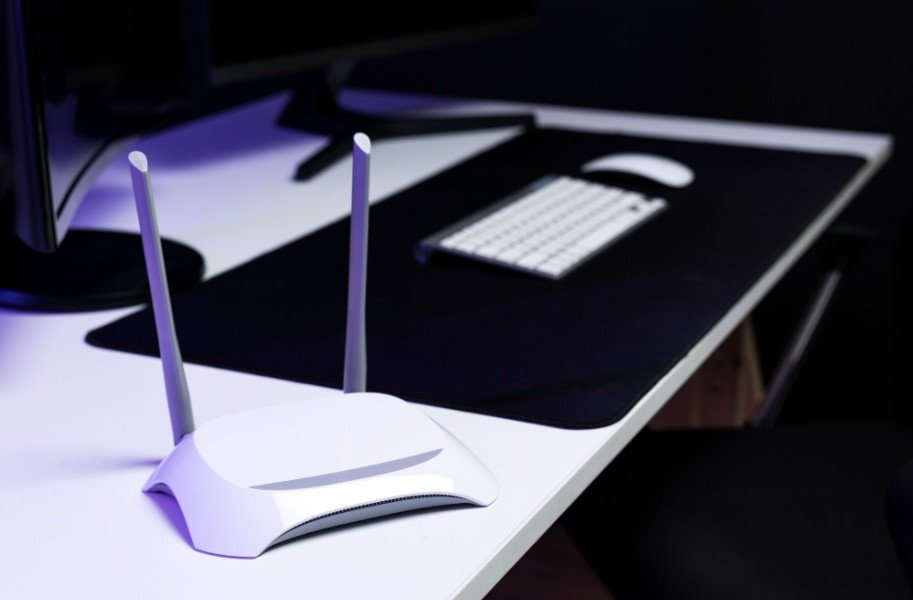
Gigabit Ethernet remains sufficient for most households in the United States.
A Gigabit Ethernet switch can support connections up to 1Gbps between compatible devices. That is plenty for 4K streaming, video calls, online gaming, browsing, and most remote-work applications.
A faster switch will not automatically make your internet service faster. If you subscribe to a 500Mbps broadband plan, installing a 2.5GbE switch will not transform it into a multi-gig internet connection.
Where faster Ethernet becomes valuable is local traffic between compatible devices.
When Should You Buy a 2.5GbE Ethernet Switch?
I would consider a 2.5GbE Ethernet switch if I had multi-gig fiber or cable service, a fast NAS, Wi-Fi 6E or Wi-Fi 7 access points, modern desktop computers, or a home server.
A multi-gig network switch can significantly reduce file-transfer times between a compatible computer and NAS compared with standard Gigabit Ethernet.
Before upgrading, check every part of the path. Your computer, NAS, Ethernet adapters, cabling, and switch must support the desired speed. One slower connection can become the bottleneck.
Should You Use Cat6 Cable With an Ethernet Switch?
Cable quality matters just as much as the switch itself.
Cat5e is capable of supporting standard Gigabit Ethernet when it is correctly installed and terminated. However, if I were installing or replacing network cables in a home today, I would choose Cat6.
Cat6 gives a home network additional performance headroom and makes more sense for newer installations where future 2.5GbE upgrades are possible. Using good-quality Cat6 cables can also help you maintain consistent Gigabit performance across properly installed residential Ethernet runs.
For existing homes already wired with good Cat5e, replacing every cable solely to use a Gigabit switch is usually unnecessary.
Managed vs Unmanaged Switch: Which One Should You Buy?
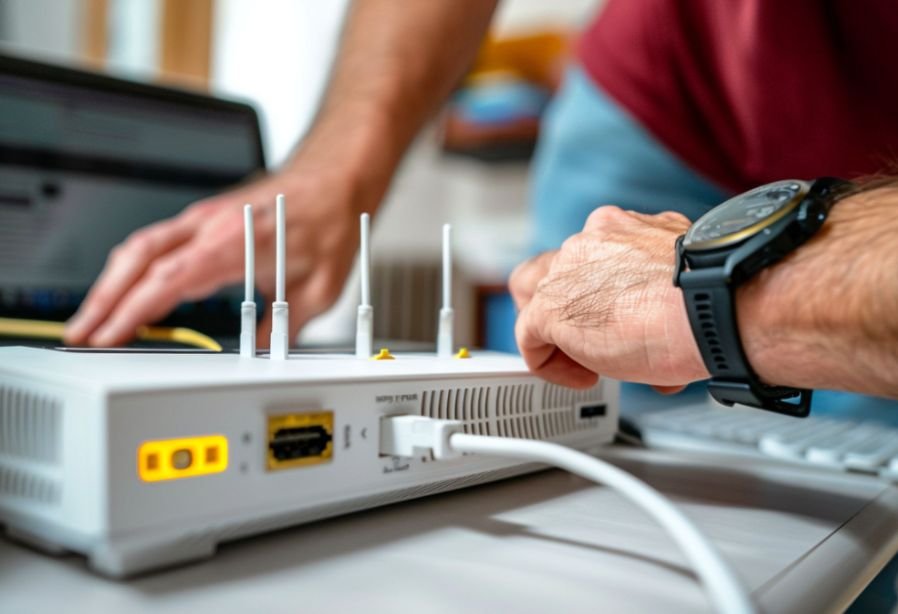
An unmanaged Ethernet switch is the right choice for most homeowners because it is plug-and-play.
You do not need to configure individual ports or network settings. Connect the switch to the router and it begins directing Ethernet traffic automatically.
A managed switch is aimed at users who want more control. It may support VLANs, detailed traffic monitoring, port management, and advanced quality-of-service settings.
I would consider one for a home lab, advanced work-from-home network, multiple wireless access points, or situations where smart-home devices need to be separated from personal computers.
For a work-from-home setup, you may also use a best fingerprint reader for Windows PC for convenient biometric access.
Otherwise, an unmanaged model keeps the network simpler.
Do You Need a PoE Ethernet Switch at Home?
Power over Ethernet, or PoE, allows a compatible Ethernet cable to carry network data and electrical power at the same time.
This is useful for IP security cameras, wireless access points, VoIP phones, and certain smart-home devices because they may not need separate power adapters near each installation point.
If you choose a PoE switch for home use, check its total power budget as well as the number of PoE ports. A switch may offer several powered ports without having enough total wattage to run every connected device at maximum demand simultaneously.
If you have no PoE equipment, a standard non-PoE switch will generally cost less.
What Is the Best Ethernet Switch for Gaming?
You do not need an aggressively branded “gaming switch” to get a reliable gaming connection.
A good Gigabit unmanaged switch is sufficient for most consoles and gaming PCs. Ethernet can provide a more consistent connection than Wi-Fi when wireless interference or signal strength causes instability.
The switch itself cannot fix high latency caused by your internet provider or a distant game server.
For households with several consoles, PCs, and streaming devices, an 8-port Gigabit model usually provides a better balance between cost and expansion.
What Ethernet Switch Works Best With a NAS?
NAS users can benefit more from 2.5GbE than typical internet users.
Large photo libraries, backups, video projects, and other files can take considerable time to move across a 1Gbps local connection. If your NAS and workstation both support 2.5GbE, upgrading the switch can substantially improve local transfers.
Advanced home labs may even benefit from 10GbE uplinks, although that level of networking is unnecessary for most residential setups.
Should You Buy a Fanless Ethernet Switch?
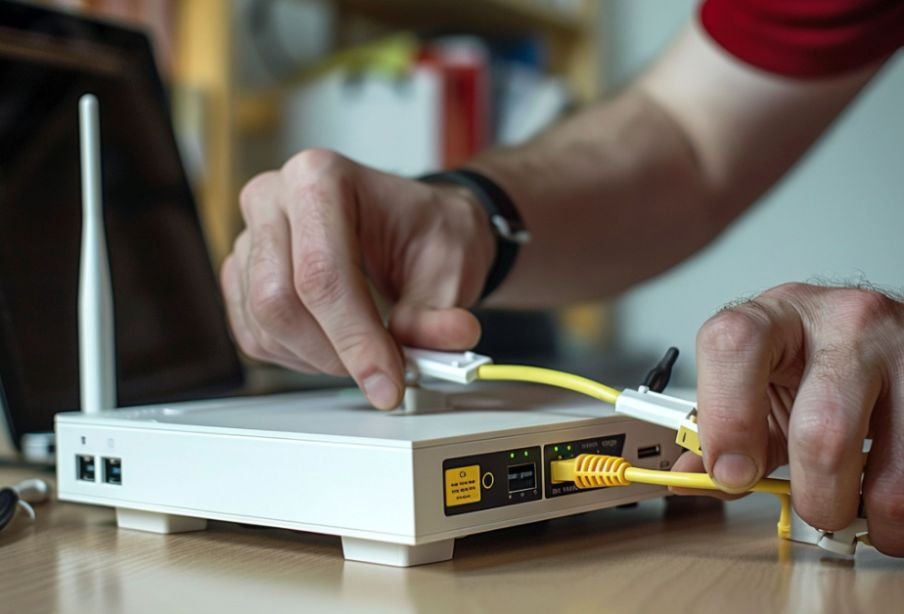
For a bedroom, living room, desk, or home office, I prefer fanless hardware whenever practical.
This is especially useful when building a compact workstation with best computer speakers for small desk setups.
Most basic 5-port and 8-port Gigabit switches produce little enough heat to operate silently. Some higher-powered PoE, multi-gig, or 10GbE models use active cooling.
Checking whether a model contains a fan is worthwhile if the switch will sit next to your workstation or entertainment system.
Frequently Asked Questions
1. Does an Ethernet switch reduce internet speed?
A properly functioning switch should not noticeably reduce internet speed when its ports support at least the speed required by your router and connected equipment. Your broadband plan and network congestion are more likely to limit internet performance.
2. Is a 5-port or 8-port Ethernet switch better for home use?
An 8-port model offers more expansion room. Because one port is normally used for the connection to your router, a 5-port model effectively gives you four ports for devices in a typical setup.
3. Is 2.5GbE worth buying?
It can be worthwhile for multi-gig internet, fast NAS transfers, Wi-Fi 6E or Wi-Fi 7 access points, and computers equipped with 2.5GbE adapters. Gigabit Ethernet remains adequate for many homes.
4. Can I connect an Ethernet switch directly to my router?
Yes. Connect an Ethernet cable from a LAN port on the router to a switch port, then connect your wired devices to the remaining ports.
5. What is the best Ethernet switch for home network use?
For most households, the best Ethernet switch for home network use is an 8-port, fanless, unmanaged Gigabit model. If you regularly transfer large files, use multi-gig broadband, or run newer high-speed equipment, a 2.5GbE switch may be a better long-term choice.
Final Thoughts
When I choose a switch, I focus first on how many devices I need to connect and then consider future expansion. I always subtract one port for the router uplink, and for a new wired installation, I prefer Cat6 cabling for greater performance headroom.
A basic Gigabit switch remains an excellent choice for streaming, gaming, home offices, TVs, and everyday wired devices. NAS ( Network Attached Storage) users, home labs, and households with multi-gig internet may gain more from 2.5GbE, while PoE is valuable for cameras and wireless access points.
Ultimately, choosing the best Ethernet switch for home network needs comes down to buying enough ports and speed for your actual devices rather than paying for features you will never use.
Leave a Reply