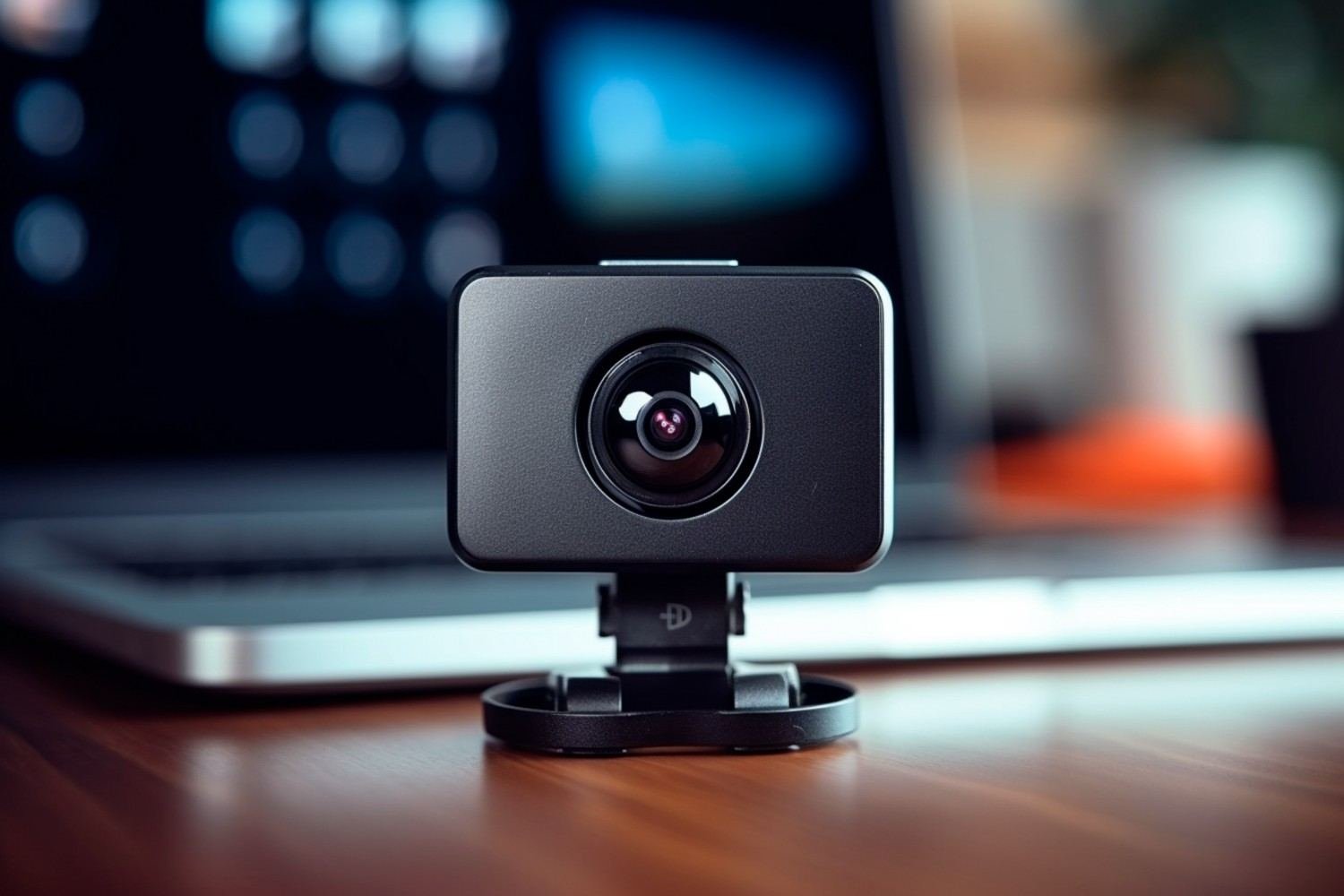
A webcam that looks sharp at noon can become grainy, soft, and poorly exposed once daylight disappears. I have found that choosing the best webcam for low-light video calls means looking beyond the 4K label and paying closer attention to sensor size, HDR, exposure control, autofocus, and image processing.
That matters for US professionals who work from home, join early-morning Zoom meetings, take evening Microsoft Teams calls, or use a dim spare bedroom as an office. A good low-light webcam should keep skin tones natural, maintain facial detail, and avoid turning every dark background into digital noise.
Which Webcam Is Best for Low-Light Video Calls?
Insta360 Link 2 Pro: Best Overall for Professional Calls
The Insta360 Link 2 Pro is the model I would consider first for a premium home-office setup. It uses a 1/1.3-inch sensor, which gives it considerably more light-gathering potential than a typical laptop webcam. Insta360 also equips it with Dual Native ISO, HDR, phase-detection autofocus, and an f/1.9 aperture.
Those features matter when I am sitting in a dim office rather than under studio lights. The larger sensor helps preserve detail while reducing the noisy, overprocessed appearance that often affects basic webcams.
The Link 2 Pro also supports 4K at 30 fps and 1080p at up to 60 fps, making it suitable for Zoom, Microsoft Teams, Google Meet, presentations, and content creation. Its AI tracking is especially useful if I move while presenting instead of remaining centered in one position.
What Is the Best Webcam for a Very Dark Room?
Razer Kiyo Pro Ultra: Best for Maximum Light Capture
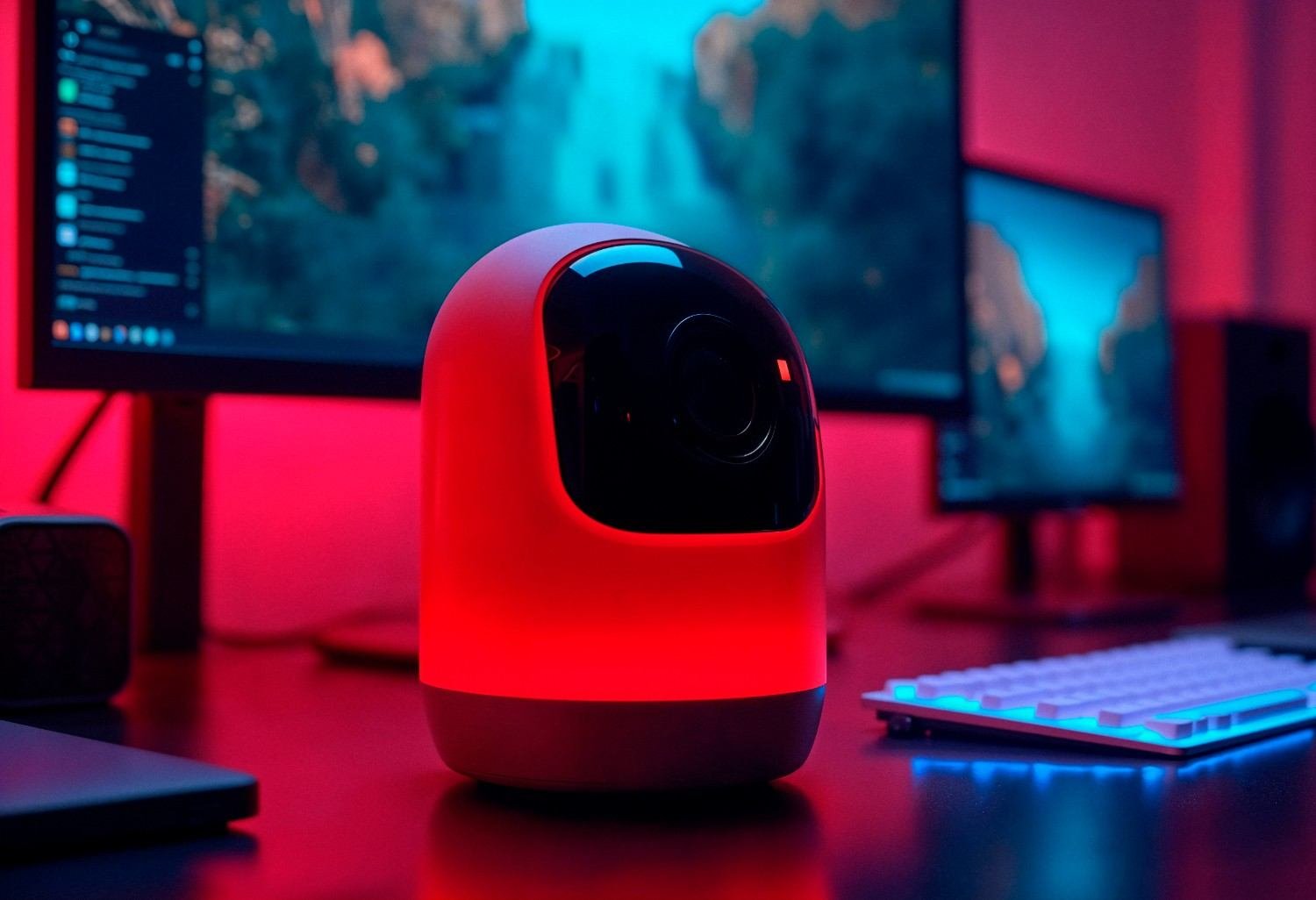
When the room is genuinely dark, I pay particular attention to sensor size and lens aperture. The Razer Kiyo Pro Ultra was designed around that principle, pairing a large webcam sensor with a low-aperture lens specifically to improve performance in limited light. It supports 4K at 30 fps and 1080p at up to 60 fps.
That makes it attractive for anyone whose home office receives little natural light or who regularly joins meetings at night.
I would also consider it for someone who uses the same camera for business calls, streaming, and recording. It may be excessive for occasional meetings, but its light-gathering approach makes much more sense than simply buying an inexpensive 4K webcam because the resolution number looks impressive.
Which Webcam Handles Monitor Glow and Backlighting Well?
Logitech MX Brio: A Strong HDR Choice
A bright monitor can become a surprisingly difficult light source when the rest of the room is dark. The screen may illuminate one part of my face while leaving another part in shadow, forcing the webcam to adjust exposure constantly.
This is where HDR becomes valuable.
The Logitech MX Brio is a useful option for professionals dealing with uneven home-office lighting because its image-processing features are designed to manage challenging brightness differences.
HDR does not magically create light. Instead, it helps the camera retain detail across brighter and darker parts of the frame. That can make a noticeable difference when my monitor is bright, a window is behind me, or the room itself is poorly lit.
Logitech’s professional Brio line also illustrates why exposure technology matters: its webcams combine high-resolution video with autofocus and lighting correction designed for environments ranging from low light to strong illumination.
What Is a Good Budget Low-Light Webcam?
Not everyone needs a premium 4K camera. For ordinary remote meetings, I would rather buy a competent 1080p or 2K webcam and improve my desk lighting than spend heavily on resolution I may never see during a compressed video conference.
A budget webcam can work well when the room is moderately dim rather than completely dark. I would prioritize reliable autofocus, automatic exposure, a useful field of view, and good compatibility with Zoom and Teams.
A simple desk lamp placed near the monitor can often improve the image more than jumping from an affordable camera to another model based on resolution alone.
Does Sensor Size Matter More Than 4K Resolution?

This is one of the most important things I consider when choosing the best webcam for low-light video calls.
A quality 1080p webcam with a larger sensor can outperform a cheap 4K webcam with a tiny sensor in a dark room. Resolution tells me how many pixels the image contains, but it does not tell me how well the camera can capture light.
Larger sensors generally have more room to gather light, helping preserve facial detail and control noise, especially when I am working from a compact setup with a portable monitor and limited room lighting.
This also explains why I never choose a webcam based solely on the word “4K.” Even Insta360’s support documentation notes that low-light environments can make image noise more visible, while aggressive sharpening at 4K may make that noise easier to notice.
For video conferencing, balanced exposure and clean skin detail often matter more than maximum resolution.
Does HDR Really Help With Monitor Glow?
Yes, particularly when the room contains extreme differences between bright and dark areas.
If I am sitting in near darkness with a bright monitor directly in front of me, the screen can create harsh illumination. A webcam may expose for the brightest area and leave other parts of my face too dark, or it may brighten the entire image and introduce additional noise.
Effective HDR helps balance highlights and shadows so facial exposure remains more consistent.
I still prefer adding a soft lamp beside or behind my monitor whenever possible. HDR works best as a tool for managing difficult contrast, not as a replacement for all room lighting.
Is 1080p or 4K Better for Zoom and Teams in Low Light?
I would choose the better camera rather than automatically choosing the higher resolution.
A strong 1080p webcam with good optics, a capable sensor, and reliable exposure can produce a cleaner video call than a weak 4K camera. Video meeting platforms also compress video, meaning the viewer on the other end may never receive the webcam’s full native 4K quality.
For my own setup, I prioritize facial detail, natural skin tones, autofocus stability, exposure consistency, and low image noise before resolution.
How Can I Make My Webcam Look Better in a Dark Home Office?
Lighting placement makes a large difference. I prefer a soft light positioned slightly above or beside my monitor rather than a harsh ceiling light. This reduces heavy shadows around my eyes and helps the webcam avoid pushing exposure too aggressively.
I also try not to sit directly in front of a bright uncovered window. If the webcam software provides exposure and white balance controls, small adjustments usually produce better results than maximizing brightness.
Cleaning the webcam lens also matters. Even fingerprints or dust can reduce clarity and light transmission.
FAQs About Webcams for Dark Rooms
1. Why does my webcam look grainy during night video calls?
A camera creates more visible noise when it does not receive enough light. It may electronically brighten the image, which can amplify noise along with useful image information.
2. Do I need a ring light for Zoom calls?
No. A soft desk lamp can often provide enough facial illumination. A ring light can help, but good placement is more important than buying a particular type of light.
3. Is HDR worth having on a webcam?
HDR is useful if you regularly deal with bright windows, strong monitor glow, lamps, or other scenes containing both very bright and very dark areas.
4. Can a 1080p webcam look better than a 4K webcam?
Absolutely. Sensor quality, sensor size, optics, exposure processing, noise reduction, and lighting can all matter more than resolution in dark conditions.
5. What webcam features should remote workers prioritize?
I would prioritize low-light image quality, autofocus, HDR or good exposure control, microphone quality, privacy features, and reliable Zoom, Teams, and Google Meet compatibility.
Final Thoughts
Finding the best webcam for low-light video calls is ultimately about choosing a camera that can handle the lighting I actually have, not the ideal lighting shown in promotional images.
For premium professional calls, the Insta360 Link 2 Pro stands out because of its large sensor and low-light-focused hardware. The Razer Kiyo Pro Ultra is compelling for particularly dark rooms, while an HDR-capable Logitech webcam makes sense when monitor glow or strong backlighting creates exposure problems.
Above all, I would remember one rule: sensor quality matters more than an impressive pixel count. Combine the right webcam with a small amount of soft front lighting, and evening Zoom, Teams, and Google Meet calls can look dramatically cleaner without turning a home office into a studio.
Leave a Reply