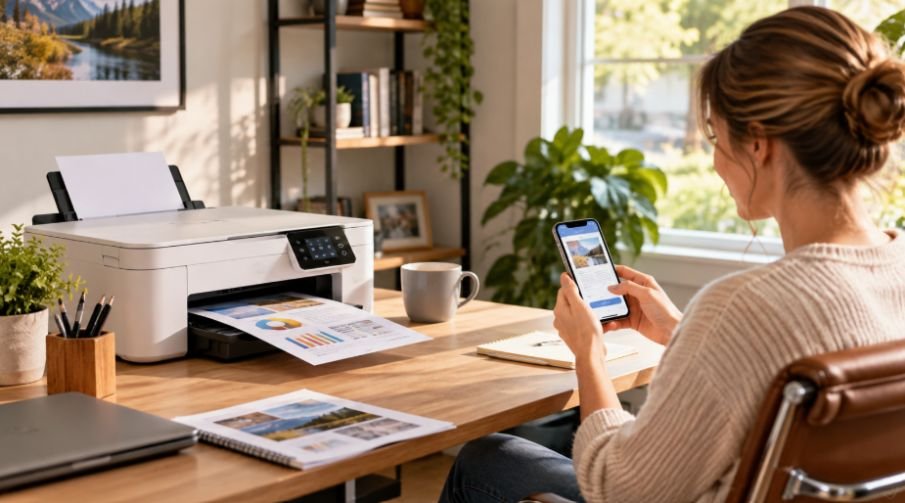
I used to think mobile printing was mostly about having Wi-Fi on a printer. Then I started printing more work documents from my phone, and the small annoyances became obvious: apps that took too long to connect, printers that disappeared from the network, and desktop-first settings. A home office printer should make that process feel simple.
I also found that portability is not always the same as convenience. A tiny battery-powered printer can be useful for travel, but someone working from a kitchen table or spare bedroom may care more about automatic duplex printing, a scanner, affordable ink, and dependable phone support. Good home office printers bring those details together.
What Makes a Printer Easy to Use From a Phone?
Wireless connectivity is the starting point, but it is not the whole story. A printer should ideally support Apple AirPrint for iPhone and iPad users and Mopria Print Service for compatible Android devices. These standards let you send documents or photos from a phone without moving files to a computer.
A manufacturer’s mobile app can add another layer of convenience. Depending on the model, an app may handle setup, scanning, supply monitoring, cloud services, and maintenance. That helps when a printer is shared between several devices.
Wi-Fi Direct can matter. It lets compatible devices connect with the printer without relying on the network, which can help when troubleshooting. Bluetooth deserves caution, though. On many printers, it is mainly used for setup rather than everyday print jobs.
Features That Matter Beyond Mobile Connectivity
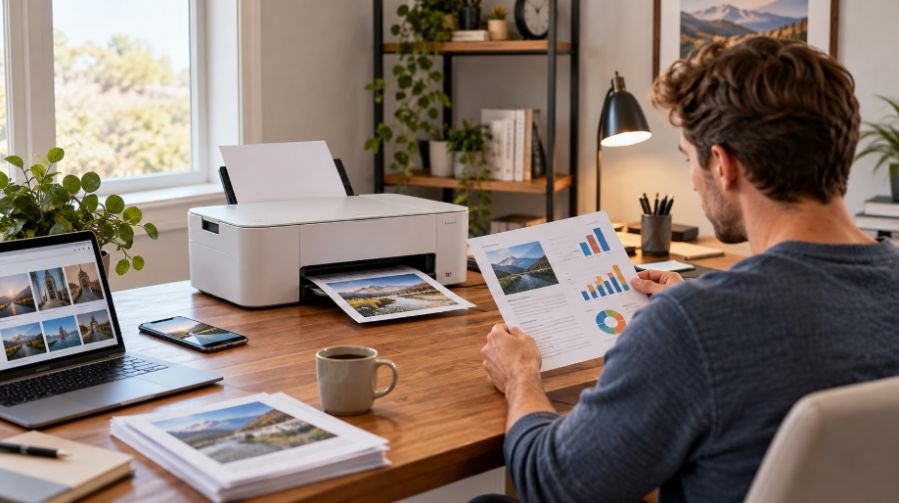
Once wireless printing is covered, look at how the printer fits the work you actually do. Automatic duplex printing is one of those features that seems minor until you regularly print contracts, drafts, school documents, or meeting notes. Duplex printing reduces paper use and manual steps.
An automatic document feeder, or ADF, is similarly valuable when scanning or copying several pages. A flatbed works for occasional documents, but feeding pages one by one gets old.
Speed matters, too, although it should be judged against workload. Someone printing a few pages from a phone does not need the same performance as someone producing invoices or reports throughout the day. Paper capacity and footprint also matter in a small workspace.
Then there is the ongoing cost. A low purchase price can become less attractive if replacement cartridges are expensive or run out quickly. For regular users, page yields and consumable prices matter more than the sticker price.
Ink Tank or Laser: Which Fits a Mobile Home Office?
Mobile compatibility does not determine whether inkjet, ink tank, or laser is the better choice. Your workload does.
Refillable ink tank printers can make sense for households that print a mix of documents and color material often. Their larger reservoirs reduce frequent cartridge changes, and bottle-based refills can produce a lower cost per page over time. If that is your situation, the best refillable ink tank printers for low-cost printing can help narrow the field.
Laser printers take a different approach. A monochrome laser model can be practical for text-heavy home offices, especially when the printer may sit unused between projects. They avoid ink-drying concerns and are often built for fast document output.
For users who print only occasionally, exploring the best printers for occasional home printing without ink waste can help identify a model suited to infrequent printing habits.
Color laser models can work well when a home office needs professional-looking color documents but does not prioritize photo printing. Inkjet and ink tank machines generally offer more flexibility for photos and mixed media, while laser models often have an advantage for crisp, fast text.
Choosing Based on Your Daily Workflow
Start with what lands in your printer queue most often. If your phone mainly sends forms, receipts, travel documents, or shipping labels, a compact wireless all-in-one may be enough. If you regularly print reports, invoices, or business records, prioritize paper capacity, speed, duplex printing, and an ADF.
A thermal printer takes portability further and eliminates ink or toner, but that convenience comes with tradeoffs. Thermal printing suits specific document needs, so it should not automatically replace a multifunction machine.
Small Details That Prevent Big Frustrations
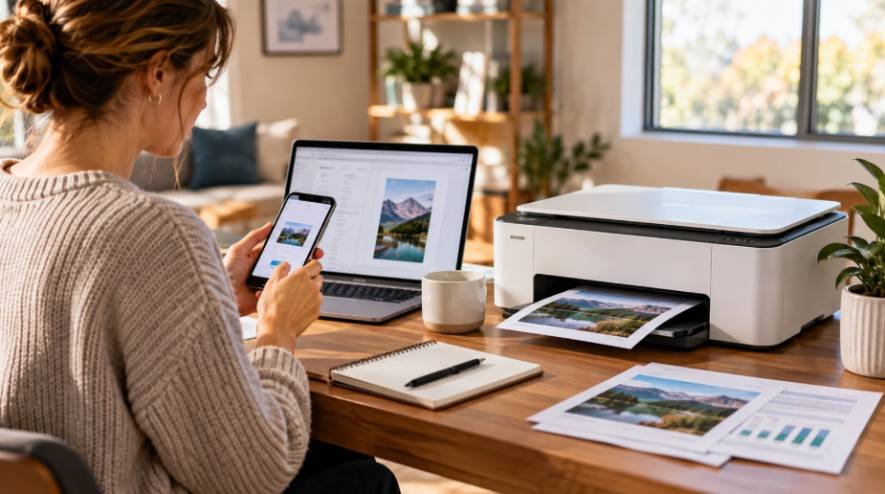
Before buying, check whether your phone’s operating system is supported and whether the printer can join your existing Wi-Fi network easily.
A compact printer can be easier to place, but very small paper trays may require frequent refilling. A larger all-in-one takes more desk space but can save time.
For home offices, the sweet spot is usually not the smallest printer or the one with the longest feature list. It is the model that disappears into the workflow. You send a document from your phone, the printer responds, pages come out correctly, and the scanner or copier is there when you need it. An ink tank vs laser printer running cost comparison can reveal which technology fits your monthly volume.
Frequently Asked Questions
1. Can I print from an iPhone without installing a printer app?
Yes. Printers that support Apple AirPrint can usually receive print jobs from compatible iPhones and iPads over Wi-Fi.
2. Is Wi-Fi Direct useful for home office printing?
It can be. Wi-Fi Direct creates a direct wireless connection between compatible devices and the printer, which can help when a normal network connection is unavailable or inconvenient.
3. Are ink tank printers good for home offices?
They can be a strong fit for users who print often, especially for regular color printing. Refillable tanks can reduce replacements and long-term costs.
4. Is a laser printer better for occasional printing?
A monochrome laser printer can be practical for occasional text-heavy printing because toner does not have the same drying concerns as inkjet systems.
The Printer Should Work Around You
The most useful home office printer is rarely the one that wins on a single specification. It is the one that matches the rhythm of your work. Mobile printing becomes convenient when wireless standards, dependable software, sensible paper handling, and reasonable costs work together. Those details shape every document you print.
A good printer should remove steps. When your phone, printer, and home office routine work together without troubleshooting, printing becomes what it should be: a simple part of getting work done.
Leave a Reply