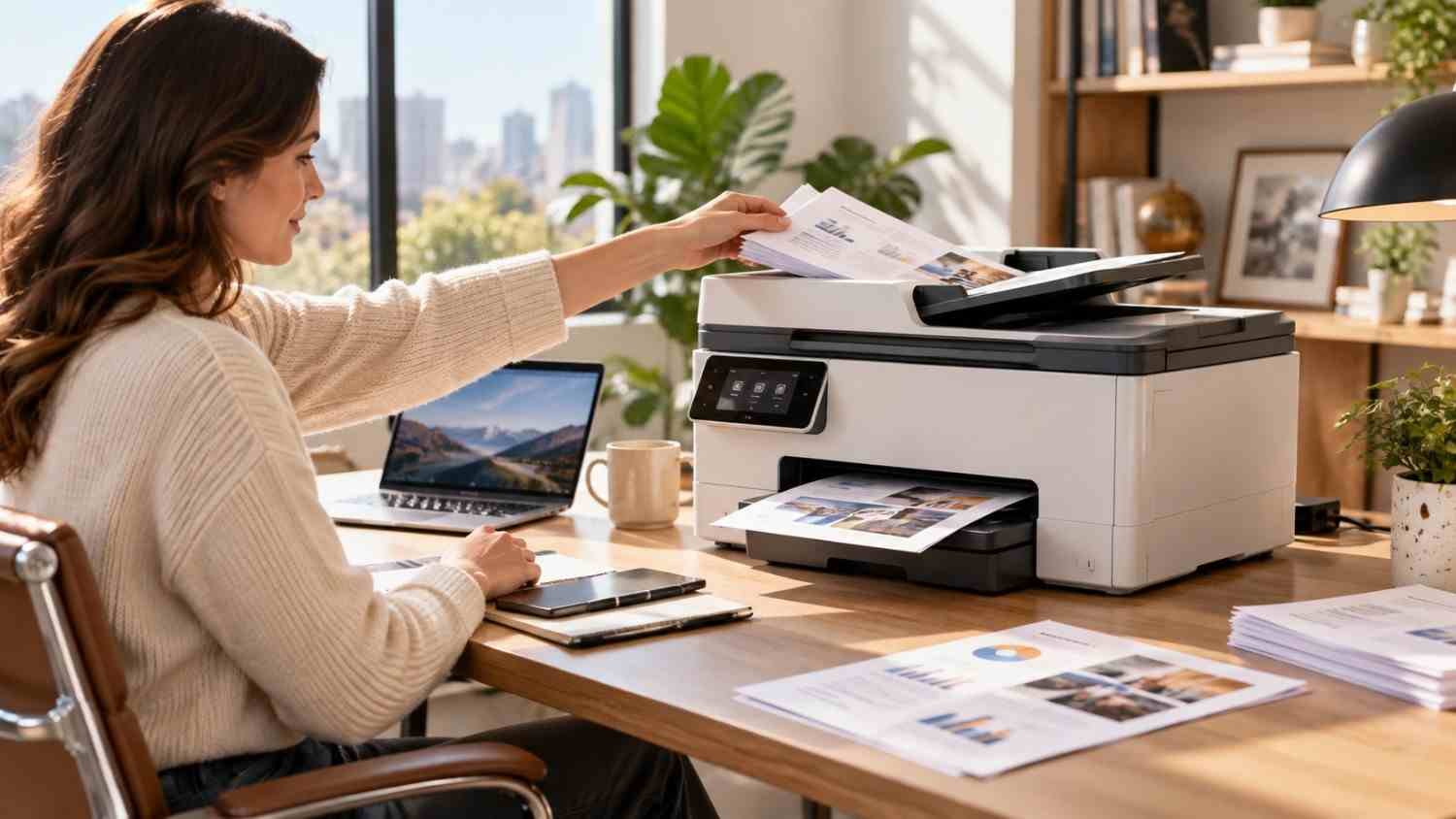
I started paying more attention to automatic document feeders after scanning forms one page at a time. That led me to compare the best all-in-one printers with automatic document feeders.
I realized that an all-in-one becomes more useful when its scanner can handle a pile of pages unsupervised. The real question is how well the feeder, scanner, print engine, and supply costs fit your work.
What makes an ADF-equipped all-in-one worth considering?
An automatic document feeder lets you place several sheets into the scanner at once. The machine pulls them through individually, making multi-page copying and scanning less tedious than using the flatbed glass for every page.
Capacity matters. A 20-page feeder can suit occasional household paperwork, while a 35- or 50-sheet feeder is better for contracts, invoices, school records, tax documents, or office files. If you regularly scan two-sided documents, look for duplex scanning. Single-pass duplex scanning can capture both sides in one pass instead of feeding the sheet through twice.
The Brother MFC-L3780CDW is a good example. It combines a 50-sheet ADF with single-pass duplex scanning, a 250-sheet paper tray, and print speeds of up to 31 pages per minute. That combination emphasizes productivity over casual photo printing.
Choose the print technology around your workload
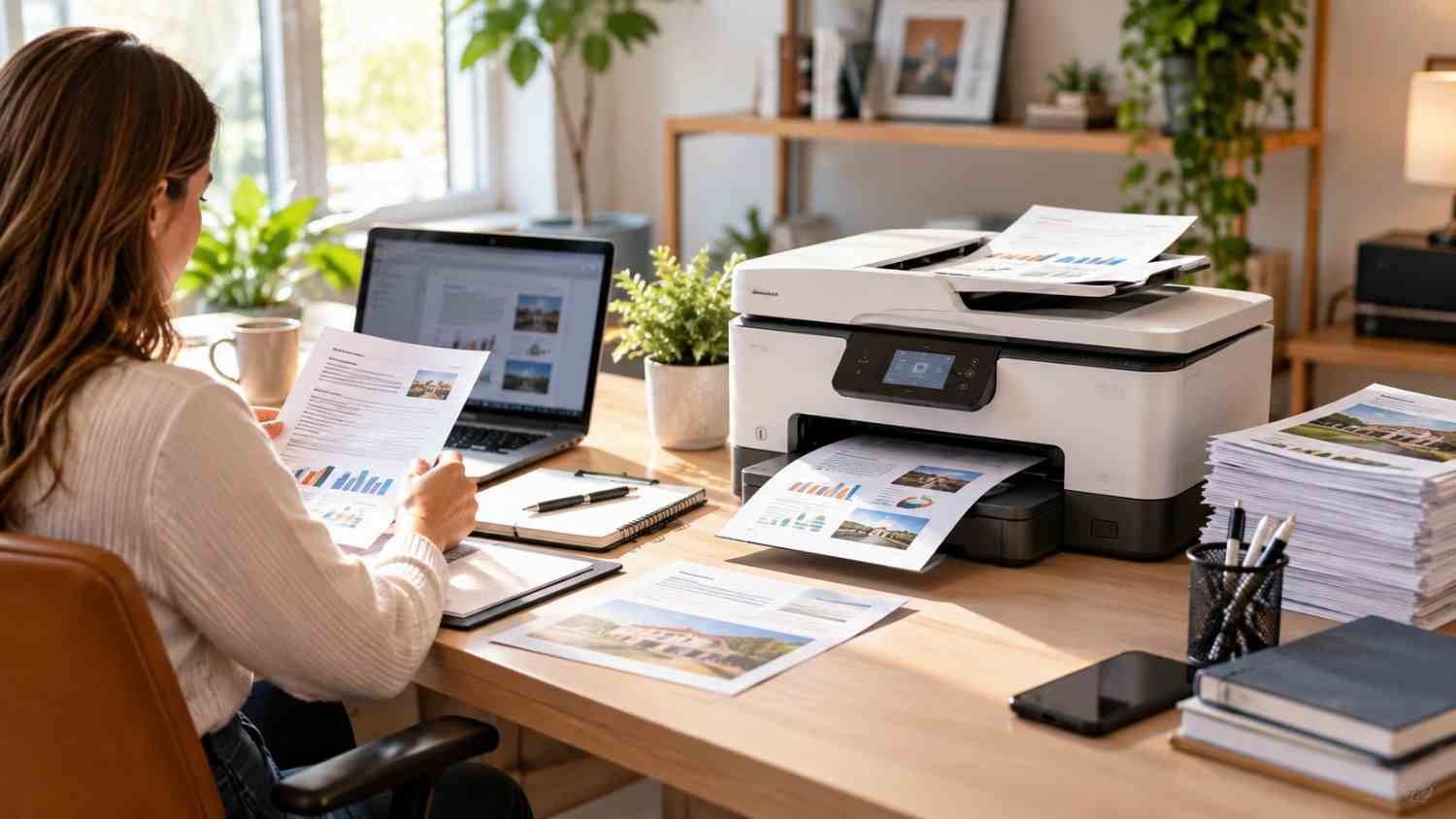
Laser and inkjet all-in-one printers solve different problems. Color laser models suit document-heavy environments where speed and crisp text matter. Inkjet models offer versatility for color documents and photos, while refillable tanks can keep ink costs low.
For a home office handling forms, schoolwork, and occasional photos, an inkjet or tank printer with an ADF can be a middle ground. A small office producing large batches of text documents may prefer a laser.
The Brother MFC-L3780CDW illustrates the laser side, while the Epson EcoTank ET-3950 represents the refillable ink-tank approach. The latter pairs an ADF with high-yield tanks, making it useful for households that print frequently.
Running cost can change the buying decision.
The purchase price tells only part of the story. Ink and toner can become the larger expense over several years, especially with small cartridges or frequent color printing.
Before buying, estimate how many pages you print each month and whether they are mostly black text, mixed-color documents, or photos. Then compare cartridge yields, bottle prices, and cost per page.
A useful next step is how to choose printer ink based on monthly print volume when comparing conventional cartridges with high-yield or refillable systems. The right supply system depends on how consistently you print, not simply on advertised page yield.
Refillable tank printers often require a higher initial investment, but their bottles can last for thousands of pages. Cartridge printers may cost less upfront and can suit lighter workloads. Neither approach is automatically cheaper for every household.
Do not overlook the scanner and paper handling.
A strong ADF does not compensate for poor scanning. Check whether the machine supports duplex scanning, how quickly it processes pages, and whether its software can create multi-page PDFs or send scans to useful destinations.
Paper capacity matters. A 250-sheet tray can reduce interruptions in a busy home office, while a smaller tray may be enough for occasional use. Wireless printing, Ethernet, mobile compatibility, and a responsive touchscreen can make everyday jobs easier.
The HP Smart Tank 7602, for example, combines a 35-sheet ADF with automatic two-sided printing and refillable ink tanks. Features like these matter because an all-in-one handles several tasks.
Match the printer to the user.
A household that scans a few pages can prioritize affordability and straightforward wireless printing. A student or remote worker may benefit more from an ADF, duplex printing, and mobile scanning.
A small business should prioritize feeder capacity, print speed, paper capacity, network connectivity, and maintenance. If several employees use the machine, Ethernet can matter as much as print resolution.
For someone printing hundreds or thousands of pages monthly, supply costs deserve greater attention. A refillable tank can be attractive for sustained color printing, while a laser printer can make sense for fast, text-heavy workloads.
Cartridge subscriptions versus refillable tanks
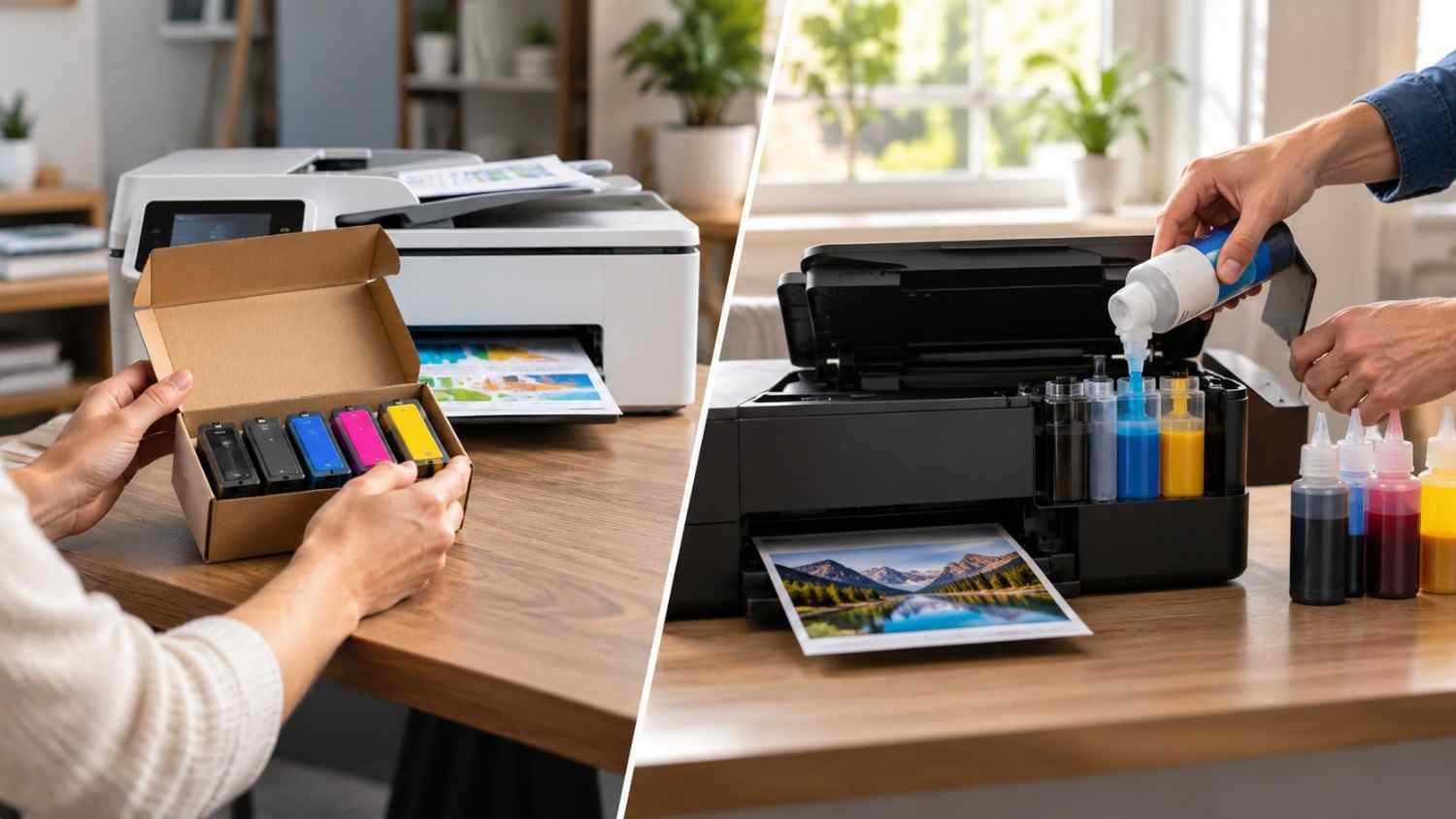
Subscription plans can make cartridge replacement predictable, but usage, subscription terms, cartridge availability, and printing habits affect the value.
The comparison becomes clearer when you consider printer ink subscription vs refillable ink costs alongside expected monthly pages. Someone with inconsistent, low-volume printing may value convenience, while a frequent printer may prefer inexpensive refill bottles and avoid recurring cartridge shipments.
Check whether the printer imposes account or connectivity requirements. A low ink price is less useful if the system does not match your habits.
What to check before buying
Look beyond the ADF number. Check these practical details:
- ADF capacity and duplex scanning
- Automatic duplex printing
- Recommended monthly print volume
- Black and color page yields
- Paper tray capacity
- Wi-Fi, Ethernet, and mobile printing
- Scan-to-PDF and cloud options
- Replacement ink or toner pricing
Check physical size and noise. Great specifications matter less when a printer dominates a small desk or runs loudly during scanning.
FAQs: Best All-in-One Printers With Automatic Document Feeders Worth Considering
1. Is an ADF necessary for a home printer?
Not always. If you rarely scan more than one or two pages, a flatbed scanner may be enough. An ADF becomes valuable when multi-page documents are part of your routine.
2. Is duplex scanning better than a standard ADF?
Yes, when you frequently handle double-sided documents. Duplex scanning captures both sides automatically, reducing manual page flipping and making larger batches easier to process.
3. Are refillable ink printers cheaper than laser printers?
It depends on usage. Refillable tanks can have very low ink costs for regular color printing, while laser printers can be economical for frequent text-heavy work. Compare total operating costs for your volume.
4. How many ADF pages do I need?
For light home use, 20 pages may be sufficient. A 35- or 50-sheet feeder is more convenient for larger document batches, especially in a home office or small business.
Why the right ADF matters more than the biggest specification
The most useful printer is rarely the machine with the longest feature list. It is the one that removes friction from your work. A reliable ADF can turn tedious paperwork into a quick batch job, while the right print technology and supply system keep that convenience affordable.
A good printer should quietly make paperwork easier. That is the real value of an ADF.
Leave a Reply