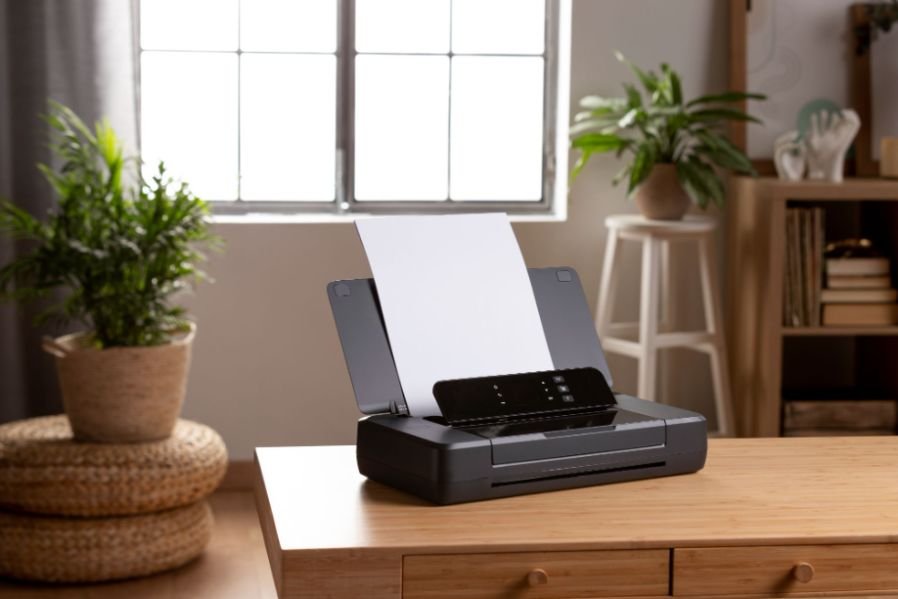
A home office can feel organized until paper starts piling up. Receipts end up beside the keyboard, signed forms sit in folders, and invoices somehow take over the desk faster than expected. I have found that the easiest fix is not always a larger printer or a bulky flatbed scanner. Sometimes, the smarter choice is a compact device that handles paperwork quickly and disappears when the job is done.
Choosing the best portable scanner for home office use is really about finding the right balance between size, scan quality, duplex support, OCR, connectivity, and everyday convenience. In this blog, I focus on models and features that make sense for real home-office routines, including small desks, remote work, receipt tracking, contracts, and regular document organization.
Which Portable Scanner Works Best for Everyday Home Office Documents?
For general paperwork, the Brother DSmobile DS-940DW is one of the most practical options to consider. It supports wireless connectivity and single-pass duplex scanning, which means it can capture both sides of a document without requiring you to manually flip the page. Brother also lists scan speeds of up to 16 pages per minute and includes OCR-related software features.
I like this type of scanner for contracts, financial documents, signed forms, and other paperwork that often contains information on both sides.
Its compact design also makes sense for apartments, bedrooms, or multipurpose rooms where a large scanner may not have a permanent place.
Is the Epson WorkForce ES-60W Better for Wireless Scanning?
The Epson WorkForce ES-60W makes more sense when mobility and wireless scanning matter more than automatic duplexing.
Epson describes it as a wireless, single-sheet-fed portable document scanner with USB and Wi-Fi connectivity. It can scan documents, receipts, and ID cards, and its software supports OCR for creating searchable PDFs and editable files.
That makes it useful for freelancers, remote employees, and small-business owners who move between rooms or occasionally take their scanner outside the home.
However, this is where buyers need to read specifications carefully.
Do All Portable Scanners Scan Both Sides Automatically?
No. Many ultra-compact stick-style scanners are designed to scan one side of a page at a time.
That is one of the biggest differences between simplex and duplex portable scanners. If you regularly scan two-sided contracts, tax documents, statements, applications, or legal paperwork, look specifically for the word “duplex” in the specifications.
A small scanner may look perfect for your desk, but repeatedly flipping pages can become frustrating during multi-page jobs.
For occasional receipts or one-sided forms, simplex scanning may be completely adequate. For heavier paperwork, I would prioritize automatic duplex scanning even if the scanner costs slightly more.
Is the Canon imageFORMULA R10 Better for Multi-Page Documents?
The Canon imageFORMULA R10 offers a different approach. Instead of focusing mainly on ultra-light portability, it includes an automatic document feeder that can hold up to 20 sheets.
Canon lists USB connectivity, 600 dpi optical resolution, simplex and duplex scanning, and support for a suggested daily volume of up to 500 scans.
I would consider this type of scanner if you regularly digitize several pages at once. An automatic document feeder can save considerable time compared with inserting every page manually.
The tradeoff is that ADF-equipped scanners are usually larger than thin stick-style models.
Can a Wireless Portable Scanner Stop Working When the Battery Dies?

Battery behavior is one detail that is easy to overlook when shopping for a wireless portable scanner.
Battery-powered models provide excellent flexibility, but some scanners rely heavily on their internal battery. Ricoh’s ScanSnap support documentation notes that when a ScanSnap iX100 has no battery charge remaining, it needs to charge for several minutes before it can operate, even when connected to a computer through USB.
That limitation matters if you store your scanner for weeks and then suddenly need to scan an important document.
Before choosing a battery-powered wireless scanner, I recommend checking whether it can operate directly from USB power when the battery is depleted or whether charging is required first.
For occasional home-office scanning, that small operational detail can become surprisingly important.
Should I Choose USB or Wi-Fi for a Home Office Scanner?
USB is usually the easiest option if your scanner stays beside your laptop or desktop computer.
You connect the device, open the scanning software, and start working. It also removes the need to troubleshoot wireless connections.
Wi-Fi offers more flexibility. A wireless scanner may work better if several devices share it or if you frequently move around your home.
For me, the decision comes down to workflow. I would choose USB for a permanent workstation and Wi-Fi for a flexible or mobile setup.
A wired connection can also be useful in a home office, where an Ethernet switch for home network can connect multiple devices without relying on Wi-Fi.
Why Does OCR Matter for Home Office Scanning?
Optical character recognition, or OCR, converts scanned text into searchable digital information.
Without OCR, a scanned invoice may simply exist as an image. With OCR, you can often search for an invoice number, customer name, address, or phrase inside the document.
That becomes extremely useful when organizing hundreds of receipts, contracts, tax records, and business documents.
Photographers can benefit from the same organized workflow when transferring images, especially when using a best memory card reader for photographers to move files efficiently from memory cards to a computer.
When comparing the best portable scanner for home office work, I would place OCR software almost as high as scan speed because good document organization saves time long after the scanning process ends.
Is 300 DPI Enough for Office Documents?
For ordinary text documents, 300 dpi is usually enough.
Invoices, contracts, letters, receipts, and business forms generally do not need extremely high resolution. Higher DPI settings create larger files and become more useful when scanning photographs, detailed graphics, or very small text.
For everyday document management, readability and OCR accuracy matter more than chasing the highest possible resolution.
Is a Portable Scanner Better Than a Phone Scanning App?
Phone scanning apps work well for occasional documents.
If I need to capture a single receipt quickly, my phone may be all I need.
A dedicated portable document scanner becomes more valuable when scanning turns into a regular workflow. It keeps pages aligned, produces more consistent results, works better with repeated documents, and can integrate with OCR (Optical character recognition) and searchable PDF software.
For users who also work with physical media or archived files, an external DVD drive for laptop can provide another convenient way to access stored documents and data.
For someone who processes paperwork every week, a scanner usually provides a more organized experience.
Frequently Asked Questions
1. What features should I look for in a portable document scanner?
Focus on duplex scanning, OCR, scan speed, Wi-Fi or USB connectivity, battery behavior, operating-system compatibility, document size support, and whether the scanner uses manual feeding or an automatic document feeder.
2. Are portable scanners good for receipts?
Yes. Many portable models can handle receipts, business cards, invoices, and standard office documents. Check supported paper sizes and thickness before scanning unusual materials.
3. Can portable scanners scan multiple pages?
Yes, but the process varies. Single-sheet scanners require you to insert pages individually, while models with an ADF can process several sheets automatically.
4. Do portable scanners work with Windows and Mac?
Many do, but compatibility varies by model and software version. Always check the manufacturer’s current driver and software requirements before purchasing.
5. What is the best portable scanner for home office use?
The best portable scanner for home office use depends on your workflow. Choose duplex scanning for two-sided documents, Wi-Fi for flexibility, USB for simplicity, and an ADF when you frequently process multiple pages.
Final Thoughts
I would not choose a portable scanner simply because it is small. The right model should match the paperwork you actually handle.
If you mostly scan receipts and occasional forms, a lightweight simplex scanner may be enough. If you work with contracts and two-sided documents, duplex scanning matters much more. If you process stacks of paperwork, an ADF can save time. Wireless models offer flexibility, but battery behavior deserves attention before you buy.
For a US home office, the most useful scanner is the one that reduces clutter, creates searchable digital files, and fits naturally into your everyday workflow without adding unnecessary complexity.
Leave a Reply