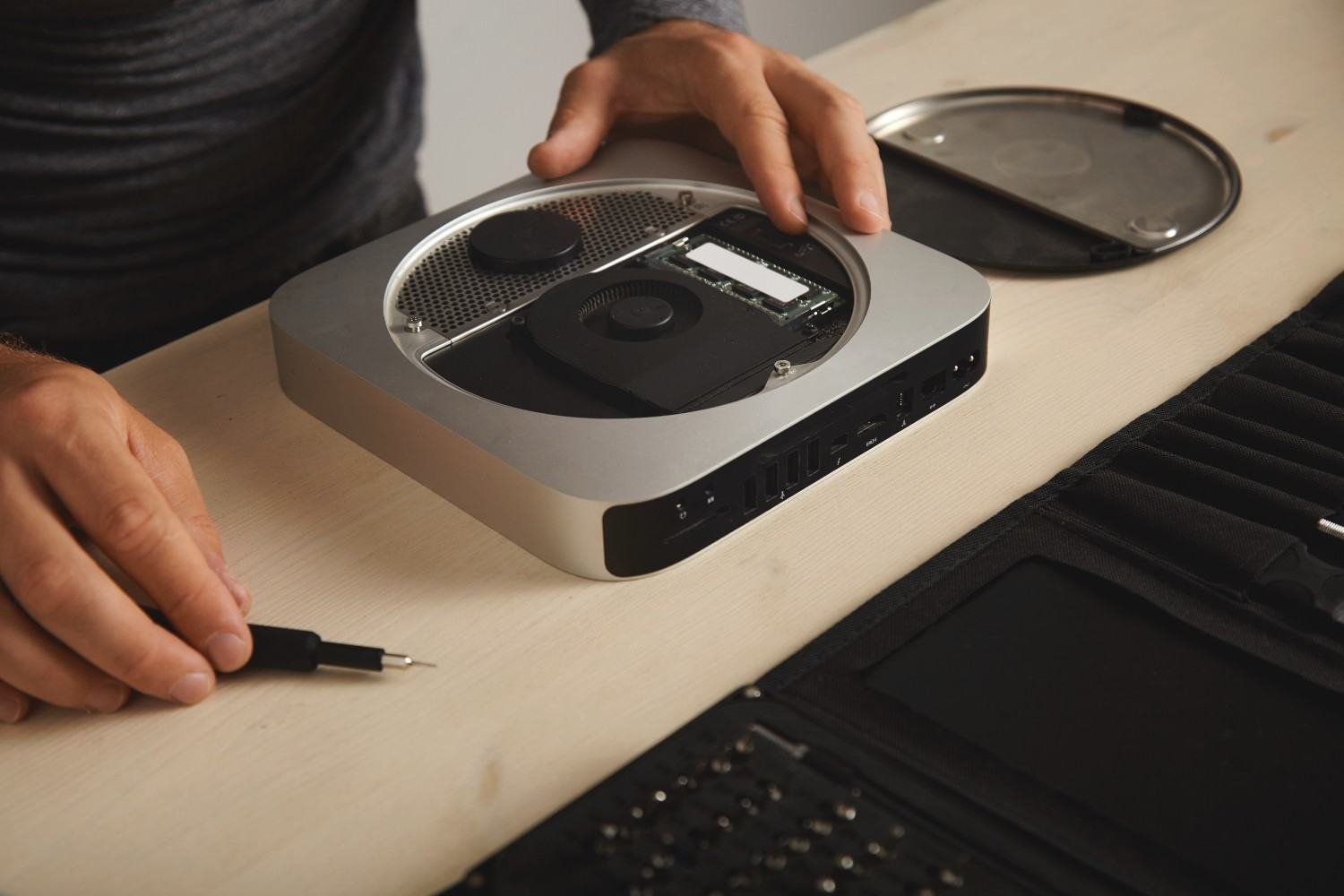
An old desktop can feel painfully slow even when its processor and memory are still adequate for everyday work. In many cases, I find that the mechanical hard drive is the real bottleneck. Replacing it with the best SATA SSD for older desktop computers can dramatically improve boot times, application loading, file access, and everyday responsiveness without forcing you to replace the entire PC.
For older US desktops from Dell, HP, Lenovo, Acer, or a custom PC builder, I focus less on headline benchmark numbers and more on reliability, SATA compatibility, NAND quality, DRAM, endurance, capacity, and installation requirements.
What Is the Best SATA SSD for an Older Desktop PC?
For an older system that I still plan to use regularly, the Samsung 870 EVO remains one of the strongest premium SATA options. Samsung rates the 870 EVO for up to 560 MB/s sequential reads and 530 MB/s writes, and the drive uses TLC-class Samsung V-NAND with dedicated DRAM. The 1TB version carries a five-year limited warranty or a 600TBW endurance limit.
The Crucial MX500 is particularly attractive when value-to-performance matters. Crucial rates it for up to 560 MB/s reads and 510 MB/s writes, and its product documentation highlights Micron 3D NAND, integrated power-loss immunity, data-protection features, cloning software, and a five-year limited warranty. It can also be a sensible upgrade alongside other inexpensive improvements, such as adding a Bluetooth adaptor for desktop connectivity.
That makes the MX500 especially interesting for someone who wants premium-class SATA performance without automatically paying for the most expensive drive.
Samsung 870 EVO vs Crucial MX500: Which Is Better for an Old PC?
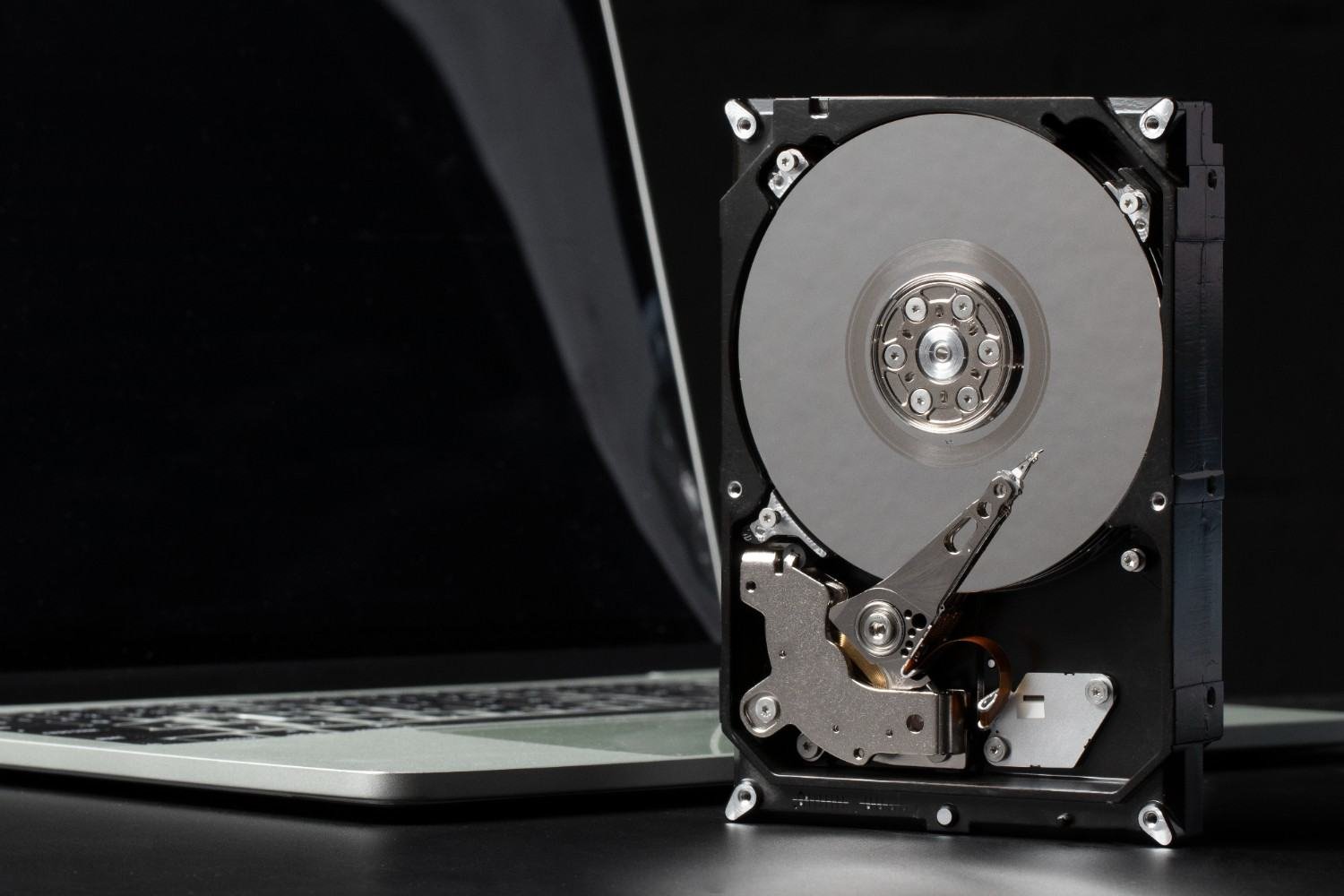
I would choose the Samsung 870 EVO when I prioritize predictable sustained performance, strong endurance, dedicated DRAM, and Samsung’s mature Magician management software. Samsung also confirms that the 870 EVO supports SATA 6Gbps while remaining compatible with older 3Gbps and 1.5Gbps SATA interfaces.
I would look closely at the Crucial MX500 when price and data protection carry more weight. Crucial’s integrated power-loss immunity is designed to reduce unintended data loss when power suddenly disappears, which can be valuable in an older desktop with aging power hardware or an unreliable electrical environment.
The MX500 has also traditionally combined Micron TLC NAND with a Silicon Motion controller and dedicated DRAM. AnandTech’s examination of the 500GB model found Micron 64-layer 3D TLC NAND, a Silicon Motion SM2258 controller, and 512MB of DRAM. Hardware revisions can change during a product’s life, however, so I would not assume every current MX500 contains identical internal components.
Will a SATA III SSD Work With SATA II or SATA I?
Yes. This is one reason SATA SSDs remain useful for aging desktops.
Modern SATA III drives can operate on older SATA II and SATA I connections. Samsung, for example, specifies the 870 EVO as a SATA 6Gbps drive compatible with both SATA 3Gbps and SATA 1.5Gbps interfaces.
An older interface simply limits maximum transfer speed. You will not get the full performance advertised for a modern SATA III SSD on SATA II, but I would still expect a noticeable improvement over a mechanical HDD because SSDs offer faster access to small files and operating-system data.
What Hardware Do I Need to Install a 2.5-Inch 
Before ordering an SSD upgrade for an old desktop, I check more than the motherboard connector.
Most SATA SSDs use a compact 2.5-inch form factor, while many older desktop towers were built around 3.5-inch mechanical hard-drive bays. If the case lacks a dedicated SSD mounting location, I use a 2.5-inch-to-3.5-inch mounting bracket to secure the drive properly.
I also check for a SATA data cable. When I completely replace an existing HDD, I can often reuse its cable. If I plan to keep the mechanical hard drive and add the SSD as a second drive, I normally need another SATA data cable connected to an available motherboard port.
The power supply also needs an unused flat SATA power connector. I verify this before installation rather than discovering the missing connection after opening the case.
Should I Enable AHCI Mode for a SATA SSD?
For a single SSD configuration, AHCI is generally the preferred SATA controller mode on supported systems. Crucial recommends checking system and operating-system documentation to ensure AHCI configuration for the best performance of single-SSD setups.
However, I would not casually switch an existing Windows installation from IDE to AHCI in the BIOS. Changing controller mode without preparing the operating system can cause boot problems on some older systems. If I am performing a clean Windows installation, I prefer configuring the correct storage mode beforehand.
Is TLC NAND and DRAM Worth Paying More For?
When choosing the best SATA SSD for older desktop upgrades, I do not judge drives only by advertised sequential speed. SATA itself creates a performance ceiling, so many drives post similar headline numbers.
TLC NAND and dedicated DRAM can still matter. DRAM helps the controller manage its mapping information efficiently, while TLC is generally attractive for sustained performance and endurance. That makes a drive such as the Samsung 870 EVO appealing for a desktop used every day.
For basic browsing, Microsoft Office, email, streaming, and light household use, a less expensive drive can still provide an enormous improvement over an HDD.
Should I Choose a 500GB or 1TB SATA SSD?
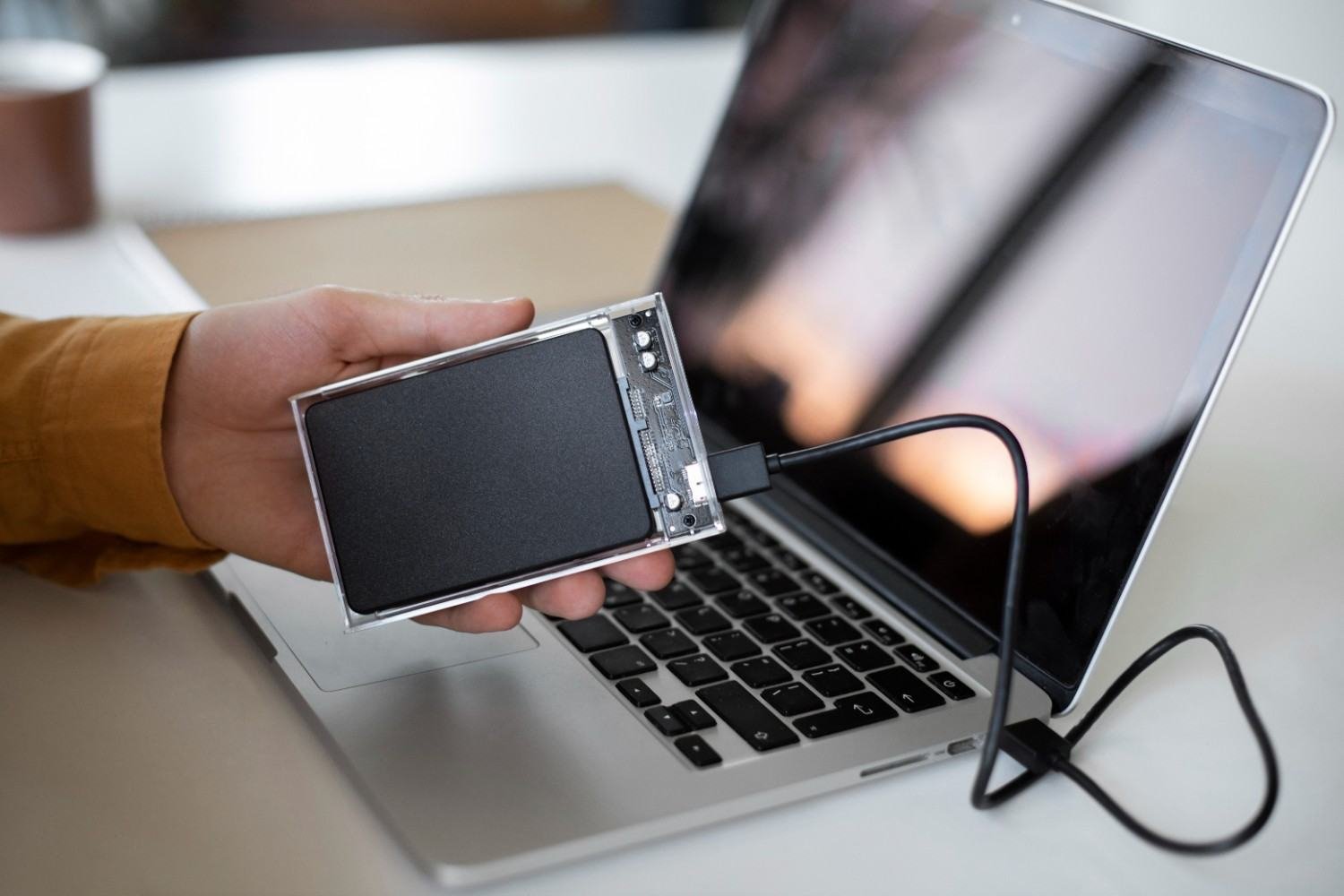
I consider 500GB enough for Windows, office software, web browsing, and moderate personal storage. For a computer that will remain in service for several more years, I prefer 1TB when the price difference is reasonable.
A 1TB drive leaves more space for Windows updates, applications, photos, games, and downloads. It also makes cloning an existing hard drive easier when the current system already contains several hundred gigabytes of files.
Should I Clone the HDD or Reinstall Windows?
Cloning is the easiest option when the current Windows installation works properly. It moves the operating system, programs, settings, and personal files to the SSD without forcing me to rebuild everything.
A clean installation makes more sense when the computer has years of unwanted software, driver issues, or unexplained slowdowns. In either case, I create a separate backup of important files before touching the original drive.
Is an SSD Upgrade Worth It for a 10-Year-Old Desktop?
Often, yes. I would first check the processor, RAM, operating-system support, motherboard condition, and overall reliability of the machine.
If the computer still handles everyday workloads but feels slow because it boots from a mechanical HDD, an SSD can make it considerably more responsive. If the processor is extremely weak, the system has very little memory, or other components are failing, I would avoid spending heavily on a premium drive.
FAQs About SATA SSD Upgrades for Older PCs
1. Can I replace a 3.5-inch desktop hard drive with a 2.5-inch SSD?
Yes. The electrical connection is usually straightforward, although the smaller SSD may require a 2.5-to-3.5-inch mounting adapter.
2. Do I need a new SATA cable when adding an SSD?
You need a separate SATA data connection for each drive. If you keep the old HDD installed, check whether you have an additional motherboard port and cable available.
3. Will a SATA III SSD work on a SATA II motherboard?
Yes. It will run at the slower interface’s maximum supported speed while retaining the responsiveness advantages of solid-state storage.
4. Is the Crucial MX500 good for an older desktop?
It can be a strong choice because it combines competitive SATA performance with Micron NAND, integrated power-loss protection, cloning support, and a five-year limited warranty.
5. Is 1TB better than 500GB for an old PC?
I prefer 1TB for a primary drive when the budget allows, but 500GB remains practical for office work, browsing, streaming, and lighter storage needs.
Final Thoughts
I would choose the best SATA SSD for older desktop PCs by matching the drive to the machine rather than buying purely on benchmark numbers. The Samsung 870 EVO makes sense when I want strong endurance and consistently high SATA performance, while the Crucial MX500 stands out for value, useful data-protection features, and competitive speed.
Before upgrading, I also check the SATA interface, spare motherboard port, SATA power connection, data cable, mounting bracket, BIOS storage mode, and the amount of storage I actually need. Taking those few extra steps can turn an aging desktop into a much faster and more usable computer without paying for performance its older hardware cannot exploit.
Leave a Reply